What Is Software Testing and How Do Developers Ensure Software Quality?
Software is expected to work reliably from the moment users install or open it. Whether it is a banking application, e-commerce website, mobile game, business platform, or artificial intelligence tool, even a small defect can cause frustrating errors, security problems, financial losses, or complete system failures.
This is why software testing is a fundamental part of software development.
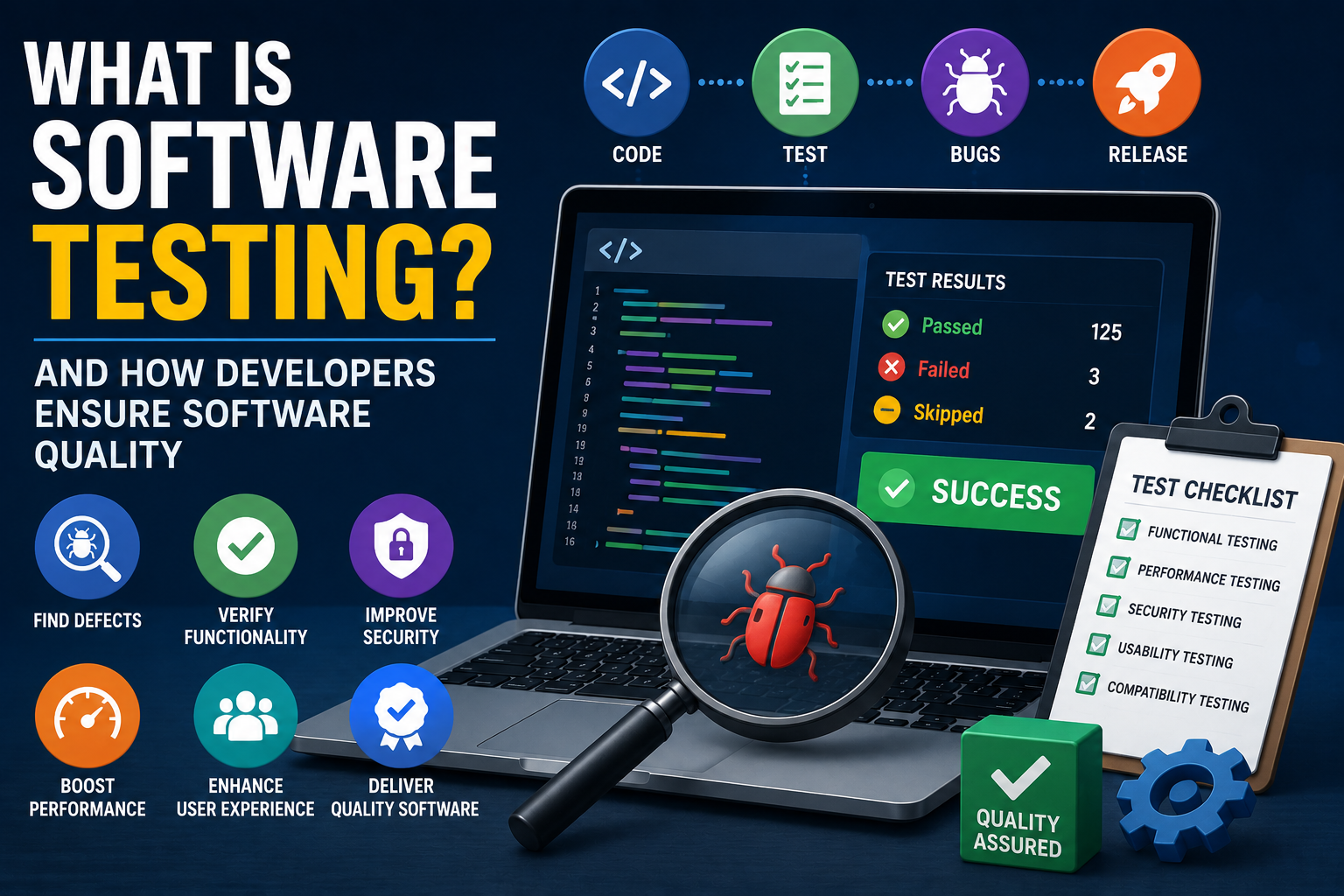
Testing helps developers discover defects, verify that features behave as intended, identify security and performance problems, and determine whether an application is ready for users. Modern software teams use a combination of automated tests, manual testing, code reviews, monitoring, and quality-control processes rather than relying on a single testing method.
Understanding how software testing works provides a useful look at what happens behind the scenes before software reaches the public. It is also an important part of the broader software development process, where quality needs to be considered throughout the lifecycle of an application.
What Is Software Testing?
Software testing is the process of evaluating software to determine whether it behaves as expected and meets defined requirements.
Testing can involve examining individual pieces of code, complete applications, APIs, databases, user interfaces, infrastructure, and interactions between different systems.
A tester or developer may ask questions such as:
- Does the application perform the requested function?
- Does it produce the correct result?
- What happens when a user enters invalid information?
- Does the software remain stable under heavy usage?
- Can unauthorized users access restricted information?
- Does the application work across supported devices?
- Does a new update break an existing feature?
- Is the software accessible to people with different needs?
The objective is not simply to prove that software works.
Good testing attempts to find situations in which the software does not work correctly.
Why Software Testing Matters
Modern applications can contain thousands or millions of lines of code and depend on numerous external services.
A seemingly minor change can therefore create unexpected consequences elsewhere.
For example, changing a payment calculation could potentially affect:
- Shopping carts
- Invoices
- Tax calculations
- Refunds
- Financial reports
- Customer notifications
- Database records
Testing provides a structured way to identify these problems before they reach users.
Effective testing can help organizations:
- Reduce software defects
- Improve reliability
- Protect sensitive information
- Prevent unexpected downtime
- Improve user experience
- Reduce maintenance costs
- Verify business requirements
- Support regulatory compliance
- Increase confidence in releases
Testing cannot guarantee that software contains zero defects, but it can substantially reduce the likelihood and impact of important failures.
How Software Testing Fits Into Development
Software testing is no longer something that necessarily happens only after programmers finish writing an application.
Modern development practices increasingly integrate testing throughout the entire development lifecycle.
A simplified process might look like this:
Requirements
     ↓
Design
     ↓
Development
     ↓
Automated Testing
     ↓
Integration Testing
     ↓
System Testing
     ↓
User Acceptance
     ↓
Deployment
     ↓
Monitoring
     ↓
Continuous Improvement
Testing can therefore begin while developers are still designing and implementing features.
This approach helps teams discover problems earlier, when they are generally easier and less expensive to fix.
The broader development process includes planning, implementation, testing, deployment, maintenance, and other activities. Understanding how software development processes work helps put software testing into its proper context.
The Main Types of Software Testing
There are many testing techniques, and different organizations use different combinations depending on the software they build.
Some of the most important categories include unit testing, integration testing, system testing, acceptance testing, regression testing, performance testing, security testing, and usability testing.
Unit Testing
Unit testing examines small, isolated pieces of software.
A unit might be:
- A function
- A method
- A class
- A small module
Suppose a developer creates a function that calculates the total price of an order.
A unit test could provide several inputs and verify that the function returns the expected results.
For example:
Input:

Price = $50
Quantity = 2

Expected result:

$100
Unit tests are typically fast and can often be automated.
They are especially valuable because developers can run them frequently while changing code.
Understanding how individual functions, programming constructs, and software components work is therefore closely connected to understanding programming and how it works.
Integration Testing
Individual components can work correctly on their own while failing when combined.
Integration testing examines how different software components interact.
For example, an online store may contain:
Website
   ↓
Shopping Cart
   ↓
Payment Service
   ↓
Database
   ↓
Email Service
Each component may pass its own unit tests.
Integration testing checks whether the components communicate correctly.
It might reveal problems such as:
- Incorrect API requests
- Incompatible data formats
- Authentication failures
- Database connection problems
- Unexpected responses from external services
This is one reason software architecture matters. The way components are organized and connected can directly influence how easy an application is to test and maintain. Developers can learn more about this relationship in how software architecture organizes applications.
System Testing
System testing evaluates the application as a complete system.
Rather than testing one function or interaction, testers examine whether the entire application meets its requirements.
For an online banking application, system testing could involve:
- Logging into an account
- Checking a balance
- Initiating a transfer
- Confirming the transaction
- Updating the account balance
- Generating a notification
This type of testing provides a broader view of how the software behaves in realistic scenarios.
Acceptance Testing
Acceptance testing determines whether software meets the needs of its intended users or business stakeholders.
A development team may successfully implement a feature according to its technical specifications while still failing to satisfy the business requirement.
Acceptance testing helps answer:
Does this software actually solve the problem it was designed to solve?
Depending on the project, acceptance testing may involve:
- Customers
- Business analysts
- Product managers
- Employees
- Subject-matter experts
User acceptance testing is particularly important for business applications where technical correctness alone is not enough.
Regression Testing Protects Existing Features
Software is constantly changing.
Developers fix bugs, add features, improve performance, update dependencies, and modify existing functionality.
Unfortunately, a change intended to solve one problem can sometimes create another.
Regression testing checks whether previously working functionality still works after changes have been made.
For example, a developer may modify the login system.
Regression tests could verify that:
- Existing users can still log in
- Password resets work
- Two-factor authentication functions correctly
- Account lockout rules remain intact
- User sessions behave as expected
Automated regression tests are particularly useful for large applications because manually repeating hundreds or thousands of tests after every change would be impractical.
Regression testing is also closely connected to software maintenance because applications continually evolve. Teams that follow good software development processes can integrate regression testing into their normal development workflow.
Functional Testing
Functional testing focuses on what software does.
Testers compare actual behavior with expected behavior.
For example, a shopping application might require a user to be able to add an item to a cart.
A functional test could verify that:
User selects product
        ↓
Product is added to cart
        ↓
Correct quantity appears
        ↓
Correct price is displayed
Functional testing can be performed manually or through automation.
Nonfunctional Testing
Not every important software characteristic is about a specific feature.
Nonfunctional testing evaluates qualities such as performance, security, reliability, usability, and scalability.
For example, an application might technically produce the correct result but take 30 seconds to respond.
It may pass functional tests while still providing a poor user experience.
Nonfunctional testing helps teams evaluate these broader characteristics.
Performance Testing
Performance becomes especially important when software must serve many users simultaneously.
Performance testing examines how an application behaves under different workloads.
Common forms include:
Load testing
Determines how the system performs under expected levels of traffic.
Stress testing
Pushes the system beyond normal operating conditions to identify its limits.
Scalability testing
Examines whether the system can handle increasing workloads as demand grows.
Endurance testing
Checks whether software remains stable during extended periods of use.
A performance test might simulate thousands of users accessing a website simultaneously.
Developers can then monitor:
- Response time
- CPU usage
- Memory consumption
- Database performance
- Network activity
- Error rates
Performance testing is closely related to the broader discipline of optimizing applications. Developers can explore this topic further in how developers optimize software performance and application speed.
Security Testing
Security testing attempts to identify vulnerabilities that could allow attackers to compromise software or data.
Security testers may examine:
- Authentication
- Authorization
- Input validation
- Encryption
- Session management
- API security
- Access controls
- Dependency vulnerabilities
- Data exposure
For example, a security test might determine whether a user can access another user’s account by modifying an identifier in a request.
Security testing is especially important for applications handling:
- Financial information
- Healthcare information
- Passwords
- Personal data
- Business records
- Authentication credentials
Security should ideally be considered throughout development rather than treated as a final inspection.
Usability Testing
Software can be technically correct while still being difficult to use.
Usability testing examines how easily real people can accomplish tasks.
Testers may observe users attempting to:
- Create an account
- Find information
- Complete a purchase
- Upload a document
- Change a setting
- Navigate an application
They can then identify areas where users become confused or make mistakes.
This provides information that automated tests cannot easily capture.
A test can determine whether a button works.
A real user can reveal whether they can actually find the button.
Compatibility Testing
Applications can behave differently depending on the environment in which they run.
Compatibility testing evaluates software across combinations such as:
- Operating systems
- Browsers
- Smartphones
- Tablets
- Screen sizes
- Hardware configurations
- Database versions
- Network conditions
For websites, developers may need to ensure that important functionality works across supported browsers and devices.
For mobile applications, differences between operating-system versions and hardware configurations can also matter.
Manual Testing and Automated Testing
One of the biggest distinctions in modern software quality assurance is between manual testing and automated testing.
Manual Testing
A human tester interacts with the software directly.
They might:
- Click buttons
- Fill out forms
- Navigate pages
- Test different scenarios
- Observe visual behavior
- Explore unusual workflows
Manual testing is particularly useful for exploratory testing and usability evaluation.
Automated Testing
Automated tests use software to test other software.
A test might automatically:
- Open an application
- Enter information
- Submit a form
- Check the result
- Report whether the test passed
Automated testing is particularly effective for repetitive tasks.
The two approaches are not competitors.
Strong development teams generally use automation where it provides efficiency while retaining human testing where judgment and exploration are important.
What Happens When a Test Fails?
A failed test does not necessarily mean the entire application is broken.
It means that the software behaved differently from what the test expected.
Developers typically investigate the failure to determine the cause.
The process may involve:
- Reproducing the problem
- Examining logs
- Reviewing recent code changes
- Identifying the underlying cause
- Correcting the code
- Running the failed test again
- Running related regression tests
The goal is not simply to make the test pass.
Developers need to determine why it failed and whether the correction could introduce additional problems.
Writing code that is easier to understand, test, and modify also makes this process more manageable. Practices described in how to write maintainable and high-quality software code can therefore complement a strong testing strategy.
Bugs, Defects, Errors and Failures
Software development uses several terms to describe problems.
An error can occur when a person makes a mistake during development.
A defect is a problem in the software or its implementation.
A bug is a commonly used term for a software defect.
A failure occurs when the software actually behaves incorrectly during execution.
These terms are sometimes used interchangeably in everyday development conversations, but distinguishing between them can help teams analyze the causes of problems.
How Developers Prioritize Bugs
Not every software defect has the same importance.
A minor visual problem may not deserve the same priority as a security vulnerability that prevents users from accessing their accounts.
Development teams often consider factors such as:
- Severity
- User impact
- Frequency
- Security implications
- Business impact
- Number of affected users
- Availability of workarounds
A critical payment failure, for example, may require immediate attention.
A small spelling mistake might be scheduled for a later release.
Code Reviews Also Improve Software Quality
Testing is only one part of quality assurance.
Code review allows developers to examine each other’s code before it becomes part of the main codebase.
Reviewers may look for:
- Logic errors
- Security problems
- Poor maintainability
- Unnecessary complexity
- Performance issues
- Inconsistent coding practices
- Missing tests
Code reviews provide another layer of defense because they can identify problems that automated tests may not detect.
They also help teams share knowledge and maintain consistent development practices.
Code review works particularly well when developers already follow clear standards for maintainability, structure, naming, testing, and documentation.
Continuous Integration Makes Testing Faster
Modern software teams often use continuous integration, commonly abbreviated as CI.
When developers submit code changes, automated systems can automatically:
- Build the software
- Run unit tests
- Run integration tests
- Check code quality
- Scan dependencies
- Report failures
A simplified workflow might look like this:
Developer writes code
        ↓
Code is committed
        ↓
Automated build starts
        ↓
Tests run
        ↓
Quality checks run
        ↓
Results are reported
This allows teams to identify problems shortly after changes are introduced.
Continuous integration also becomes especially valuable when teams use Git and version control to manage changes and collaborate on the same codebase.
Continuous Delivery Extends the Process
Continuous delivery builds upon automated testing by preparing software for reliable release.
A typical pipeline might include:
Code
 ↓
Build
 ↓
Unit Tests
 ↓
Integration Tests
 ↓
Security Checks
 ↓
System Tests
 ↓
Deployment
 ↓
Monitoring
The more reliable the automated pipeline becomes, the easier it is for teams to release software frequently without sacrificing quality.
However, automation does not remove the need for human oversight.
Continuous delivery also connects software development with deployment and operational practices, making DevOps and its relationship between software development and IT operations relevant to modern testing strategies.
Test-Driven Development
Some developers use test-driven development, or TDD.
With TDD, developers generally write a test before implementing the functionality needed to make that test pass.
A simplified cycle is:
Write a failing test
        ↓
Write enough code to pass
        ↓
Improve the code
        ↓
Run tests again
        ↓
Repeat
This approach can encourage developers to think carefully about expected behavior before implementation.
TDD is not appropriate for every development situation, but it can be particularly useful for well-defined logic and business rules.
Why Test Data Matters
A test is only as useful as the scenarios it examines.
Developers therefore need appropriate test data.
For example, a registration system should not only be tested with a normal name and valid email address.
It should also be tested with situations such as:
- Missing information
- Invalid email addresses
- Extremely long input
- Duplicate accounts
- Unsupported characters
- Incorrect passwords
- Unexpected values
Testing unusual inputs is important because real users do not always behave exactly as developers expect.
Edge Cases Can Reveal Serious Problems
An edge case is an unusual situation that occurs at the boundaries of expected behavior.
Consider an application that accepts a quantity between 1 and 100.
Useful tests might include:
0
1
2
99
100
101
The purpose is to determine whether the application handles boundaries correctly.
Edge cases can expose problems involving:
- Dates
- Numbers
- Character encoding
- File sizes
- Permissions
- Network interruptions
- Empty values
- Extremely large inputs
Thorough testing deliberately looks for these scenarios.
Testing Is Not the Same as Quality
Testing provides evidence about software quality, but it does not define quality by itself.
A system can pass every available test and still fail to meet users’ needs.
For example, an application could:
- Perform correctly but be confusing
- Be secure but extremely slow
- Be fast but inaccessible
- Have few bugs but lack important features
Software quality therefore involves several dimensions.
A strong quality strategy considers:
Correctness + Reliability + Security + Performance + Usability + Maintainability + Accessibility
The appropriate balance depends on the software and its users.
This is why testing should be considered one part of the broader software engineering discipline rather than an isolated activity.
How Artificial Intelligence Is Changing Software Testing
Artificial intelligence is increasingly being explored as a tool for software development and testing.
AI-assisted systems can potentially help developers:
- Generate test cases
- Identify unusual code paths
- Analyze test failures
- Generate test data
- Detect patterns in defects
- Summarize logs
- Suggest edge cases
- Assist with test maintenance
However, AI-generated tests still need human review.
An automated system can create a test that looks reasonable while failing to reflect the actual requirements of the application.
AI is therefore best viewed as an additional tool rather than a replacement for engineering judgment.
Common Software Testing Mistakes
Even organizations with testing processes can make mistakes.
Testing only at the end
Waiting until development is finished can allow problems to accumulate.
Relying entirely on automated tests
Automation is powerful but cannot fully replace human exploration and usability evaluation.
Testing only normal scenarios
Real users frequently create unexpected situations.
Ignoring security testing
A feature can work perfectly while still exposing sensitive information.
Writing fragile tests
Tests that frequently fail for reasons unrelated to real defects can cause developers to ignore important warnings.
Failing to maintain tests
As software evolves, old tests may become inaccurate or irrelevant.
Software also changes through new releases and dependency updates, making it important to understand how software updates work and how those changes can affect existing functionality.
Measuring quality only by test counts
Having thousands of tests does not automatically mean an application is well tested.
The quality and coverage of the testing strategy matter more than raw numbers.
Building a Strong Software Quality Process
A mature software team generally treats quality as a shared responsibility.
Developers, testers, product managers, security specialists, designers and operations teams can all contribute.
An effective process may include:
Clear requirements
Teams need to understand what the software is supposed to accomplish.
Early testing
Problems should be identified as close as possible to where they are introduced.
Automated testing
Repetitive and predictable checks should be automated where practical.
Manual exploration
Humans should test workflows that require judgment and creativity.
Security throughout development
Security should not be postponed until the final stage.
Continuous integration
Changes should be tested automatically whenever practical.
Monitoring after release
Production systems should be observed for errors and unexpected behavior.
Continuous improvement
Teams should learn from failures and improve both software and development processes.
These practices work best when they are integrated into a coherent development lifecycle rather than treated as isolated quality activities.
What Happens After Software Is Released?
Testing does not necessarily end when software reaches users.
Real-world environments are difficult to reproduce completely in a development laboratory.
After deployment, teams can monitor:
- Application errors
- Performance
- Availability
- Security alerts
- User feedback
- Failed transactions
- System resource usage
This information can reveal problems that were not discovered during development.
Software quality is therefore an ongoing process.
Applications continue to evolve after release, which means testing must evolve with them.
The Role of Developers in Software Quality
Modern software development increasingly treats quality as something that belongs to the entire engineering process rather than a separate department.
Developers play an important role by:
- Writing maintainable code
- Creating automated tests
- Reviewing other developers’ work
- Fixing defects
- Considering security
- Handling edge cases
- Monitoring applications
- Improving testing processes
Testers and quality engineers provide additional expertise, particularly around exploratory testing, test strategy and complex user scenarios.
The strongest results generally come from collaboration rather than treating developers and testers as separate groups with competing objectives.
Developers who understand how programming works and how software is structured can make better decisions about where tests should be applied and what kinds of failures are most likely.
Why Good Testing Is a Continuous Process
Software is never truly finished.
Applications receive updates, dependencies change, infrastructure evolves, new devices appear and user expectations develop.
Every meaningful change creates the possibility of introducing a new defect.
That is why software testing is not simply a final inspection before launch. It is an ongoing engineering discipline that helps teams understand whether their software continues to behave reliably as it changes.
The best software quality strategies combine automated tests, human judgment, security checks, performance evaluation, code reviews, continuous integration and real-world monitoring. Together, these practices give development teams something more valuable than the promise of perfect software: a systematic way to discover problems early, learn from them and continuously make the software better.