The Complete Guide to How Modern Software Works
Software powers nearly every aspect of modern life. Whether you’re sending a message, shopping online, editing photos, streaming a movie, or managing a business, software works behind the scenes to make it all possible. While most people interact with apps every day, relatively few understand what happens after tapping an icon or clicking a button.
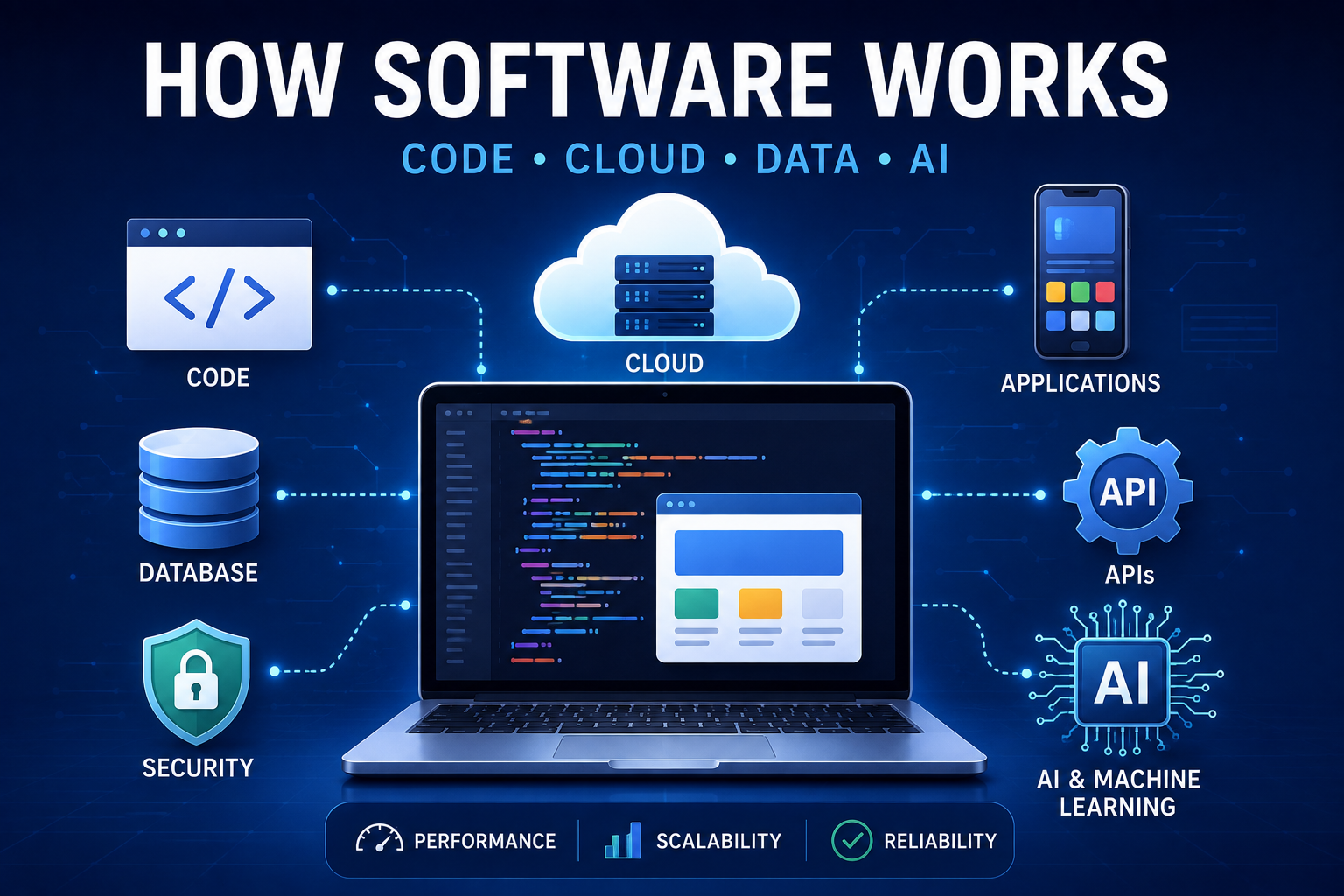
Modern software is far more than lines of code. It combines programming languages, operating systems, databases, cloud infrastructure, networks, artificial intelligence, and cybersecurity into sophisticated systems capable of serving millions or even billions of users simultaneously.
This guide explains how modern software works, from the moment a developer writes code to the instant an application responds to your request. Whether you’re a curious beginner, a student, or someone exploring technology, this article provides a clear overview of the software ecosystem that powers the digital world.
What Is Software?
Software is a collection of instructions that tells a computer, smartphone, or other digital device how to perform specific tasks.
Unlike hardware—the physical components such as processors, memory, and storage—software consists of programs and data that run on those devices.
Without software, even the most powerful computer would simply be an expensive collection of electronic components.
Examples of software include:
-
Web browsers
-
Mobile apps
-
Operating systems
-
Video games
-
Office applications
-
Banking software
-
Streaming services
-
Artificial intelligence tools
Why Software Matters
Software has become essential because it enables people and organizations to:
-
Communicate instantly
-
Store and analyze data
-
Automate repetitive work
-
Run businesses
-
Create digital content
-
Control machines and robots
-
Secure financial transactions
-
Access information from anywhere
Nearly every modern industry—from healthcare and finance to transportation and entertainment—depends on software.
The Building Blocks of Modern Software
Modern software consists of several interconnected components.
Source Code
Every application begins as source code.
Developers write instructions using programming languages such as:
-
Python
-
JavaScript
-
Java
-
C#
-
Go
-
Rust
-
Swift
-
Kotlin
-
PHP
Source code describes how software should behave. Developers can explore the fundamentals in this guide to what programming is and how it works.
Programming Languages
Programming languages allow humans to communicate instructions to computers.
Different languages excel at different tasks.
| Language | Common Uses |
|---|---|
| Python | AI, automation, data science |
| JavaScript | Websites, web apps |
| Java | Enterprise software |
| C# | Windows apps, game development |
| Swift | iPhone apps |
| Kotlin | Android apps |
| Go | Cloud services |
| Rust | High-performance systems |
The choice of language can influence application architecture, development practices and performance.
For a deeper look at how programming languages differ, see what programming languages are and how different languages work.
Compilers and Interpreters
Computers ultimately execute machine instructions rather than human-readable programming languages.
Software can be translated or executed using:
-
Compilers
-
Interpreters
-
Virtual machines
The exact process depends on the programming language and runtime environment.
How Software Runs
When you open an application, several things happen in milliseconds.
Step 1: Launch
The operating system loads the application into memory.
Step 2: Initialization
The software loads:
-
Configuration files
-
User preferences
-
Libraries
-
Required resources
Step 3: User Interface
Buttons, menus, images, and text appear on your screen.
Step 4: User Interaction
Every click, tap, or keyboard input generates events processed by the software.
Step 5: Processing
The CPU performs calculations while memory temporarily stores data being used.
Step 6: Output
Results appear on your display.
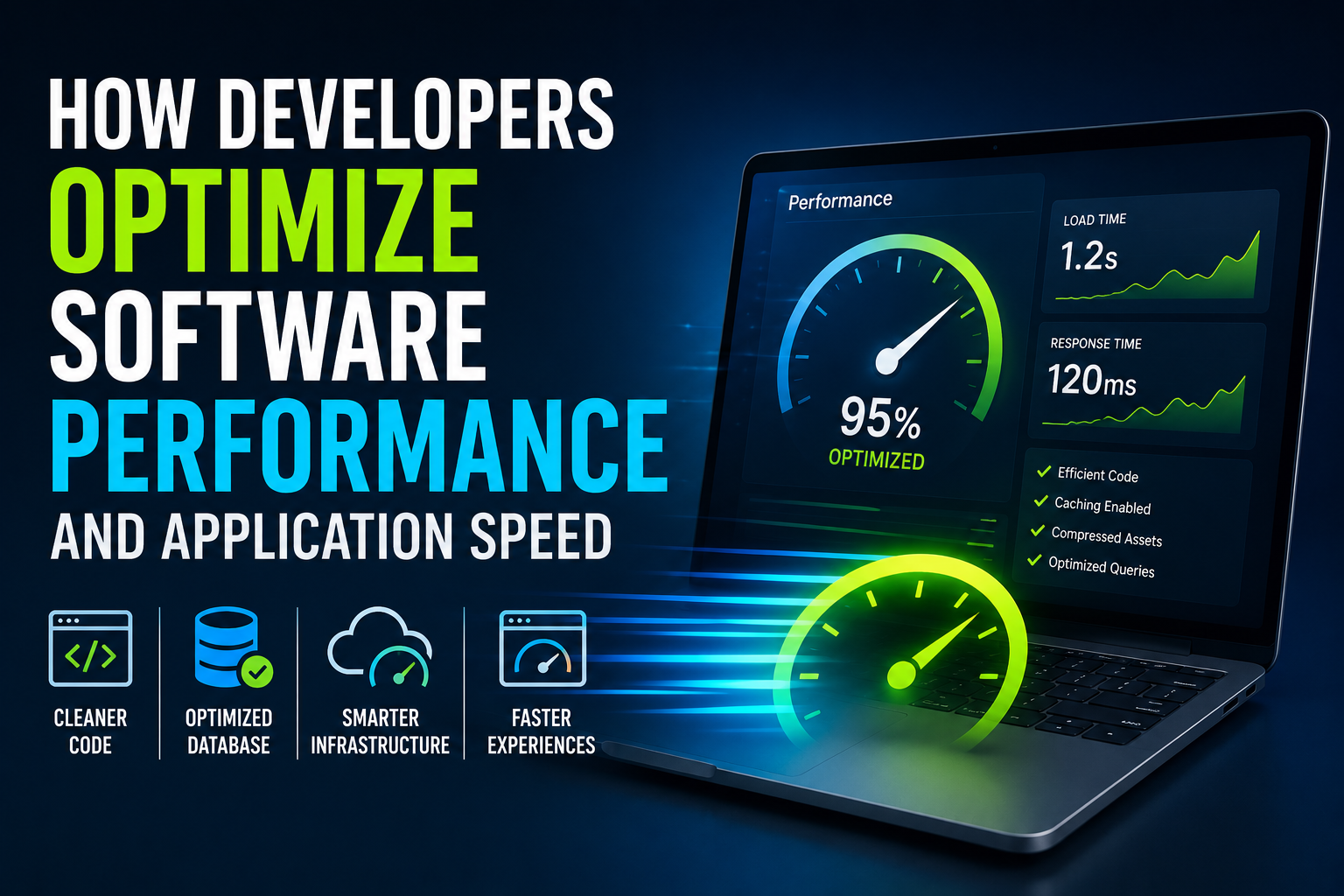
How efficiently these processes happen can have a major effect on application speed. Developers use techniques described in how developers optimize software performance and application speed to identify and reduce unnecessary processing.
The Role of the Operating System
The operating system (OS) manages hardware resources and provides a platform for applications.
Popular operating systems include:
-
Windows
-
macOS
-
Linux
-
Android
-
iOS
The OS is responsible for:
-
Memory management
-
File storage
-
Networking
-
Security
-
Device communication
-
Process scheduling
Applications rely on the operating system rather than communicating directly with hardware for many common tasks.
For a deeper explanation of this critical layer, see The Complete Guide to Operating Systems.
Understanding Frontend and Backend
Most modern applications consist of two major parts.
Frontend
The frontend is everything users see and interact with.
Examples include:
-
Buttons
-
Menus
-
Images
-
Animations
-
Forms
-
Navigation
Frontend technologies often include:
-
HTML
-
CSS
-
JavaScript
The subject is explored in greater detail in what frontend development is and how developers build interactive web interfaces.
Backend
The backend handles much of what users cannot see.
Responsibilities include:
-
Business logic
-
User authentication
-
Database access
-
Payments
-
Notifications
-
File storage
-
APIs
Common backend technologies include:
-
Node.js
-
Python
-
Java
-
Go
-
PHP
-
.NET
For a deeper look at server-side development, see backend development.
Databases: Where Information Lives
Applications constantly store and retrieve data.
Databases manage information such as:
-
User accounts
-
Messages
-
Orders
-
Photos
-
Videos
-
Products
-
Financial records
Popular database systems include:
-
PostgreSQL
-
MySQL
-
SQLite
-
MongoDB
-
Redis
Efficient database design can improve both application reliability and performance.
APIs: The Connectors of Modern Software
Application Programming Interfaces (APIs) allow different software systems to communicate.
For example, a food delivery app may use APIs to:
-
Process payments
-
Display maps
-
Send notifications
-
Verify addresses
-
Authenticate users
APIs enable developers to build powerful applications without creating every feature from scratch.
They also allow frontend applications to communicate with backend services and external platforms.
Cloud Computing
Most modern software no longer runs entirely on personal devices.
Instead, applications can rely on cloud infrastructure hosted in data centers around the world.
Cloud platforms provide:
-
Computing power
-
Storage
-
Databases
-
Networking
-
Artificial intelligence services
-
Security
Benefits include:
-
Scalability
-
High availability
-
Global access
-
Flexible resource allocation
Cloud infrastructure also makes it possible to increase or decrease computing resources as application demand changes.
Software Development Lifecycle (SDLC)
Creating modern software follows a structured process.
-
Planning
-
Requirements gathering
-
Design
-
Development
-
Testing
-
Deployment
-
Monitoring
-
Maintenance
This lifecycle helps ensure software is reliable, secure, and aligned with user needs.
The complete process is covered in the Complete Guide to Software Development Processes.
Different development teams may use different methodologies and workflows, but the underlying activities remain important throughout the life of a software product.
Software Architecture
As applications become larger, developers need ways to organize their components and responsibilities.
Software architecture defines how major parts of an application are structured and how those parts communicate.
Architecture can influence:
-
Scalability
-
Maintainability
-
Security
-
Reliability
-
Performance
-
Development speed
Good architectural decisions can make complex systems easier to understand and evolve.
For a deeper explanation, see how software architecture organizes applications.
Testing Software
Before release, developers test applications extensively.
Common testing methods include:
-
Unit testing
-
Integration testing
-
System testing
-
Performance testing
-
Security testing
-
User acceptance testing
Testing reduces bugs and improves software quality.
Performance testing is particularly useful for determining whether an application can handle expected workloads before users encounter slowdowns or failures.
You can learn more in what software testing is and how developers ensure software quality.
Software Security
Cybersecurity is built into modern software from the beginning.
Important security measures include:
-
Encryption
-
Authentication
-
Authorization
-
Multi-factor authentication
-
Firewalls
-
Secure coding practices
-
Regular updates
-
Vulnerability scanning
Security protects both users and organizations from cyber threats.
Security and performance must also be considered together. An optimization that weakens authentication, encryption or access controls can create risks that outweigh any performance improvement.
Artificial Intelligence in Modern Software
AI is becoming a standard feature in many applications.
Examples include:
-
Smart assistants
-
Recommendation systems
-
Fraud detection
-
Chatbots
-
Voice recognition
-
Image recognition
-
Predictive analytics
-
Language translation
Rather than replacing traditional software, AI can enhance it by making applications more adaptive and intelligent.
Modern AI systems themselves also depend on traditional software components, including programming languages, databases, APIs, cloud infrastructure and specialized computing hardware.
For additional context on the relationship between AI and development, see AI in software engineering.
How Updates Work
Software continuously evolves after release.
Updates may include:
-
Bug fixes
-
Security patches
-
New features
-
Performance improvements
-
Compatibility updates
Many applications now update automatically, ensuring users receive the latest improvements without manual downloads.
Software updates are also an important part of maintaining security and compatibility as operating systems, devices and external services change. For a broader explanation, see How Software Updates Work and Matter.
Open Source vs Proprietary Software
| Open Source | Proprietary |
|---|---|
| Source code is publicly available | Source code is private |
| Community contributions | Controlled by a company |
| Often free | Usually licensed |
| Highly customizable | Limited customization |
| Transparent development | Closed development model |
Both approaches play important roles in today’s software ecosystem.
Open-source components are frequently incorporated into proprietary applications, while proprietary platforms may provide services that open-source projects build upon.
Version Control and Software Development
Modern software development involves frequent changes to source code.
Version control systems allow developers to track those changes, collaborate with other developers and return to earlier versions when necessary.
Git is one of the most widely used version control systems.
It supports workflows where developers can work on separate branches, review changes and integrate approved work into the main codebase.
Version control is therefore an important part of collaborative software development. Developers can learn more in this Git and version control guide for developers.
Common Challenges in Modern Software
Developers face many technical and business challenges.
These include:
-
Security threats
-
Software bugs
-
Performance optimization
-
Scalability
-
Device compatibility
-
Privacy regulations
-
User expectations
-
Rapid technological change
Successful software requires continuous improvement and maintenance.
Performance can become particularly challenging as applications gain users, accumulate data and introduce new functionality.
The Future of Software
Software is becoming increasingly intelligent, connected, and automated.
Emerging areas include:
-
AI-powered applications
-
Autonomous software agents
-
Low-code and no-code platforms
-
Quantum computing
-
Edge computing
-
Cloud-native development
-
Internet of Things (IoT)
-
Extended Reality (XR)
These innovations are expected to influence how software is built and used over the next decade.
However, many of the underlying principles—programming, architecture, testing, security, data management and software maintenance—will continue to form the foundation of modern applications.
Common Myths About Software
| Myth | Reality |
|---|---|
| Software is just code. | Modern software includes infrastructure, databases, security, APIs, and cloud services. |
| Software never changes after release. | Most applications receive regular updates and improvements. |
| Faster computers automatically make software better. | Efficient design and optimization are equally important. |
| AI replaces all traditional software. | AI enhances existing applications rather than replacing them. |
| Software development is only about programming. | It also involves design, testing, security, operations, and user experience. |
Frequently Asked Questions
What is software?
Software is a collection of programs and instructions that tell computers and digital devices how to perform specific tasks.
What is the difference between software and hardware?
Hardware refers to physical components such as processors and memory, while software consists of digital programs that run on that hardware.
What is an API?
An API allows different software applications to communicate and exchange information with one another.
Why do apps need updates?
Updates improve security, fix bugs, add features, improve performance, and maintain compatibility with new devices and operating systems.
How does cloud software work?
Cloud software runs on remote servers connected through the internet rather than entirely on a local computer.
Will AI replace traditional software?
No. AI is becoming an important component of software, but it complements traditional programming rather than replacing it.
Why is software architecture important?
Software architecture provides a structure for organizing application components and their interactions. It can affect performance, scalability, security and maintainability.
Understanding the Bigger Software Ecosystem
Modern software is not a single technology. It is an ecosystem in which programming languages, operating systems, frontend interfaces, backend services, databases, APIs, cloud infrastructure, security systems and development processes work together.
Understanding these relationships makes it easier to see why a change in one part of an application can affect another.
For example, a frontend feature may require a new API, which may require database changes, which may affect application performance and testing requirements. The development process therefore involves much more than simply writing code.
This interconnected nature of software is why developers need to understand both individual technologies and the broader systems in which those technologies operate.
Software Is Built as a Connected System
Modern software is one of the greatest engineering achievements of the digital age. Behind every app, website, and online service lies a sophisticated combination of programming languages, operating systems, databases, cloud infrastructure, APIs, security technologies and development practices working together.
Understanding how these components interact provides a foundation for understanding virtually every modern digital product.
As artificial intelligence, cloud computing and automation continue to evolve, software will become even more capable, personalized and deeply integrated into everyday life. Yet the fundamentals will remain important: developers still need to write code, organize systems, manage data, test applications, protect users and continuously improve the products they build.
Whether you’re using a smartphone, running a business, or exploring a career in technology, understanding how modern software works provides a useful foundation for exploring the wider world of software development.