iOS 27 Is Here: The Biggest New Features, Siri AI Changes and Compatible iPhones
Apple’s next major iPhone software update has arrived, and iOS 27 brings one of the company’s most significant changes to Siri in years.
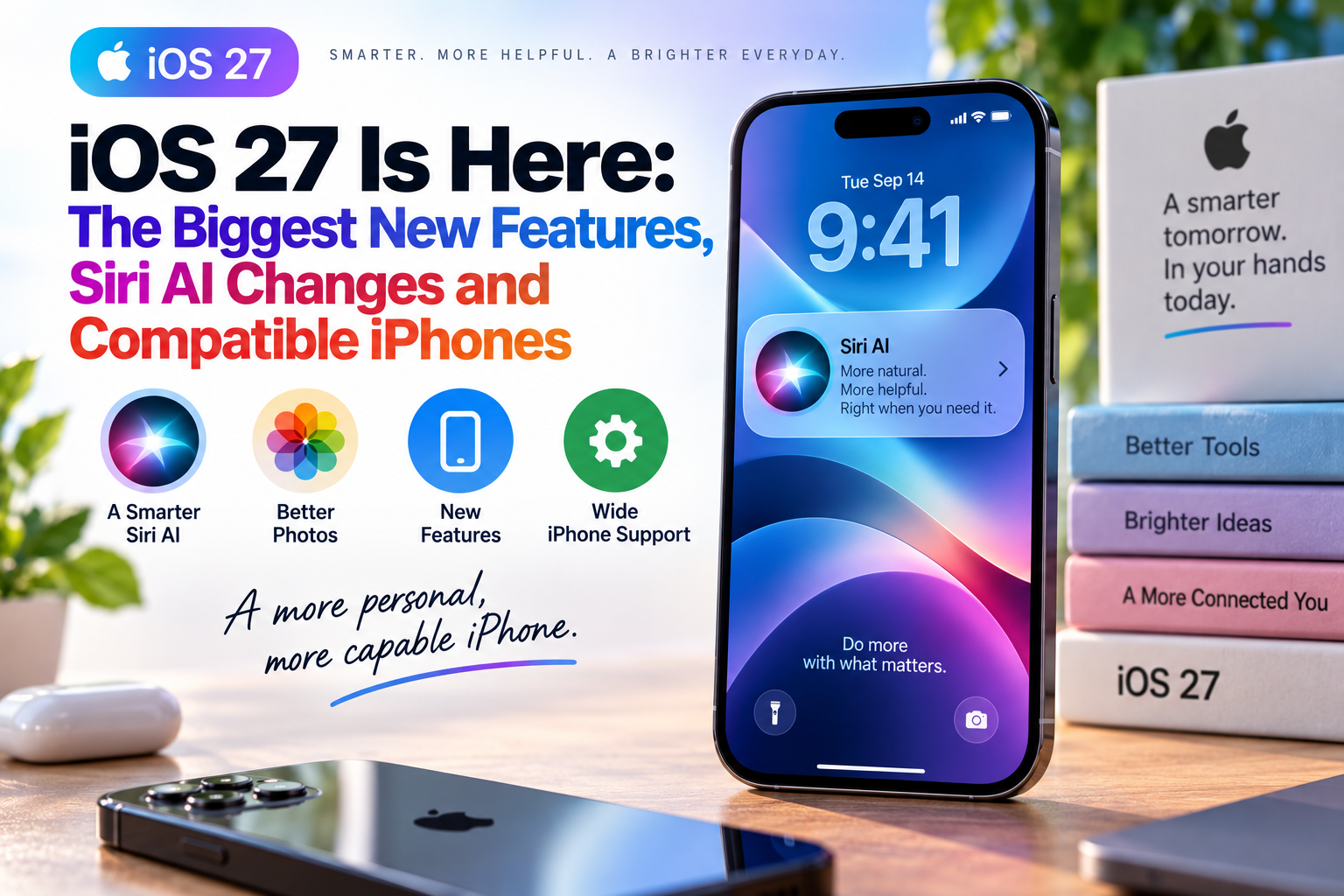
Released on September 14, iOS 27 introduces Siri AI, a much more conversational assistant powered by Apple Intelligence. It can understand personal context, interact with information across apps, answer questions about what’s on the screen, and perform more actions than the traditional Siri experience.
The update also brings new AI-powered photo tools, changes to Apple’s Liquid Glass design, improved parental controls, performance enhancements, and a collection of smaller features throughout the operating system.
For anyone who uses an iPhone every day, however, one question matters most: How much of iOS 27 will your particular iPhone actually get?
The answer depends heavily on the model.
What Is iOS 27?
iOS 27 is Apple’s latest operating system for the iPhone. It is the software that controls the device’s interface, applications, security features, system functions, connectivity, and many of the experiences users interact with every day.
Apple has made iOS 27 available beginning September 14, 2026. The update is compatible with iPhones going back to the iPhone 11, as well as the second-generation iPhone SE and newer models.
For readers who want to understand the broader role of operating systems, The Complete Guide to Operating Systems explains how system software manages the hardware and applications that make modern devices useful.
The Biggest Change: Siri AI
The headline feature of iOS 27 is undoubtedly Siri AI.
Instead of functioning primarily as a voice-controlled assistant for individual commands, the new Siri is designed to behave more like a conversational AI system.
Apple says Siri AI can handle open-ended questions, support back-and-forth conversations, understand personal context, interact with apps, and use information from the web to provide answers.
That represents a significant change in Apple’s approach to its longtime voice assistant.
Siri Can Understand Personal Context
One of the more important upgrades is Siri’s ability to work with information already stored on the user’s iPhone.
For example, Siri AI can help locate:
- Photos from a particular period
- Messages
- Emails
- Notes
- Other relevant information across supported apps
Instead of requiring users to remember exactly where something was stored, they can describe what they are looking for conversationally.
Apple says Siri can use personal context to search across apps and provide relevant answers while maintaining its privacy-focused architecture.
Siri Can Take Actions Across Apps
The new assistant is also designed to do more than answer questions.
Siri AI can perform actions involving apps such as Messages, Music, and Reminders. Apple gives examples such as editing a recently sent message, creating reminders, adding music to playlists, and performing other actions based on the user’s request.
This moves Siri closer to the idea of an AI agent rather than a traditional voice assistant.
Instead of simply telling users how to complete a task, Siri can increasingly participate in completing it.
A Dedicated Siri App
iOS 27 also introduces a dedicated Siri app.
The app provides a place where users can have conversations with Siri AI, revisit previous conversations, start new ones, and pin important conversations.
Apple says conversational history can also sync privately across Apple devices through iCloud.
That makes Siri feel less like a feature hidden inside the operating system and more like a standalone AI service.
Siri Gets Screen Awareness
Another major capability is the ability for Siri AI to understand what is currently displayed on the iPhone.
Users can ask questions about information on their screen rather than manually explaining everything they are looking at.
For example, the assistant can potentially interpret content displayed in an app and help the user understand or act on it.
Apple has described this combination of screen awareness, personal context, and systemwide actions as a central part of the new Siri experience.
Siri Comes to the Camera
iOS 27 also introduces Siri mode in Camera, allowing users to point their iPhone at something and ask questions about what the camera sees.
This combines Siri with Apple’s visual intelligence capabilities.
The company demonstrates scenarios where users can use the camera to identify objects and obtain information about them without first taking a conventional photograph and manually searching for the answer.
That could make the camera increasingly useful as an everyday information tool rather than simply a photography device.
Siri Can Help With Writing
Apple is also expanding Siri’s role in writing.
Users can describe what they want written, ask Siri AI to create a draft, or request feedback on existing text.
In Messages and Mail, Apple says Siri can also match aspects of a user’s writing style, punctuation, and tone.
This is another example of Apple moving AI deeper into everyday smartphone tasks.
Siri Voice Customization Gets More Flexible
iOS 27 also gives users more control over how Siri sounds.
Apple allows users to choose a Siri voice and customize characteristics such as expressivity and speaking pace.
That may seem like a small change, but it reflects a larger shift toward making AI assistants feel more personalized.
Siri AI Is Not Available on Every iPhone
This is one of the most important details about iOS 27.
Installing iOS 27 does not mean every iPhone receives Siri AI.
Apple Intelligence requirements mean that the new Siri and other advanced AI capabilities are restricted to newer hardware.
At launch, Apple Intelligence support includes the iPhone 15 Pro and iPhone 15 Pro Max, the iPhone 16 family, the iPhone 17 family, iPhone Air, iPhone 17e, and newer supported models.
The regular iPhone 15 and 15 Plus, for example, can receive iOS 27 but do not receive the full Apple Intelligence experience.
iOS 27 Compatible iPhones
Apple’s compatibility list is considerably longer than its Apple Intelligence list.
iOS 27 supports:
- iPhone Duo
- iPhone 18 Pro
- iPhone 18 Pro Max
- iPhone 17 Pro
- iPhone 17 Pro Max
- iPhone Air
- iPhone 17
- iPhone 17e
- iPhone 16
- iPhone 16 Plus
- iPhone 16 Pro
- iPhone 16 Pro Max
- iPhone 16e
- iPhone 15
- iPhone 15 Plus
- iPhone 15 Pro
- iPhone 15 Pro Max
- iPhone 14
- iPhone 14 Plus
- iPhone 14 Pro
- iPhone 14 Pro Max
- iPhone 13
- iPhone 13 mini
- iPhone 13 Pro
- iPhone 13 Pro Max
- iPhone 12
- iPhone 12 mini
- iPhone 12 Pro
- iPhone 12 Pro Max
- iPhone 11
- iPhone 11 Pro
- iPhone 11 Pro Max
- iPhone SE (2nd generation and later)
Apple confirms that the operating system itself reaches all of these models.
The important distinction is that compatibility with iOS 27 is not the same as compatibility with every iOS 27 feature.
Which iPhones Get the Full Siri AI Experience?
The advanced Siri experience requires Apple Intelligence-compatible hardware.
Apple’s initial supported iPhone list includes:
- iPhone 15 Pro
- iPhone 15 Pro Max
- iPhone 16
- iPhone 16 Plus
- iPhone 16 Pro
- iPhone 16 Pro Max
- iPhone 16e
- iPhone 17
- iPhone 17e
- iPhone Air
- iPhone 17 Pro
- iPhone 17 Pro Max
- Newer compatible iPhone models
However, some of the most demanding Siri capabilities have additional hardware requirements. Reports indicate that the highest-level Siri features, including certain voice customization capabilities, are limited to Apple’s newest higher-memory devices.
That means the iOS 27 experience can vary substantially between two iPhones running the same operating system.
AI-Powered Photo Editing Gets a Major Upgrade
Siri isn’t the only part of iOS 27 getting Apple’s AI treatment.
The Photos app gains several new capabilities, including Spatial Reframing, Extend, and an upgraded Clean Up tool.
Spatial Reframing allows users to change the composition of an image after taking it. Extend can expand an image beyond its original boundaries, while Clean Up has been improved to remove larger unwanted objects.
These tools continue Apple’s effort to make sophisticated photo editing accessible without requiring professional software.
Image Playground Becomes More Capable
Apple’s Image Playground also receives an expansion.
The tool can generate images based on descriptions and supports more styles, including photorealistic imagery. Users can also modify generated or existing images with natural-language instructions.
For everyday users, the significance is that image creation is increasingly becoming a standard smartphone function rather than a specialized task requiring separate software.
Liquid Glass Gets Refined
iOS 27 continues Apple’s Liquid Glass visual design introduced with the previous generation of iOS.
Rather than replacing the design entirely, Apple has refined it.
The company says iOS 27 improves:
- Contrast
- Readability
- Refraction
- App icon detail
- Visual consistency
Users also receive a slider that allows them to adjust the appearance of Liquid Glass from a more transparent style to a more tinted presentation.
These changes may be less dramatic than Siri AI, but they affect the interface users see every day.
iOS 27 Is Designed to Be Faster
Apple is also emphasizing performance improvements.
According to the company, some app launches can be up to 30% faster, new photos can load in the Photos library up to 70% faster, and AirDrop transfers can be up to 80% faster.
Those numbers are Apple’s stated comparisons, so actual improvements will vary by device and situation.
Still, performance optimization is particularly important for older iPhones because it can make a new operating system feel more responsive without requiring new hardware.
Smarter Network Switching
iOS 27 also improves how an iPhone transitions between Wi-Fi and cellular networks.
Apple says the system can more smoothly choose the best available connection, helping maintain connectivity as users move between environments.
For people who frequently move between home Wi-Fi, public networks, and cellular service, these changes may be more useful than flashy new features.
Safari Gets Smarter
Safari receives several changes powered by Apple’s broader intelligence features.
One addition is automatic organization of browser tabs into topics, making large collections of open pages easier to manage.
Apple is also introducing Notify Me, which can monitor certain webpages for changes such as price adjustments or product restocks and alert users when something changes.
That turns Safari into a more proactive tool for monitoring information.
Passwords Can Be Updated More Easily
The Passwords app gains another useful security-related feature.
Apple says it can identify weak or compromised passwords and help update them.
The company lists this particular capability as coming in a future software update, meaning users should not necessarily expect every part of the feature set to be available immediately with the initial iOS 27 release.
AI Comes to Shortcuts
Shortcuts becomes more accessible through natural-language commands.
Instead of manually constructing a complicated automation, users can describe what they want to happen and let Apple Intelligence connect the necessary actions.
Apple gives an example involving sending a message to someone when leaving work, including an estimated arrival time.
For people who have never explored Shortcuts because it seemed too complicated, this could lower the barrier considerably.
New Child Safety Features
iOS 27 also includes a significant expansion of parental and child-safety tools.
Parents can choose which system apps children can use, approve access to new websites, manage communication protections, and establish time allowances and schedules.
Apple says Communication Safety can now also intervene before children see graphic violence in shared images and videos, in addition to existing protections involving nudity.
The update also gives parents more direct controls for managing app access and device usage.
Better Mail Search
Mail gets a redesigned search-ranking system designed to surface more relevant results.
Instead of simply returning messages based on basic matching, Apple says the new system is intended to prioritize the most relevant results, even when the desired message is buried deep in the inbox.
For people with years of email stored on their iPhones, this could be one of the more practical everyday improvements.
New Health Features
iOS 27 also adds additional health-related functionality.
Cycle Tracking can now provide notifications when recorded cycle patterns are suggestive of perimenopause and allows users to track related symptoms and access educational resources.
Apple is also bringing GymKit to iPhone, allowing compatible gym equipment such as treadmills, ellipticals, bikes, and stair machines to connect for real-time workout metrics.
A Smarter Home App
Apple is also using its AI capabilities to improve the Home app.
Compatible HomeKit Secure Video cameras can provide AI-generated descriptions of recorded events and allow users to search footage based on what happened.
Apple also says supported cameras can now stream and record in 4K.
This reflects a broader trend in consumer technology where AI is increasingly being used to interpret information generated by everyday devices.
For more context on how these technologies fit into the larger gadget ecosystem, What Are Consumer Gadgets and How Do Modern Gadgets Work? explores how modern devices combine hardware, software, sensors, connectivity, and computing.
Accessibility Improvements
Apple has also added new accessibility capabilities.
VoiceOver receives expanded tools for understanding visual information, while a new captioning capability can generate synchronized subtitles for video content.
Magnifier also gains additional tools intended to help users with low vision navigate everyday environments.
These features are important because operating-system upgrades are not only about adding flashy consumer features. They can also change how people with different abilities interact with their devices.
Why iOS 27 Matters for the AI Race
The significance of iOS 27 extends beyond Apple’s own ecosystem.
Smartphone manufacturers are increasingly competing on AI capabilities as much as traditional hardware specifications.
Apple’s new Siri arrives as Google, Samsung, Microsoft, OpenAI, and other technology companies continue developing increasingly capable AI assistants and on-device intelligence.
The shift is changing what people expect from smartphones.
Instead of simply opening an app to perform a task, users increasingly expect the device itself to understand what they want and help complete it.
That trend is explored further in Apple and Android Makers Push New AI Features.
Why Hardware Matters More Than Ever
One of the most interesting aspects of iOS 27 is the divide between software compatibility and feature compatibility.
An iPhone 11 can run iOS 27, but it does not suddenly gain the same AI capabilities as the latest iPhone.
This is because advanced AI features require more processing power, memory, and specialized hardware.
As AI becomes more deeply integrated into operating systems, hardware differences are likely to become increasingly important.
That could change how consumers think about upgrading.
In the past, an older iPhone running the newest software could feel relatively similar to a newer model for many everyday tasks. With AI, the gap between generations can become much more noticeable.
Should You Install iOS 27?
For users with a compatible iPhone, updating to iOS 27 brings security improvements, performance changes, interface refinements, and new features.
However, as with any major operating-system update, users should make sure their important data is backed up before installing.
It is also worth remembering that some features depend on:
- iPhone model
- Region
- Language
- Apple Intelligence availability
- App support
- Carrier support
- Future software updates
In other words, installing iOS 27 does not guarantee that every feature highlighted by Apple will appear on every device immediately.
How iOS 27 Fits Into Apple’s Software Strategy
Apple’s approach with iOS 27 illustrates how operating-system updates are changing.
In earlier generations, major updates often focused heavily on redesigned interfaces, new applications, communication features, and improvements to existing tools.
Now artificial intelligence is becoming one of the central layers of the operating system.
Siri is no longer simply a voice assistant. AI is being incorporated into Photos, Safari, Shortcuts, Messages, Mail, Camera, Home, and other experiences.
That makes iOS itself increasingly important to Apple’s AI strategy.
For readers interested in the broader role of updates, How Software Updates Work and Matter explains why software updates can influence everything from security and performance to features and device longevity.
What iPhone Users Should Expect Next
The launch of iOS 27 is unlikely to be the end of Apple’s AI rollout.
Some capabilities are already marked as coming in future software updates, while Siri AI itself is launching with usage and language limitations.
Apple says Siri AI is rolling out in English, and availability can vary depending on region and feature.
That suggests Apple’s new Siri experience should be viewed as the beginning of a broader transition rather than a finished product.
The company is effectively turning the iPhone into a more conversational computing platform.
The iPhone Is Becoming More Like an AI Assistant
iOS 27 represents a significant moment for the iPhone because the biggest change is not necessarily something users can see.
The deeper shift is that the operating system is becoming more capable of understanding context, interpreting information, and taking action on a user’s behalf.
Siri AI is the clearest example, but Apple’s strategy goes much further. AI is now appearing throughout photography, writing, browsing, automation, home monitoring, search, and other everyday activities.
At the same time, Apple’s decision to support iOS 27 on iPhones as old as the iPhone 11 means millions of existing devices can receive the latest operating system even if they cannot access every new AI feature.
That combination—long software support alongside increasingly hardware-dependent AI—could become one of the defining characteristics of the next generation of smartphones.
For iPhone owners, the most important question is no longer simply “Can my phone run the latest iOS?”
It is increasingly “Which parts of the latest iOS can my phone actually do?”