Complete Guide to Malware and Malicious Software
Malware is one of the most persistent threats in the digital world. It can affect personal computers, smartphones, business networks, servers, cloud environments, and connected devices.
The term malware covers many different types of malicious software, from programs designed to steal passwords and personal information to ransomware that can prevent people from accessing their own files.
Understanding how malware works, how it spreads, what different types can do, and how to respond to a suspected infection is an important part of cybersecurity.
For a broader look at how businesses protect their systems, data, employees, devices, and digital infrastructure, see the Ultimate Guide to Business Cybersecurity.
What Is Malware?
Malware is short for malicious software. It refers to software intentionally created to damage systems, disrupt operations, steal information, gain unauthorized access, monitor activity, or perform other harmful or unauthorized actions.
Malware is not a single type of program. It is an umbrella term covering several categories of malicious software.
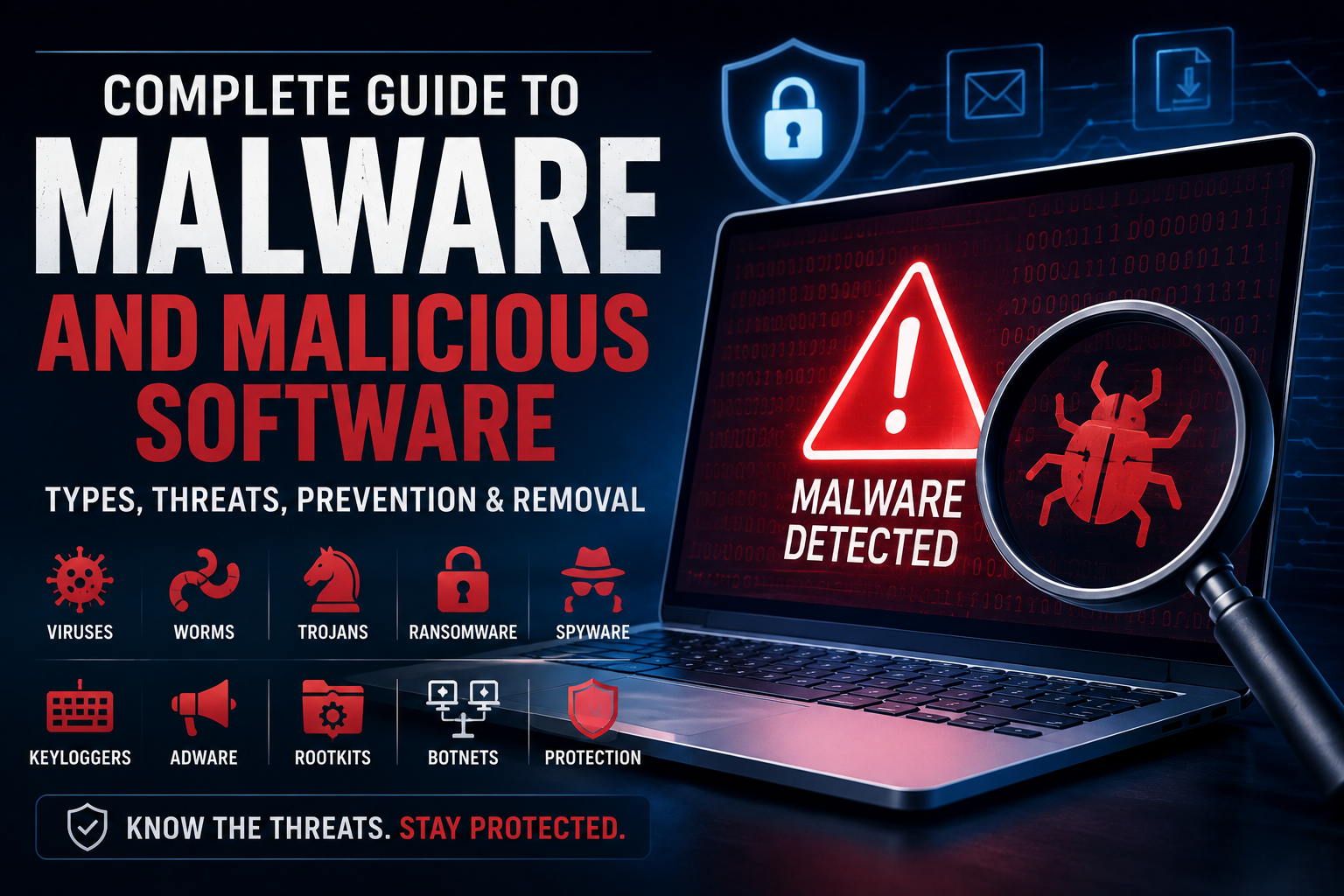
Common examples include:
- Viruses
- Worms
- Trojan horses
- Ransomware
- Spyware
- Adware
- Rootkits
- Keyloggers
- Botnets
- Information stealers
Different malware families can have very different objectives.
Some attempt to steal personal information or authentication credentials. Others are designed to extort money, secretly monitor users, disrupt systems, destroy data, or provide attackers with long-term access to compromised devices.
How Does Malware Get Onto a Device?
Malware can reach a device through many different routes.
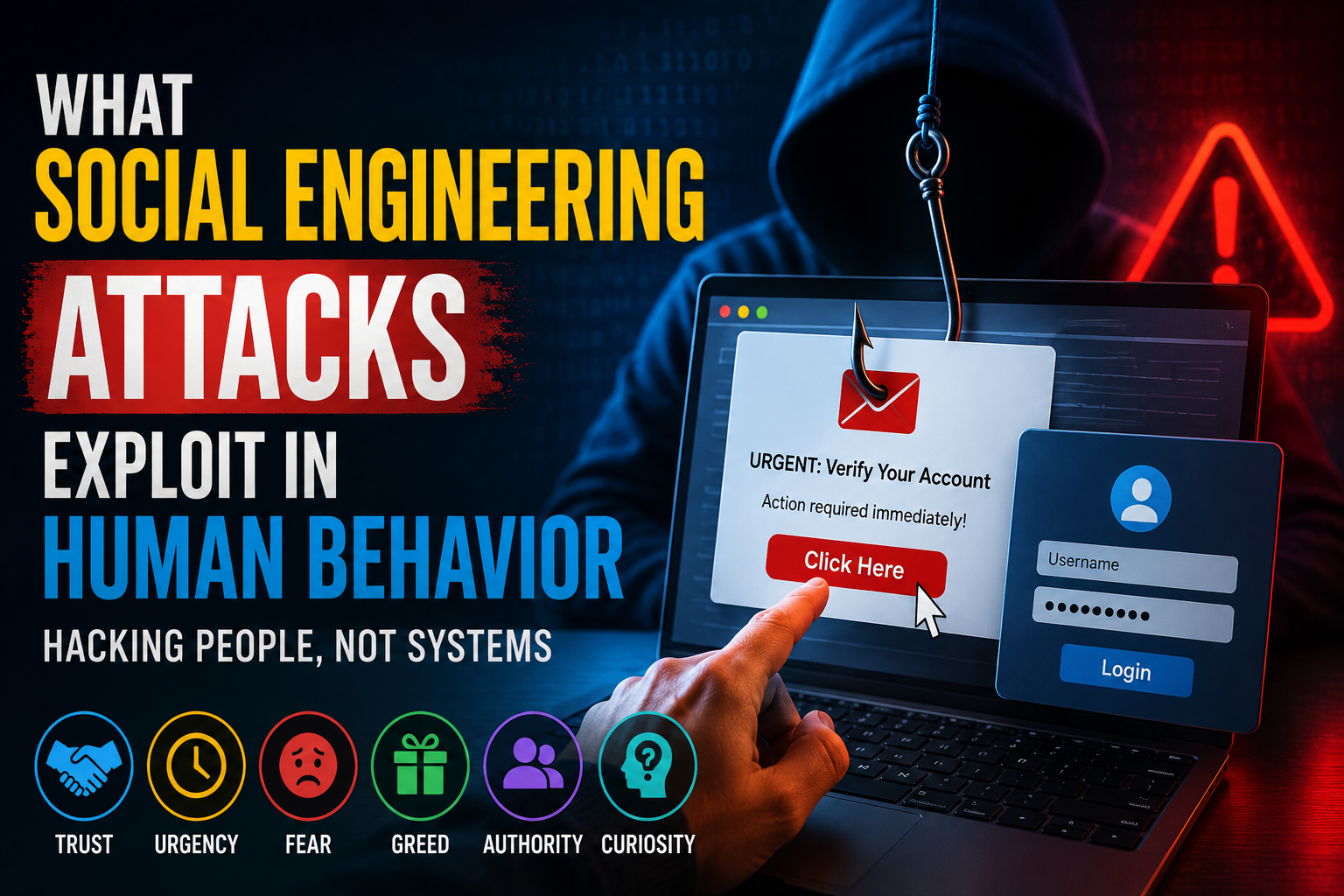
One of the most common involves social engineering, where attackers manipulate people into performing an action that helps deliver malicious software.
For example, someone may receive an email claiming to contain an important invoice, document, account notification, or security alert. Clicking a malicious link or opening an infected attachment can potentially lead to malware being downloaded or executed.
Other common delivery methods include:
- Malicious email attachments
- Phishing links
- Fraudulent websites
- Compromised legitimate websites
- Fake software downloads
- Malicious advertisements
- Pirated software
- Infected removable drives
- Vulnerable applications
- Compromised accounts
- Malicious links in messages
- Exploited software vulnerabilities
This is why cybersecurity is not simply a matter of installing antivirus software. User behavior, software updates, account security, access controls, and safe browsing habits all matter.
For a deeper explanation of the manipulation techniques attackers use to persuade people to take risky actions, see Phishing Versus Social Engineering Explained.
The Most Common Types of Malware
Computer Viruses
A computer virus is a type of malicious program that typically attaches itself to another file or program.
When the infected file is executed, the malicious code can run and potentially spread to other files or systems.
The word “virus” is often used casually to describe malware in general, but technically, viruses represent only one category of malicious software.
Computer Worms
A worm is malware capable of spreading from one system to another without necessarily requiring a user to manually copy an infected file.
Worms can take advantage of vulnerabilities or weaknesses in networks and software to propagate.
Their ability to spread automatically can make them particularly disruptive, especially in environments where many systems are interconnected.
Trojan Horses
A Trojan, or Trojan horse, disguises itself as something legitimate.
A malicious program might appear to be:
- A useful application
- A software update
- A document
- A media file
- A security utility
- A browser extension
Once a user runs the program, it can perform harmful actions behind the scenes.
Unlike a traditional virus, a Trojan generally relies on deception rather than independently replicating itself.
Ransomware
Ransomware is malware designed to prevent victims from accessing data or systems, often by encrypting files.
Attackers may then demand payment in exchange for a claimed method of restoring access.
Modern ransomware attacks can involve more than file encryption. Criminal groups may also attempt to steal information before disrupting systems and then threaten to release or misuse the stolen data.
For individuals and organizations, reliable backups are an important defense against data-loss scenarios.
Ransomware can also turn a single compromised device into a larger business security incident, which is why organizations need coordinated endpoint protection, access controls, monitoring, and incident-response procedures.
Spyware
Spyware is designed to secretly monitor activity or collect information from a device.
Depending on the specific software, it may attempt to gather:
- Browsing information
- Credentials
- Personal data
- Communications
- System information
- Other sensitive information
Spyware can be particularly difficult to notice because it is designed to operate discreetly.
Keyloggers
A keylogger records keystrokes entered on a device.
The information collected can potentially include:
- Usernames
- Passwords
- Messages
- Search queries
- Financial information
- Other sensitive information
Keylogging capabilities can exist as standalone malware or as part of a larger malicious program.
Adware
Adware is software that displays advertisements.
Not all advertising-supported software is malicious. Legitimate applications can use advertising as part of their business model.
The security concern arises when advertising software behaves deceptively, aggressively, or without meaningful user consent.
Some malicious adware can also redirect browsers, alter search results, or interfere with normal device behavior.
Rootkits
A rootkit is designed to help malicious software hide its presence or maintain unauthorized access to a system.
Some rootkits can operate at particularly deep levels of a computer’s software environment, potentially making detection and removal more difficult.
Botnets
A botnet is a network of compromised devices controlled by an attacker or criminal organization.
Devices within a botnet may be used for activities such as:
- Distributed denial-of-service attacks
- Spam distribution
- Automated attacks
- Credential attacks
- Malware distribution
A compromised device may continue functioning normally from the user’s perspective while being controlled remotely.
Information Stealers
Information stealers are malware programs designed to collect valuable information from compromised devices.
Depending on the malware, stolen information may include:
- Passwords
- Browser data
- Authentication tokens
- Cookies
- Cryptocurrency credentials
- Financial information
- Personal information
Because stolen credentials can potentially provide access to additional systems, information-stealing malware can become the starting point for larger compromises.
How Malware Spreads
Malware can spread through both technical vulnerabilities and human mistakes.
Phishing
Phishing messages are designed to trick users into clicking malicious links, opening attachments, entering credentials, or providing sensitive information.
Messages may imitate:
- Banks
- Employers
- Delivery companies
- Technology providers
- Government organizations
- Coworkers
- Friends or family members
Attackers frequently create a sense of urgency to make victims act before they have time to verify the request.
This makes phishing one of the important human-centered pathways through which malware can reach devices and accounts.
Malicious Downloads
Attackers can distribute malware through websites that advertise fake applications, updates, utilities, media files, games, or other downloads.
One common tactic is to create software that looks legitimate while secretly performing malicious activities.
Downloading software from trusted sources reduces some of this risk.
Unpatched Software
Software vulnerabilities can provide attackers with opportunities to compromise systems.
Operating systems, browsers, applications, plugins, servers, network devices, and other software should be updated according to an appropriate security-maintenance process.
Vulnerability management is particularly important in business environments because organizations may have thousands of software components and devices to track.
See How Vulnerability Management Identifies, Prioritizes and Reduces Security Weaknesses for a broader explanation of how organizations manage security weaknesses.
Infected Devices
Removable storage devices can potentially transfer malicious software between computers.
Organizations may therefore establish policies governing how external devices can be connected to company systems.
Compromised Websites
A legitimate website can sometimes be compromised and used to distribute malicious content.
This is one reason security software and browser protections remain useful even when visiting familiar websites.
What Can Malware Do?
The consequences of malware depend on what the malicious program is designed to accomplish.
Potential effects include:
- Stealing passwords
- Taking screenshots
- Recording keystrokes
- Encrypting files
- Deleting information
- Installing additional malware
- Monitoring activity
- Accessing accounts
- Disrupting services
- Using a device as part of a botnet
- Stealing financial information
- Providing attackers with remote access
For businesses, malware can also result in:
- Operational downtime
- Data loss
- Business interruption
- Financial losses
- Recovery expenses
- Regulatory problems
- Reputational damage
- Unauthorized access to sensitive systems
The consequences can become much more serious when malware spreads beyond the original device.
Signs That a Device May Have Malware
Malware does not always produce obvious symptoms.
However, unusual behavior can sometimes indicate that something needs further investigation.
Unexpected Slowdowns
A device that suddenly becomes unusually slow could have a malware infection, although there are many legitimate causes of poor performance.
Hardware problems, resource-intensive applications, insufficient storage, software bugs, and outdated drivers can all produce similar symptoms.
Unwanted Pop-Ups
Frequent unexpected advertisements or browser windows may indicate unwanted or malicious software.
Unknown Applications
Unexpected programs appearing on a computer or smartphone deserve investigation.
Browser Changes
Changes to the homepage, search engine, extensions, or browser behavior can sometimes be associated with unwanted software.
Unusual Network Activity
Unexpected network activity can be a warning sign, particularly when it occurs while the device is not actively being used.
Disabled Security Software
If security protections suddenly stop working without an obvious reason, users should investigate rather than simply ignoring the change.
Unexplained Account Activity
Unexpected password changes, login alerts, messages, purchases, or other account activity may indicate that an account has been compromised.
Importantly, none of these symptoms automatically proves that malware is present.
They should instead be treated as signals that may justify additional investigation.
How to Prevent Malware Infections
There is no single action that can eliminate malware risk.
Effective protection comes from combining several security practices.
Keep Software Updated
Install security and software updates from legitimate sources.
Updates frequently address known vulnerabilities that attackers could otherwise exploit.
Use Reputable Security Software
A reputable security solution can help detect and block many types of malicious software.
Built-in security features on modern operating systems can also provide important protection.
Be Careful With Email Attachments
Do not automatically open unexpected attachments.
If an email appears to come from someone you know but seems unusual, verify it through another communication channel.
Avoid Suspicious Downloads
Download software from trusted sources whenever possible.
Be especially cautious about programs that promise unusually expensive software for free or attempt to pressure users into disabling security protections.
Use Strong, Unique Passwords
A compromised password can give attackers access to more than one service if the same password has been reused elsewhere.
Using unique passwords reduces the potential damage from a single compromised account.
For more information, see the Password Security Guide.
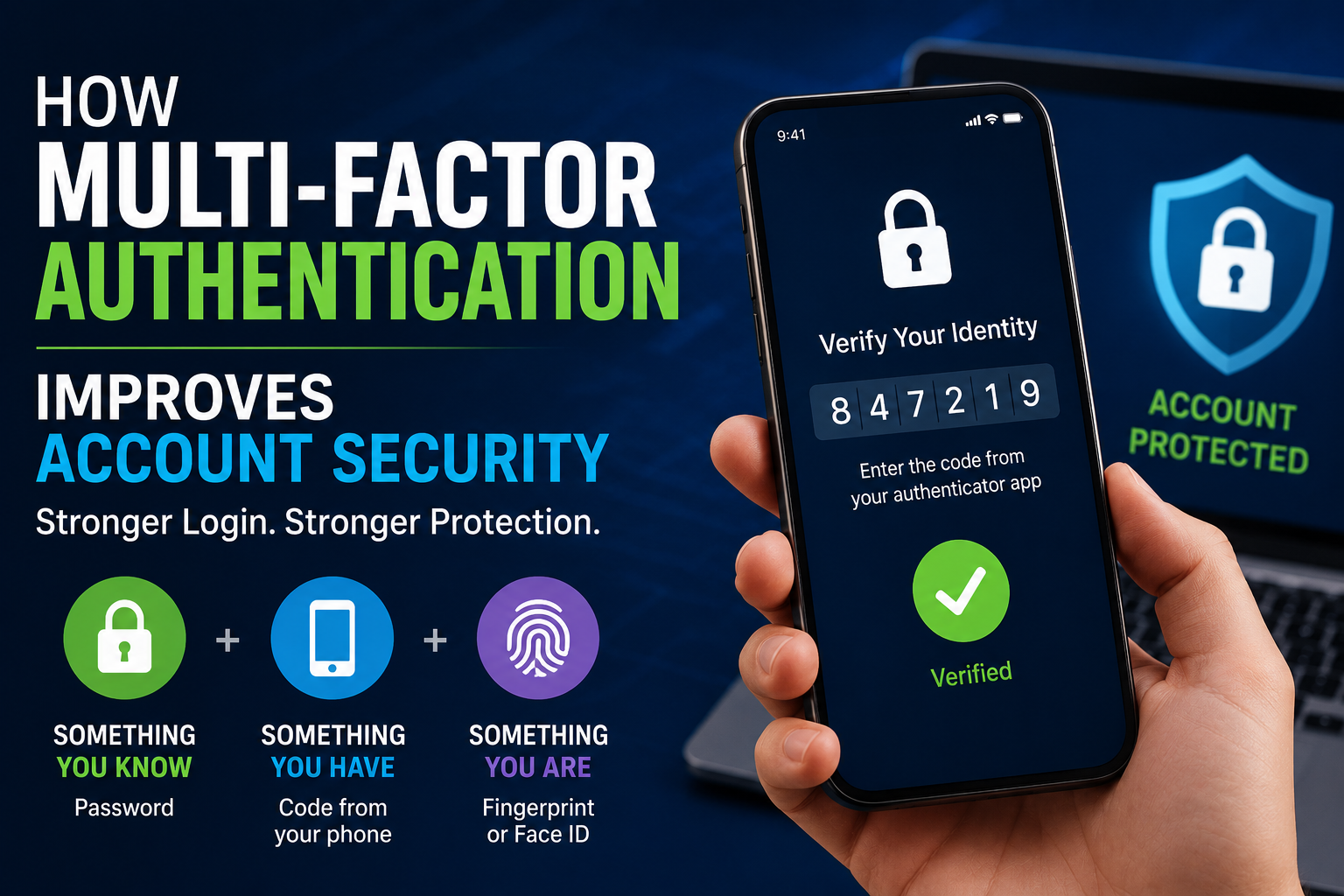
Enable Multi-Factor Authentication
Multi-factor authentication adds another layer of protection beyond a password.
Even if a password is stolen, an attacker may still be unable to access the account without the additional authentication factor.
Back Up Important Files
Backups are particularly important for protecting against destructive malware such as ransomware.
Important data should not exist in only one location.
For particularly valuable information, organizations should consider backup strategies that reduce the possibility that malware can reach and destroy every available copy.
Limit User Privileges
Users should generally have only the permissions necessary to perform their responsibilities.
Limiting unnecessary administrative privileges can reduce the potential impact of some malware infections.
Protect Endpoints
Computers and mobile devices are important entry points into digital environments.
Endpoint security can involve:
- Malware protection
- Device management
- Access controls
- Software updates
- Security monitoring
- Application controls
- Data protection
For a deeper look at this area, see How Computer and Mobile Device Security Protects Endpoints.
Antivirus vs Anti-Malware
The terms antivirus and anti-malware are often used interchangeably.
Historically, antivirus products focused heavily on computer viruses, while anti-malware became a broader term covering additional categories of malicious software.
Modern security products generally aim to detect multiple types of threats, including:
- Viruses
- Ransomware
- Spyware
- Trojans
- Worms
- Information stealers
- Other malicious programs
The important issue is not the label on the product but the quality and scope of its protection.
Security software should be treated as one layer within a broader cybersecurity strategy rather than as a complete solution.
What Should You Do If You Suspect Malware?
If you believe a device may be infected, avoid immediately assuming that every unusual behavior is caused by malware.
Start by taking sensible precautions.
Disconnect When Appropriate
If you suspect that a computer is actively communicating with an attacker or spreading malware across a network, disconnecting it from the internet or local network can help limit further activity.
For business environments, follow the organization’s incident-response procedures rather than improvising.
Run a Security Scan
Use a trusted and updated security tool to examine the device.
Follow the software’s recommendations for handling detected threats.
Change Important Passwords
If malware may have captured credentials, change passwords for important accounts from a device you believe is secure.
Prioritize accounts such as:
- Banking
- Cloud storage
- Work accounts
- Password managers
- Social media
Do not reuse compromised passwords.
Check Account Activity
Review login histories, security alerts, and recent activity where those features are available.
Look for activity that you do not recognize.
Preserve Evidence When Necessary
In a business environment, immediately deleting files or reinstalling a compromised device can potentially remove information that security teams need for investigation.
Organizations should follow established incident-response procedures when dealing with potentially significant compromises.
Restore From Clean Backups
If important files have been damaged or encrypted, restoring from a known-clean backup may be preferable to attempting to recover everything manually.
Seek Professional Help
Businesses and individuals with highly sensitive data may need assistance from qualified cybersecurity professionals.
This is particularly important when a compromise involves:
- Financial systems
- Confidential business information
- Customer data
- Critical infrastructure
- Administrative accounts
- Multiple devices
For businesses, these activities form part of a structured incident response process designed to help organizations identify, contain, investigate, and recover from cybersecurity incidents.
Can Malware Infect Smartphones?
Yes.
Smartphones are computers, and they can be targeted by malicious software.
Mobile malware can attempt to:
- Steal information
- Monitor activity
- Abuse permissions
- Display unwanted advertisements
- Access messages
- Steal credentials
- Perform unauthorized actions
- Install additional unwanted software
Users should therefore apply the same basic principles used on computers.
Keep the operating system updated, install applications from trusted sources, review permissions, and be cautious about suspicious links and messages.
Mobile devices can contain authentication credentials, private communications, financial information, photographs, business information, and other sensitive data, making endpoint security particularly important.
Can Macs Get Malware?
Yes.
No mainstream computing platform should be considered completely immune to malware.
Different operating systems may have different levels of exposure to particular threats, but attackers can target:
- Windows PCs
- Macs
- Linux systems
- Smartphones
- Servers
- Network devices
- Cloud environments
- Connected devices
Security should therefore be based on risk rather than the assumption that a particular platform cannot be infected.
Malware and Businesses
For businesses, malware can become significantly more damaging because a single compromised device may provide a pathway into broader systems.
Organizations should consider multiple layers of protection.
These can include:
- Employee security training
- Endpoint protection
- Network monitoring
- Access controls
- Multi-factor authentication
- Regular software updates
- Data backups
- Security policies
- Incident-response plans
- Vulnerability management
- Security monitoring
- Least-privilege access
Businesses should also identify their most important systems and information so that security resources can be prioritized appropriately.
Malware Detection and Security Monitoring
Preventing every malware infection is unrealistic.
Organizations therefore also need ways to identify suspicious behavior after a threat reaches an environment.
Security monitoring may look for signals such as:
- Unexpected processes
- Suspicious network connections
- Repeated authentication failures
- Unusual file activity
- Abnormal account behavior
- Unexpected privilege changes
- Known malicious indicators
Security operations teams can combine these signals with other security information to investigate potential threats.
For more information, see How Security Operations Teams Monitor Systems and Detect Cybersecurity Threats.
Why Human Behavior Still Matters
Technology can block many attacks, but people remain an important part of cybersecurity.
Attackers frequently rely on psychological manipulation rather than sophisticated technical exploits.
A convincing message can persuade someone to:
- Click a link.
- Enter a password.
- Open an attachment.
- Approve an unexpected login.
- Install unfamiliar software.
- Disable a security protection.
Security awareness training can help people recognize these patterns.
The goal is not to make users afraid of every email or download. It is to teach them how to pause, verify unexpected requests, and evaluate suspicious requests before taking action.
Malware vs Viruses: What’s the Difference?
The distinction is straightforward:
Malware is the broad category.
A virus is one type of malware.
Other types include:
- Ransomware
- Spyware
- Trojans
- Worms
- Rootkits
- Keyloggers
- Information stealers
Therefore, saying that a device has “malware” does not necessarily tell you what kind of malicious software is involved.
Identifying the specific threat can be important because different types of malware can require different investigation, containment, and recovery procedures.
Malware and the Wider Cybersecurity Landscape
Malware is only one part of a much larger cybersecurity picture.
Businesses may need to protect against:
- Malware
- Phishing
- Social engineering
- Network attacks
- Application vulnerabilities
- Identity compromise
- Data exposure
- Weak authentication
- Insider threats
- Vulnerability exploitation
- Device compromise
This is why malware protection should not be treated as a standalone security strategy.
It needs to work alongside endpoint security, network security, identity controls, vulnerability management, security monitoring, incident response, and data protection.
For the broader framework connecting these defenses, return to the Ultimate Guide to Business Cybersecurity.
Frequently Asked Questions About Malware
What is malware in simple terms?
Malware is software deliberately designed to perform harmful, unauthorized, deceptive, or unwanted actions on a computer, phone, server, network, or other digital device.
What is the most common type of malware?
There is no single type that is always the most common across every environment.
Threat patterns vary by platform, target, region, and attacker. Phishing-delivered malware, Trojans, information stealers, ransomware, spyware, worms, and other forms of malware can all pose significant risks.
Can malware steal passwords?
Yes.
Some malware is specifically designed to steal passwords and other authentication information.
Can malware be removed?
Many malware infections can be detected and removed using reputable security tools.
More serious compromises may require professional investigation, system restoration, or complete reinstallation.
Does antivirus stop all malware?
No security product can guarantee protection against every threat.
Security software is an important layer of defense, but safe browsing, software updates, strong authentication, backups, access controls, and security awareness are also important.
Can opening an email infect a computer?
Simply viewing an email does not necessarily infect a device.
However, malicious attachments, links, or exploited software vulnerabilities can create risks.
Unexpected messages should therefore be handled cautiously.
Is ransomware malware?
Yes.
Ransomware is a category of malware designed primarily to disrupt access to data or systems, commonly through encryption and extortion.
Can malware infect a smartphone?
Yes.
Smartphones are computers and can be targeted by malicious software.
Keeping the operating system updated, installing applications from trusted sources, reviewing permissions, and exercising caution with suspicious messages can reduce risk.
Can malware spread across a network?
Yes.
Some malware can spread through network connections, exploited vulnerabilities, shared resources, compromised credentials, or other mechanisms.
This is one reason network security and appropriate segmentation can be important components of business cybersecurity.
Can malware steal information without the user knowing?
Yes.
Some malware is specifically designed to operate quietly and collect information without obvious signs.
Spyware, keyloggers, and information stealers are examples of malware that can potentially collect sensitive information covertly.
Can a fully updated device still get malware?
Yes.
Keeping software updated reduces exposure to known vulnerabilities but does not eliminate every malware risk.
Users can still be targeted through phishing, malicious downloads, compromised accounts, social engineering, and other attack methods.
Building a Stronger Defense Against Malware
Malware continues to evolve because attackers have strong incentives to find new ways to compromise devices, accounts, and organizations.
The most effective response is therefore not to rely on one security product or one perfect rule.
A layered approach is much more practical.
Keep software updated. Use reputable security protections. Maintain reliable backups. Use strong and unique passwords. Enable multi-factor authentication. Be skeptical of unexpected messages and downloads. Limit unnecessary permissions. Monitor important accounts and systems. Train users to recognize suspicious activity.
Businesses should go further by combining malware defenses with endpoint protection, network security, vulnerability management, identity and access controls, security monitoring, data protection, and incident response.
Malware prevention is an ongoing security process rather than a one-time installation.
The stronger the layers working together, the harder it becomes for a single malicious program, compromised credential, software vulnerability, or human mistake to develop into a major cybersecurity incident.
Ultimately, understanding malware is not just about recognizing viruses or installing antivirus software. It is about understanding how malicious software fits into the larger cybersecurity threat landscape—and building enough complementary defenses to prevent, detect, contain, and recover from attacks.