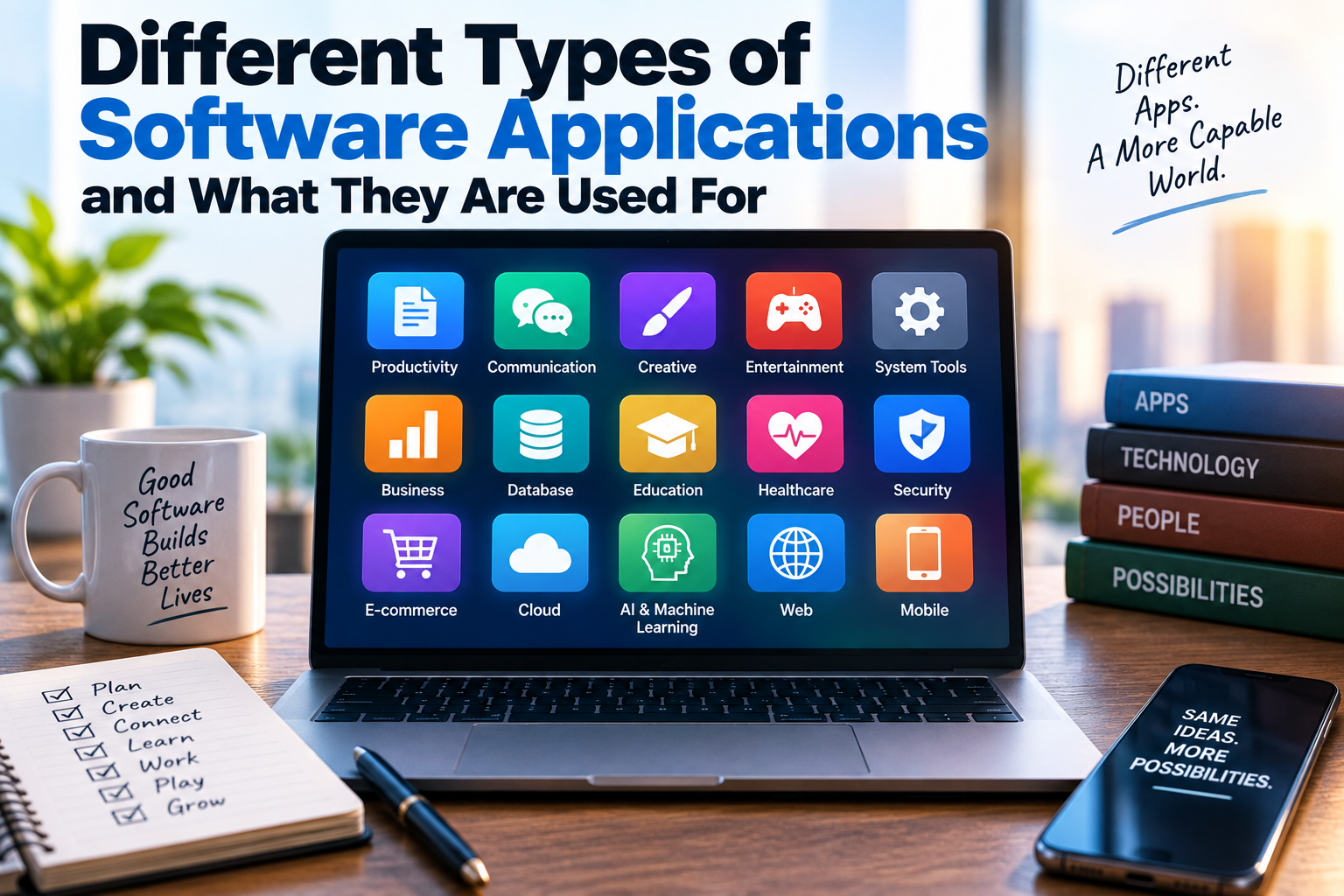
Different Types of Software Applications and What They Are Used For
Software applications are everywhere. From the messaging app on a smartphone to the accounting program used by a business, applications allow people to perform specific tasks with computers and other digital devices.
Modern software can help people communicate, create documents, manage finances, edit photographs, watch videos, design products, analyze information and control smart devices. Businesses rely on applications to manage employees, customers, inventory, sales and operations, while individuals use them for everything from entertainment to education.
Although applications can look very different from one another, most are designed around a particular purpose or set of related tasks.
Understanding the different types of software applications makes it easier to choose the right tools, understand how digital services work and recognize which programs are best suited to particular needs.
What Is a Software Application?
A software application is a program or collection of programs designed to help users perform specific tasks.
Unlike system software, which helps operate and manage a computer or device, application software generally exists to help the user accomplish something.
Examples include:
- Word processors
- Web browsers
- Email applications
- Photo editors
- Video players
- Accounting software
- Games
- Database applications
- Project management tools
- Communication platforms
The boundaries between categories can sometimes overlap. A single application may provide several functions and may be available across desktop computers, smartphones and web browsers.
For a broader introduction, The Complete Guide to Apps explores how applications work, how they are distributed and how people interact with them.
Desktop Applications
Desktop applications are programs installed and run directly on a personal computer.
They have traditionally been associated with operating systems such as Windows, macOS and Linux.
Common examples include:
- Word processors
- Spreadsheet programs
- Image editors
- Video editing software
- Music production programs
- Development environments
- Computer-aided design applications
- Desktop email clients
Desktop applications can take advantage of a computer’s processing power, storage and hardware.
Some can continue working without an internet connection, although many modern desktop applications also connect to online services.
Our guide on How Desktop Applications Work on Personal Computers explains how these programs interact with the operating system and computer hardware.
Web Applications
Web applications run through a web browser rather than requiring traditional software installation on a computer.
Examples include:
- Online email services
- Cloud document editors
- Online banking platforms
- Project management systems
- Customer relationship management tools
- Web-based design platforms
- Online shopping systems
One major advantage is accessibility.
Users can often access a web application from different computers or devices as long as they have an internet connection and an appropriate browser.
Many web applications also store information in cloud infrastructure, allowing users to continue working across multiple devices.
However, some web applications provide offline functionality, while others depend heavily on an active internet connection.
Mobile Applications
Mobile applications are designed primarily for smartphones and tablets.
They are commonly distributed through app stores and are optimized for touchscreens, mobile processors, cameras, GPS sensors and other device features.
Mobile applications can serve almost every category of need, including:
- Communication
- Banking
- Fitness
- Navigation
- Shopping
- Photography
- Entertainment
- Education
- Productivity
- Social networking
Because smartphones are carried throughout the day, mobile applications have become particularly important for services that depend on location, notifications or frequent interaction.
Productivity Software
Productivity applications are designed to help people complete work more efficiently.
Common examples include:
- Word processors
- Spreadsheet software
- Presentation tools
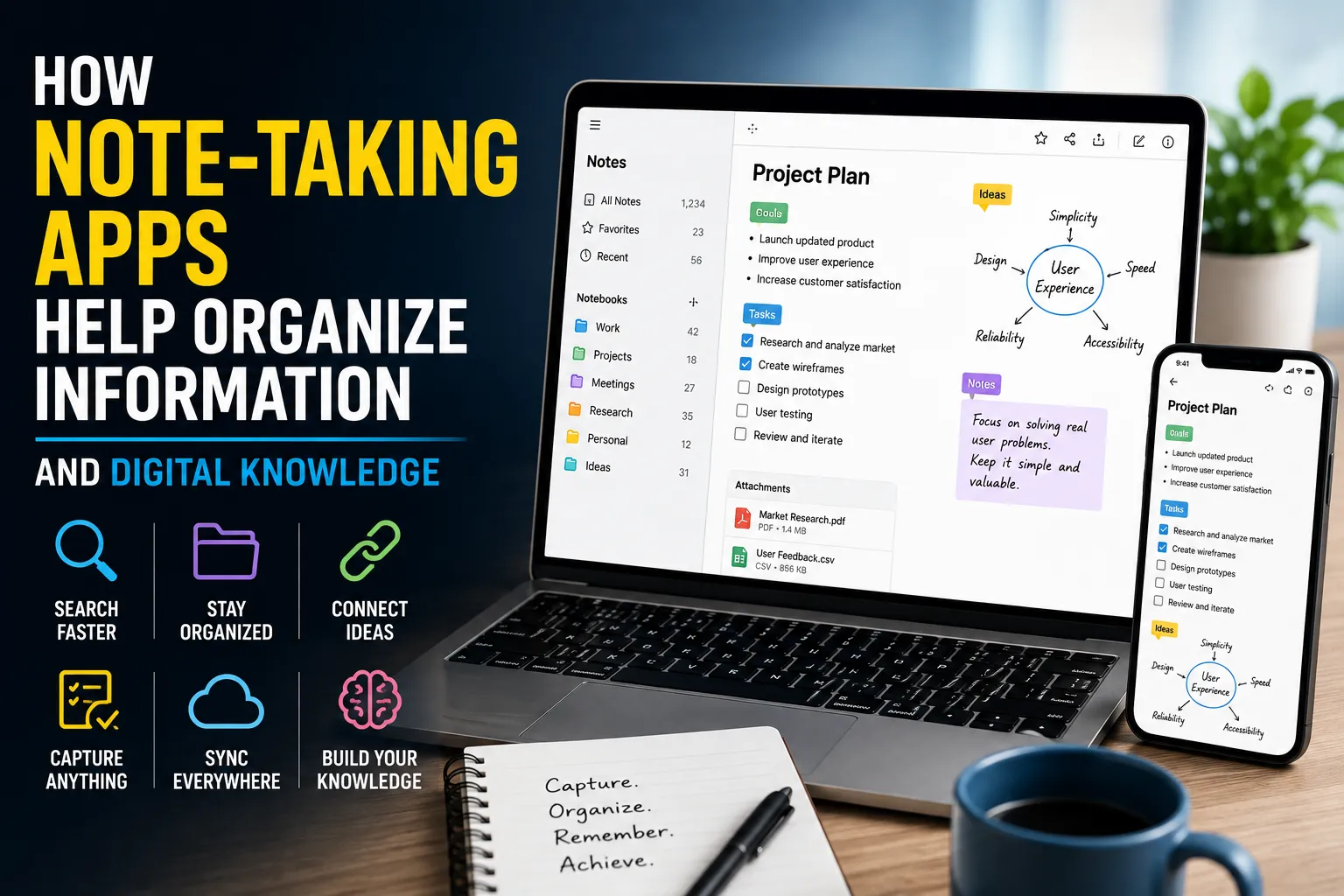
- Note-taking applications
- Calendar programs
- Task managers
- Project management systems
- Collaboration platforms
A word processor helps users create and edit written documents.
Spreadsheet software can organize information, perform calculations and create charts.
Presentation software allows users to combine text, images and other media into presentations.
Productivity applications can be used by individuals, students, businesses and large organizations.
Communication Applications
Communication software allows people to exchange information digitally.
This category includes:
- Email applications
- Messaging apps
- Video conferencing platforms
- Voice communication tools
- Team collaboration software
- Online discussion platforms
Communication applications have become particularly important for remote work and distributed teams.
A modern workplace might use email for formal communication, instant messaging for quick discussions and video conferencing for meetings.
The same organization may also use collaborative documents that allow several people to work on the same file simultaneously.
Multimedia and Entertainment Software
Multimedia applications are designed to create, manage or consume digital media.
Examples include:
- Music players
- Video players
- Streaming applications
- Digital media libraries
- Podcast applications
- Games
- Virtual reality applications
Entertainment software can also combine multiple technologies.
A modern streaming application, for example, may provide video playback, personalized recommendations, search, user profiles and social features within the same platform.
Creative Software
Creative applications are designed for producing and editing digital content.
They are widely used by photographers, graphic designers, filmmakers, musicians, illustrators and other creative professionals.
Creative software can include:
- Photo editing applications
- Graphic design tools
- Video editing programs
- Animation software
- Illustration tools
- Audio production software
- 3D modeling applications
- Publishing software
These programs can range from simple consumer applications to highly specialized professional platforms.
For a closer look at this category, What Creative Software Does for Photo, Video, Audio and Design Work explains how different creative tools support modern digital production.
Database Applications
Database software helps organizations store, organize, retrieve and manage structured information.
A database application might contain information about:
- Customers
- Employees
- Products
- Orders
- Financial transactions
- Inventory
- Medical records
- School records
Large organizations may use sophisticated database systems capable of handling millions or billions of records.
Database applications are particularly important because simply collecting information is not enough. Organizations need ways to search, update, analyze and protect that information.
Business Applications
Businesses rely on specialized software to manage everyday operations.
Business applications can cover areas such as:
- Accounting
- Payroll
- Human resources
- Customer management
- Inventory
- Sales
- Marketing
- Procurement
- Project management
- Business intelligence
An accounting application, for example, can help track revenue, expenses, invoices and financial records.
A customer relationship management system can organize customer interactions, sales opportunities and support information.
Enterprise businesses may combine dozens or even hundreds of applications to operate different departments.
Enterprise Software
Enterprise applications are designed to support large organizations with complex operational requirements.
They often need to handle large numbers of users, extensive databases and complicated workflows.
Enterprise software may include:
- Enterprise resource planning systems
- Human resources platforms
- Supply chain management systems
- Customer relationship management systems
- Enterprise content management
- Business intelligence platforms
These systems often integrate with one another.
For example, a company’s sales system might send order information to its inventory system, while financial information is transferred to accounting software.
Integration allows different parts of an organization to work with shared information.
Educational Software
Educational applications are designed to support teaching and learning.
They can be used by students, teachers, schools, universities and training organizations.
Examples include:
- Learning management systems
- Language-learning applications
- Online classrooms
- Digital textbooks
- Educational games
- Assessment software
- Virtual laboratories
- Flashcard applications
Educational software can provide interactive experiences that are difficult to reproduce with traditional printed materials.
Some platforms can also adapt lessons or exercises based on a student’s progress.
Financial and Banking Applications
Financial applications help individuals and organizations manage money.
They include:
- Mobile banking apps
- Budgeting tools
- Accounting software
- Investment platforms
- Payment applications
- Tax software
- Financial planning tools
Consumers can use these applications to monitor accounts, pay bills, transfer money and track spending.
Businesses use financial applications for more complex tasks such as financial reporting, payroll and accounting.
Because these applications handle sensitive information, security is particularly important.
Project Management Software
Project management applications help teams plan, organize and track work.
Typical features include:
- Task management
- Scheduling
- Team assignments
- Progress tracking
- File sharing
- Time tracking
- Project reporting
- Communication
These tools can be useful for software development, construction, marketing, publishing and many other industries.
A project management application provides a central location where team members can see what needs to be done, who is responsible and how work is progressing.
Collaboration Software
Collaboration applications allow multiple people to work together digitally.
They can provide features such as:
- Shared documents
- Team messaging
- Video meetings
- File storage
- Shared calendars
- Task management
- Online whiteboards
Collaboration software has become especially valuable for organizations whose employees work from different locations.
Instead of requiring everyone to be physically present in one office, teams can coordinate their work through connected applications.
Security Applications
Security software is designed to protect computers, devices, networks and information.
Examples include:
- Antivirus applications
- Endpoint security tools
- Password managers
- Firewalls
- Encryption applications
- Identity management systems
- Backup software
- Security monitoring platforms
Security applications can help prevent unauthorized access, detect malicious software and protect sensitive information.
Their importance has increased as more personal and business activities move online.
Utility Applications
Utility software helps users maintain, manage or improve their devices.
Examples include:
- File compression tools
- Disk management utilities
- Backup programs
- System monitoring tools
- File recovery applications
- Storage management software
Some utilities operate quietly in the background, while others provide tools that users access directly.
Although utility applications may not receive as much attention as productivity or entertainment software, they can be essential for maintaining a computer system.
Graphics and Design Applications
Graphics applications are designed specifically for creating or manipulating visual content.
They can be used to produce:
- Logos
- Illustrations
- Posters
- Digital artwork
- User interface designs
- Marketing materials
- Technical drawings
- 3D models
Some programs focus on pixel-based images, while others use vector graphics that can be resized without losing quality.
Professional designers may use several applications together, moving files between illustration, photo editing, layout and animation tools.
Engineering and Scientific Applications
Specialized software plays an important role in science and engineering.
Examples include applications for:
- Computer-aided design
- Engineering simulation
- Statistical analysis
- Scientific modeling
- Geographic information systems
- Data visualization
- Laboratory management
- Mathematical computation
These applications often perform highly specialized calculations that would be difficult or impractical to perform manually.
Engineers can use simulation software to test designs before building physical prototypes, while scientists can analyze large datasets and model complex systems.
Healthcare Applications
Healthcare organizations use software for a wide variety of tasks.
Applications can help manage:
- Patient records
- Appointments
- Medical billing
- Laboratory results
- Imaging
- Prescriptions
- Hospital operations
- Clinical research
Patients may also interact with healthcare applications for scheduling appointments, communicating with providers or accessing health information.
Because healthcare software can handle highly sensitive information, privacy, security and regulatory compliance are critical considerations.
E-Commerce Applications
E-commerce applications allow businesses and customers to conduct transactions online.
They can include:
- Online stores
- Shopping apps
- Payment systems
- Inventory platforms
- Order management systems
- Customer service tools
A modern e-commerce system may combine several applications.
A customer could browse products through one interface, complete payment through another service and receive delivery updates through a separate logistics system.
From the customer’s perspective, these systems may appear to be one platform even though many different applications operate behind the scenes.
Gaming Applications
Games are another major category of software applications.
Modern games can run on:
- Personal computers
- Smartphones
- Tablets
- Game consoles
- Virtual reality headsets
- Cloud gaming platforms
Gaming software can combine graphics, audio, artificial intelligence, networking and real-time interaction.
Some games are designed primarily for individual players, while others connect millions of users through online networks.
Artificial Intelligence Applications
AI-powered applications have become an increasingly important category of software.
These applications can perform tasks such as:
- Generating text
- Analyzing information
- Recognizing images
- Translating languages
- Producing software code
- Creating images
- Summarizing documents
- Providing recommendations
- Automating repetitive tasks
AI functionality can also be integrated into applications that traditionally belonged to other categories.
For example, a word processor may include AI writing assistance, while a photo editor may use AI to remove objects or enhance images.
This means AI is increasingly becoming a feature within many types of software rather than a completely separate category.
Cloud-Based Applications
Cloud applications rely on remote computing infrastructure to provide some or most of their functionality.
Instead of storing everything on the user’s device, cloud-based applications may process information and store data on remote servers.
Advantages can include:
- Access from multiple devices
- Automatic synchronization
- Centralized data storage
- Easier collaboration
- Scalable computing resources
- Automatic software updates
However, cloud applications also create dependencies on internet connectivity, service availability and the provider’s security practices.
Open-Source Applications
Open-source applications are software programs whose source code is made available under an open-source license.
Depending on the license, users and developers may be allowed to inspect, modify and redistribute the software.
Open-source applications are used in virtually every area of computing, including:
- Web development
- Operating systems
- Databases
- Graphic design
- Office productivity
- Scientific computing
- Media production
Open-source software can be developed by individuals, communities, nonprofit organizations or companies.
Specialized Applications
Some applications do not fit neatly into the major categories because they are designed for highly specific purposes.
Examples include software used for:
- Aviation
- Manufacturing
- Agriculture
- Weather forecasting
- Architecture
- Logistics
- Telecommunications
- Scientific research
- Legal services
- Energy management
These applications may have relatively small user bases but can be extremely important within their industries.
A piece of software used by an aircraft manufacturer, for example, may serve a much narrower audience than a consumer messaging app while performing highly specialized and critical tasks.
How Application Types Can Overlap
Modern software does not always fit into one category.
A single application might simultaneously be:
- A mobile application
- A communication platform
- A cloud service
- An AI-powered tool
- A productivity application
Consider a modern workplace application that allows users to send messages, conduct video meetings, edit shared documents, store files and use AI assistants.
Trying to place it into only one category would not accurately describe everything it does.
The categories are therefore best understood as ways of describing an application’s primary purpose, platform or functionality.
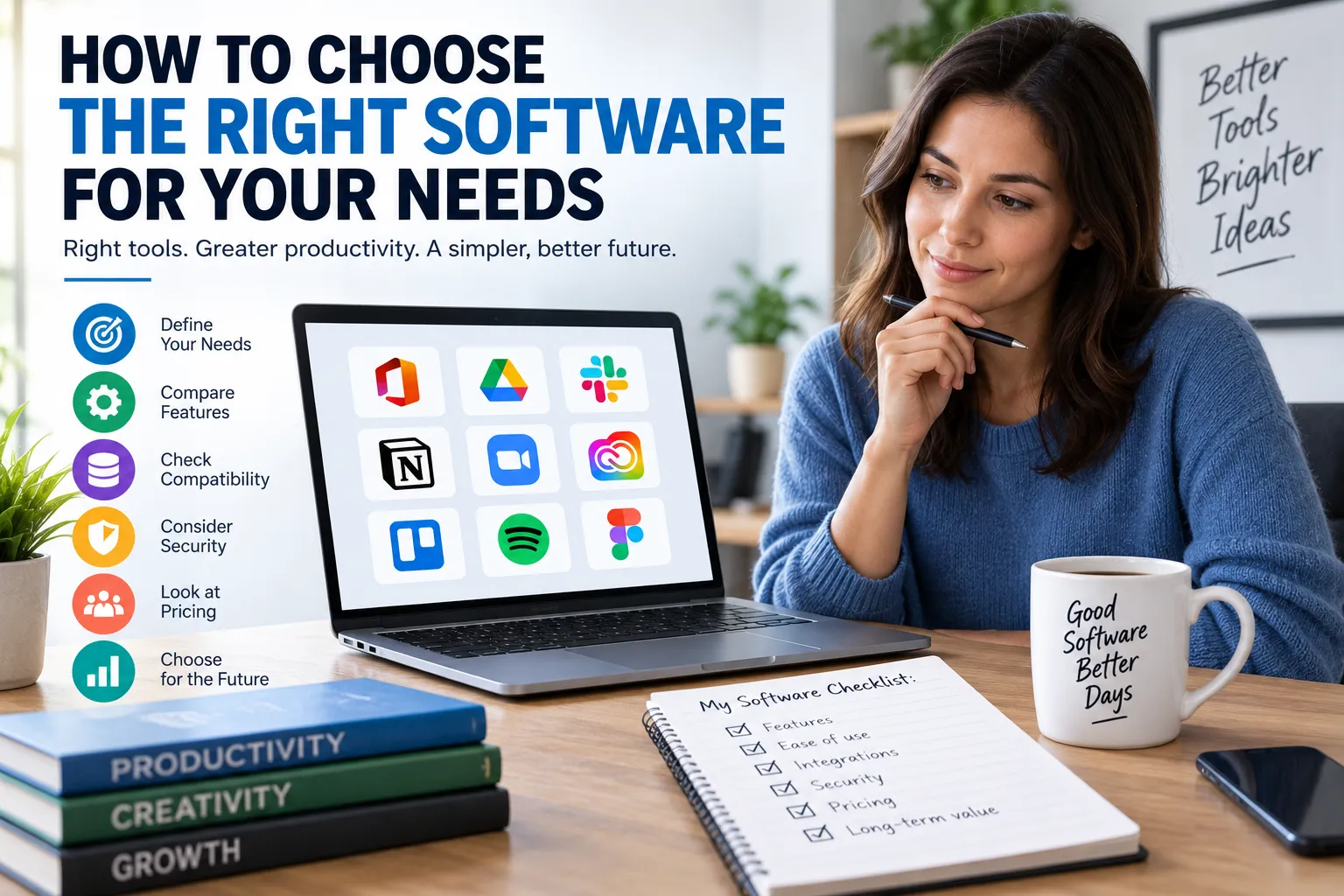
Choosing the Right Type of Software
The best application depends on what you are trying to accomplish.
Before choosing software, consider:
Purpose
What specific problem does the application need to solve?
Platform
Do you need software for a desktop computer, smartphone, tablet or web browser?
Features
Which functions are essential, and which are optional?
Ease of Use
Can the intended users learn the software without excessive training?
Compatibility
Will the application work with your existing hardware, operating system and other software?
Security
How does the application protect personal or business information?
Cost
Is it free, subscription-based, or purchased through a one-time license?
Support
Does the developer provide updates, documentation and technical support?
These considerations can prevent users from choosing software based solely on popularity.
Why Different Applications Matter
The enormous variety of software applications reflects the increasingly specialized ways people use computers.
A student may need educational and productivity software.
A photographer may require image editing and storage tools.
A business may depend on accounting, customer management and collaboration systems.
A software developer may use code editors, testing tools, databases and deployment platforms.
No single application can efficiently handle every possible task.
Instead, modern computing relies on an ecosystem of specialized applications that work independently or together.
Software Applications Continue to Evolve
The distinction between different types of applications is becoming less rigid as technology develops.
Desktop software is increasingly connected to cloud services. Mobile applications are gaining sophisticated capabilities once associated with desktop computers. Web applications can perform tasks that previously required locally installed software.
Artificial intelligence is also being incorporated into applications across nearly every category.
As a result, the future of application software is likely to involve greater integration.
Instead of thinking about applications as isolated programs, users may increasingly interact with connected ecosystems of tools that share information and capabilities.
From Individual Programs to Connected Digital Tools
Software applications have evolved from relatively simple programs designed for individual tasks into sophisticated platforms capable of supporting entire workflows.
Whether someone is writing a document, managing a business, editing a video, communicating with colleagues or analyzing scientific data, there is likely to be an application designed for the job.
The most useful way to understand these applications is not simply by their names, but by the problems they solve.
As software continues to incorporate cloud computing, artificial intelligence, automation and cross-device connectivity, applications will become increasingly interconnected. The result will be a digital environment where the boundaries between productivity, communication, creativity and automation become less distinct — while the underlying purpose remains the same: giving people better tools to accomplish what they need to do.