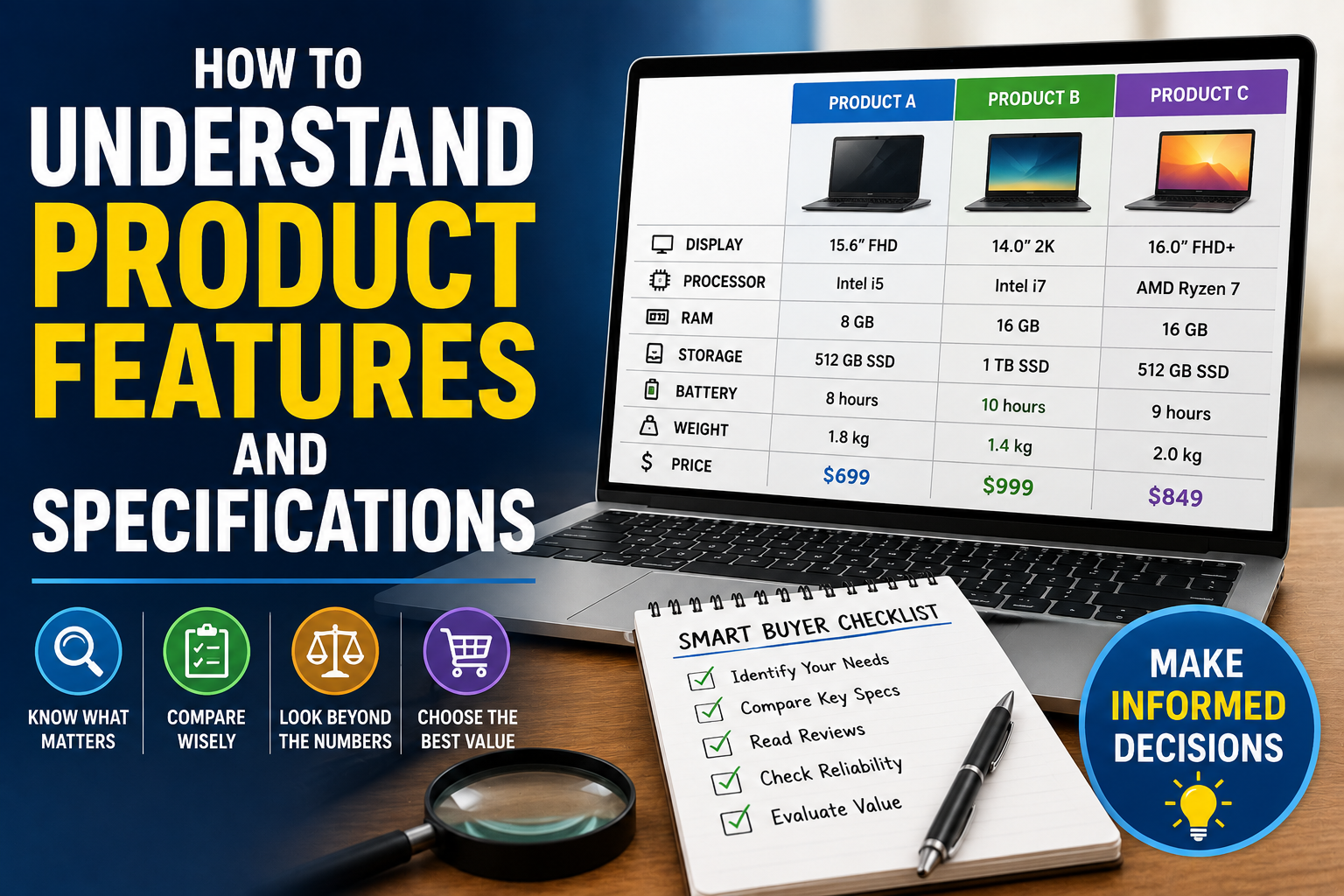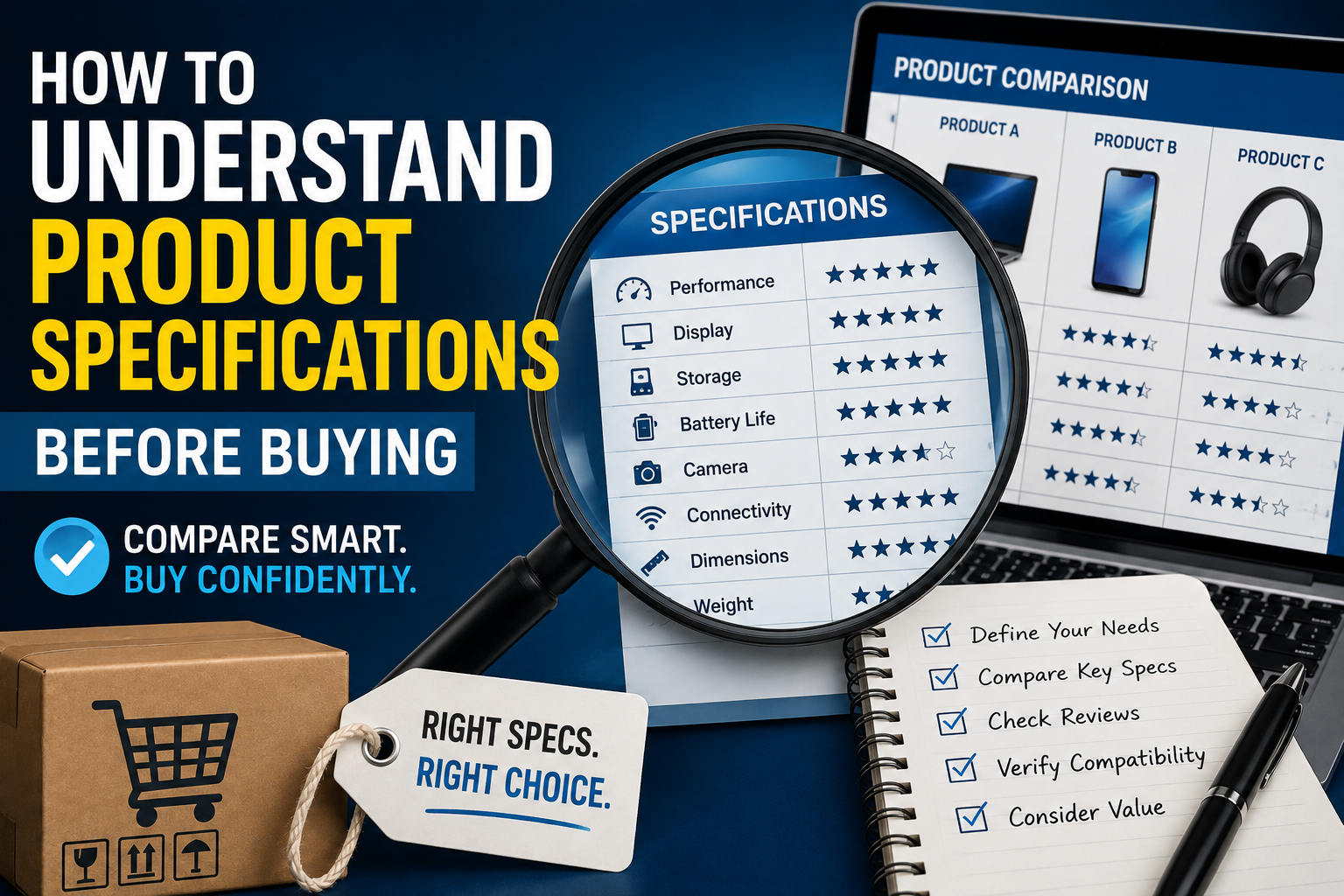
How to Understand Product Specifications Before Buying
Buying a new product can be surprisingly complicated. A laptop may advertise a powerful processor, a phone may highlight a high-resolution camera, or a television may promote an impressive refresh rate. Yet specifications can be difficult to understand when they are presented as a long list of technical numbers and unfamiliar terms.
Understanding product specifications helps shoppers look beyond marketing claims and determine what a product can actually do. It can also prevent people from paying extra for features they do not need or choosing a cheaper product that cannot meet their requirements.
Whether you are buying electronics, appliances, vehicles, tools or other consumer products, learning how to read specifications can make purchasing decisions more informed. For a broader framework covering the overall buying process, see The Complete Guide to Choosing the Right Products.
What Are Product Specifications?
Product specifications, often shortened to “specs,” are technical details that describe a product’s characteristics, capabilities and limitations.
Depending on the type of product, specifications can include:
- Dimensions and weight
- Materials
- Power consumption
- Capacity
- Performance
- Compatibility
- Battery life
- Connectivity
- Storage
- Display characteristics
- Processor type
- Warranty information
Specifications provide measurable information that can be used to compare different products.
However, not every specification is equally important. The key is understanding which numbers matter for your particular needs.
Start With What You Actually Need
Before looking at specifications, determine what you want the product to accomplish.
This prevents an important mistake: choosing a product based on impressive specifications rather than practical usefulness.
For example, someone who primarily uses a laptop for web browsing and documents may not need the same processor or graphics capabilities as someone editing professional video.
Similarly, a person buying a refrigerator may care more about capacity, energy consumption and dimensions than about having every available smart feature.
Start by asking:
- What will I use the product for?
- How frequently will I use it?
- Where will I use it?
- Which features are essential?
- Which features would simply be nice to have?
- How long do I expect to keep it?
These answers provide a framework for interpreting the specifications.
Learn the Difference Between Marketing Claims and Specifications
Product listings often combine technical specifications with promotional language.
Terms such as “professional,” “premium,” “ultra-fast,” “advanced” and “next-generation” can attract attention, but they do not necessarily tell you how a product performs.
A specification is more useful when it can be measured.
For example, instead of simply saying a laptop has “fast storage,” a manufacturer may specify a 1TB solid-state drive.
Rather than describing a television as having a “super-smooth display,” a specification might identify a 120Hz refresh rate.
The measurable information gives shoppers something they can compare.
Understanding Size and Dimensions
Dimensions are among the simplest specifications, but they are easy to overlook.
A product’s listed dimensions may be given as width, height and depth, but manufacturers do not always present them in the same order.
When space matters, verify exactly how the measurements are defined.
This is particularly important for:
- Televisions
- Refrigerators
- Washing machines
- Microwaves
- Furniture
- Desktop computers
- Monitors
- Printers
Do not assume that a product will fit simply because its advertised width appears suitable.
Remember to account for cables, doors, ventilation, stands and the space required to operate the product.
Understanding Weight
Weight can matter more than shoppers initially expect.
A lightweight laptop may be easier to carry every day. A heavy power tool might provide stability but become tiring during prolonged use.
When comparing products, consider whether the listed weight includes accessories, batteries, stands or other components.
For portable products, even a relatively small difference can become noticeable when the item is carried regularly.
Understanding Processor Specifications
Processors are particularly important when shopping for computers, tablets and smartphones.
Processor specifications can include the manufacturer, model family, generation, number of cores and clock speed.
However, these numbers should not be viewed independently.
A processor with a higher clock speed is not automatically faster overall than another processor with a lower advertised clock speed.
Architecture, efficiency, core design, cache and workload all influence real-world performance.
The processor’s model number and generation are often more useful starting points than clock speed alone.
What Processor Cores Mean
A CPU may contain multiple processing cores.
In simple terms, more cores can allow a processor to handle multiple tasks simultaneously, although the actual benefit depends on the software and processor architecture.
For everyday tasks such as browsing and document editing, an extremely high core count may provide limited practical benefits.
For workloads such as video production, software development, scientific computing or 3D rendering, additional processing resources can be considerably more useful.
The important question is not simply “How many cores does it have?” but “How does this processor perform for the tasks I plan to perform?”
Understanding RAM
RAM, or random-access memory, is another important specification for computers and some mobile devices.
RAM temporarily holds information that applications need while they are running.
In general, having more RAM allows a device to handle more applications and larger workloads without relying as heavily on slower storage.
For everyday users, moderate amounts of RAM may be sufficient. People who regularly edit large files, run virtual machines, work with professional applications or perform other demanding tasks may benefit from more.
More RAM is not automatically better if the rest of the system cannot take advantage of it.
Understanding Storage Capacity
Storage determines how much data a device can retain.
It is usually measured in gigabytes (GB) or terabytes (TB).
Storage is used for operating systems, applications, photos, videos, games and documents.
A device advertised with 512GB of storage does not necessarily provide the entire 512GB for personal files because the operating system and preinstalled software occupy some space.
Also consider the type of storage.
Solid-state drives (SSDs) are generally much faster than traditional mechanical hard disk drives (HDDs), making them particularly valuable for computers.
When comparing storage, therefore, look at both capacity and technology.
Understanding Display Specifications
Screens have several specifications that affect the viewing experience.
Important terms include:
- Resolution
- Screen size
- Refresh rate
- Panel technology
- Brightness
- Contrast
- Color coverage
- Response time
Resolution
Resolution describes the number of pixels used to create an image.
A higher resolution can produce a sharper image, particularly when viewed at an appropriate distance.
However, resolution is only one part of display quality.
A high-resolution screen with poor brightness or color performance may provide a less satisfying experience than a lower-resolution display with better overall characteristics.
Refresh Rate
Refresh rate is measured in hertz (Hz) and indicates how many times a display can refresh its image each second.
Higher refresh rates can make motion appear smoother.
This can be particularly noticeable when gaming, scrolling or watching content with significant movement.
However, the benefit depends on the content, hardware and use case.
Understanding Camera Specifications
Smartphones and cameras often compete heavily on camera specifications.
Megapixels are among the most frequently advertised numbers, but they do not tell the entire story.
Image quality can also depend on:
- Sensor size
- Lens quality
- Image stabilization
- Aperture
- Image processing
- Autofocus performance
- Dynamic range
- Low-light performance
A camera with more megapixels is not automatically better.
For photography, it is often more useful to examine independent samples, reviews and comparisons than to judge cameras by megapixel counts alone.
Understanding Battery Capacity
Battery capacity is commonly measured in milliamp-hours (mAh) for phones and other portable electronics.
A larger number can indicate greater battery capacity, but it does not guarantee longer battery life.
Battery life also depends on:
- Processor efficiency
- Display technology
- Screen brightness
- Software optimization
- Network connectivity
- Application usage
- Battery condition
Two devices with similarly sized batteries can therefore have very different real-world battery life.
Look for independent battery tests when endurance is an important purchasing factor.
Understanding Charging Specifications
Charging specifications can include charging speed, supported charging standards and charging connectors.
A manufacturer may advertise a particular charging wattage, but actual charging performance can vary depending on the charger, cable, battery temperature and device software.
If fast charging is important, check whether the required charger is included with the product.
A device that supports fast charging may not necessarily come with a sufficiently powerful charger in the box.
Understanding Connectivity
Connectivity specifications determine how a product communicates with other devices and networks.
Common examples include:
- Wi-Fi
- Bluetooth
- Ethernet
- USB
- HDMI
- NFC
- Cellular connectivity
The version of a standard can matter.
For example, different USB versions can offer substantially different data-transfer capabilities, while newer Wi-Fi standards can provide improvements in speed, efficiency and network performance under suitable conditions.
Check compatibility with your existing devices before buying.
For a broader look at how the right product should be evaluated beyond individual specifications, see How to Make Better Buying Decisions When Choosing Products.
Understanding IP Ratings
Some electronics advertise an IP rating, particularly smartphones, watches and outdoor equipment.
An IP rating describes protection against the intrusion of solids and liquids under specified testing conditions.
The two digits have different meanings.
The first relates primarily to protection against solid particles, while the second relates to water protection.
A higher rating can indicate greater resistance under the relevant test conditions, but an IP rating does not mean a device is invulnerable to water or dust in every situation.
Always check the manufacturer’s specific conditions and limitations.
Understanding Energy Efficiency
For appliances that operate frequently, energy consumption can be just as important as the purchase price.
Specifications may provide information about power consumption or energy efficiency.
A cheaper appliance that uses significantly more electricity could cost more over its lifetime than a more efficient model.
When comparing appliances, consider both:
Purchase price + expected operating cost
rather than looking only at the initial price.
Understanding Capacity
Capacity is particularly important for appliances, storage products and equipment.
A washing machine may list capacity in kilograms. A refrigerator may specify liters. A power bank may advertise milliamp-hours or watt-hours. A backpack may specify liters of storage.
The appropriate capacity depends on how you intend to use the product.
Buying the largest available model is not necessarily the best choice. A larger product may cost more, consume more energy or be less convenient to transport.
Understanding Compatibility
Compatibility specifications are easy to ignore until a product fails to work with something you already own.
Before buying, check compatibility with:
- Your operating system
- Existing hardware
- Accessories
- Ports
- Network standards
- Software
- Power requirements
- Mounting systems
For example, a printer may support certain operating systems but not others. A monitor may have a connector that your computer does not support. A replacement part may fit one model but not another.
Compatibility should be confirmed before purchase rather than assumed.
Understanding Warranty Information
Warranty terms are technically not always considered product specifications, but they are essential to understanding the value of a purchase.
Check:
- Warranty duration
- What components are covered
- What types of damage are excluded
- Whether labor is included
- Who provides the warranty
- Where repairs are performed
- Whether international coverage exists
A longer warranty can provide additional peace of mind, but the details matter more than the headline duration.
Don’t Compare Numbers in Isolation
One of the biggest mistakes consumers make is comparing individual specifications without considering the entire product.
A smartphone with a larger battery may have a less efficient processor. A laptop with more RAM may have a weaker CPU. A television with a higher resolution may have inferior contrast or motion handling.
Specifications work as a system.
The best product is usually the one whose overall combination of features matches your priorities.
Look for Independent Testing
Manufacturer specifications are useful, but they represent only part of the purchasing decision.
Independent reviews and testing can reveal how a product behaves in real-world conditions.
Reviewers may measure:
- Actual battery life
- Processing performance
- Display brightness
- Camera quality
- Noise levels
- Energy consumption
- Charging speeds
- Thermal performance
- Durability
These tests can reveal differences that are difficult to identify from a specification sheet alone.
For a deeper approach to separating useful information from questionable review content, see How to Read Product Reviews Like an Expert.
Be Careful With “Up to” Claims
Product specifications sometimes contain phrases such as “up to 20 hours,” “up to 10Gbps” or “up to 500MB/s.”
The phrase “up to” is important.
It generally describes a maximum or ideal result rather than a guaranteed everyday experience.
Actual performance can vary based on configuration, environment, workload and other conditions.
When comparing products, look for independent measurements that show typical performance rather than relying exclusively on maximum advertised figures.
Check the Fine Print
Important limitations can sometimes appear outside the main specification table.
A feature may require additional accessories. A particular performance level may only be available under certain conditions. Some storage or memory may not be upgradeable.
Before purchasing, examine the product documentation for details that could affect how you intend to use it.
This is particularly important for expensive purchases where replacing the product later would be costly.
Create a Personal Specification Checklist
Instead of trying to understand every specification, create a short list of the characteristics that matter most.
For a laptop, your checklist might include:
- Processor
- RAM
- Storage
- Display
- Battery life
- Weight
- Ports
- Upgradeability
For a refrigerator, it might include:
- Dimensions
- Capacity
- Energy consumption
- Configuration
- Noise level
- Warranty
This makes comparisons much easier.
Consider Long-Term Value
A product’s specifications can also help you estimate how useful it will remain over time.
Buying the cheapest available product may save money initially but result in an earlier replacement.
On the other hand, spending substantially more for specifications you will never use may provide little additional value.
Look for the point where the product offers enough performance, capacity and functionality to meet your needs for the expected lifespan.
For more on evaluating what you receive for the money you spend, see the Product Value Guide.
Price Should Be Compared With What You Get
Price is important, but it should not be considered independently of specifications.
Instead of asking whether one product is cheaper than another, ask what you receive for the difference in price.
A product that costs $100 more may provide significantly better storage, battery life or performance.
Alternatively, the more expensive model may offer features that have little relevance to your needs.
The objective is to identify the product that provides the best value for your particular use, not necessarily the lowest price.
A Better Way to Read a Specification Sheet
The next time you encounter a long list of technical specifications, do not try to understand everything at once.
Start by identifying your needs. Then determine which specifications directly affect those needs.
Compare those specifications across several products, research unfamiliar terms and verify important claims through independent testing.
Finally, consider reliability, warranty, compatibility, price and expected lifespan.
This approach turns a confusing specification sheet into a practical decision-making tool.
From Technical Numbers to a Smarter Purchase
Product specifications are most useful when they answer a simple question: Will this product work well for what I need it to do?
A higher number is not automatically better, and a longer feature list does not necessarily mean greater value. What matters is how the specifications work together and whether they match the buyer’s priorities.
By learning to distinguish measurable specifications from marketing language, checking compatibility, researching real-world performance and considering long-term value, shoppers can make decisions based on evidence rather than advertising.
The goal is not to become a technical expert before every purchase. It is to understand the few specifications that matter most and use them to choose a product that genuinely fits the way you live and work.