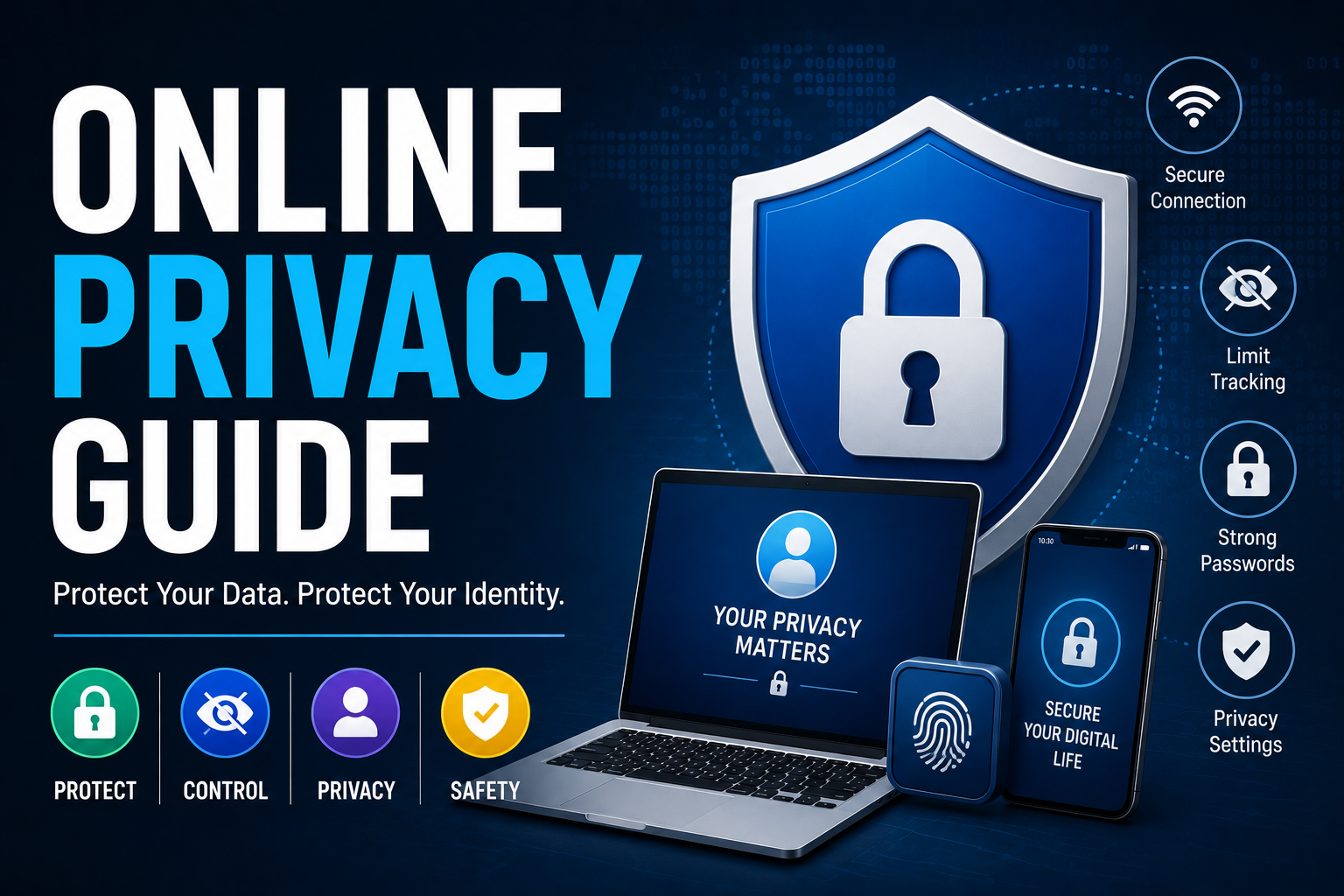
Online Privacy Guide
Every click, search, purchase, and social media interaction leaves behind a digital footprint. While the internet has transformed how we communicate, work, shop, and access information, it has also created new challenges for protecting personal information. From targeted advertising and data collection to identity theft and cybercrime, online privacy has become an increasingly important concern for individuals and businesses alike.
Protecting your online privacy isn’t about hiding from technology—it’s about understanding how your information is collected, used, and shared, and taking practical steps to maintain control over your personal data.
This guide explains the fundamentals of online privacy, common privacy risks, and effective strategies for safeguarding your digital identity.
What Is Online Privacy?
Online privacy refers to an individual’s ability to control how personal information is collected, stored, shared, and used while interacting with digital services.
Personal information may include:
- Name
- Email address
- Phone number
- Home address
- Location data
- Financial information
- Browsing history
- Search activity
- Photos
- Device identifiers
Maintaining online privacy helps reduce unnecessary exposure of sensitive information while supporting greater security and personal control.
For a deeper explanation of digital privacy and its importance, see What Digital Privacy Means and Why It Matters.
Why Online Privacy Matters
Protecting personal information offers numerous benefits beyond preventing cybercrime.
Good privacy practices can help:
- Reduce identity theft risks
- Protect financial information
- Limit unwanted tracking
- Prevent account takeovers
- Reduce phishing risks
- Improve personal security
- Protect family members
- Control digital reputation
- Maintain confidentiality
- Increase confidence when using online services
Privacy and cybersecurity often work together to create a safer digital experience.
A strong privacy strategy should therefore be viewed as one part of a broader approach to protecting accounts, devices, networks, and personal information.
How Personal Data Is Collected
Many organizations collect information to provide services, improve user experiences, personalize content, measure performance, and analyze user behavior.
Common sources of data collection include:
- Websites
- Mobile apps
- Social media platforms
- Online purchases
- Search engines
- Smart devices
- Streaming services
- Email subscriptions
- Loyalty programs
- Public records
Some data collection is necessary for providing services, while other information may be gathered for analytics, personalization, or advertising.
Understanding where information comes from can help you make more informed decisions about the services you use and the information you choose to share.
Common Online Privacy Risks
Understanding privacy threats is the first step toward reducing them.
Identity Theft
Cybercriminals may use stolen personal information to open financial accounts, make purchases, access existing accounts, or commit fraud.
Identity theft can involve information obtained online as well as information stolen through physical documents, social engineering, data breaches, or compromised accounts.
For practical prevention and response strategies, see the Identity Theft Protection Guide.
Phishing
Phishing involves fraudulent emails, text messages, websites, or other communications designed to trick users into revealing passwords, financial information, or other sensitive data.
A phishing message may appear to come from a bank, employer, government agency, social media platform, delivery company, or another familiar organization.
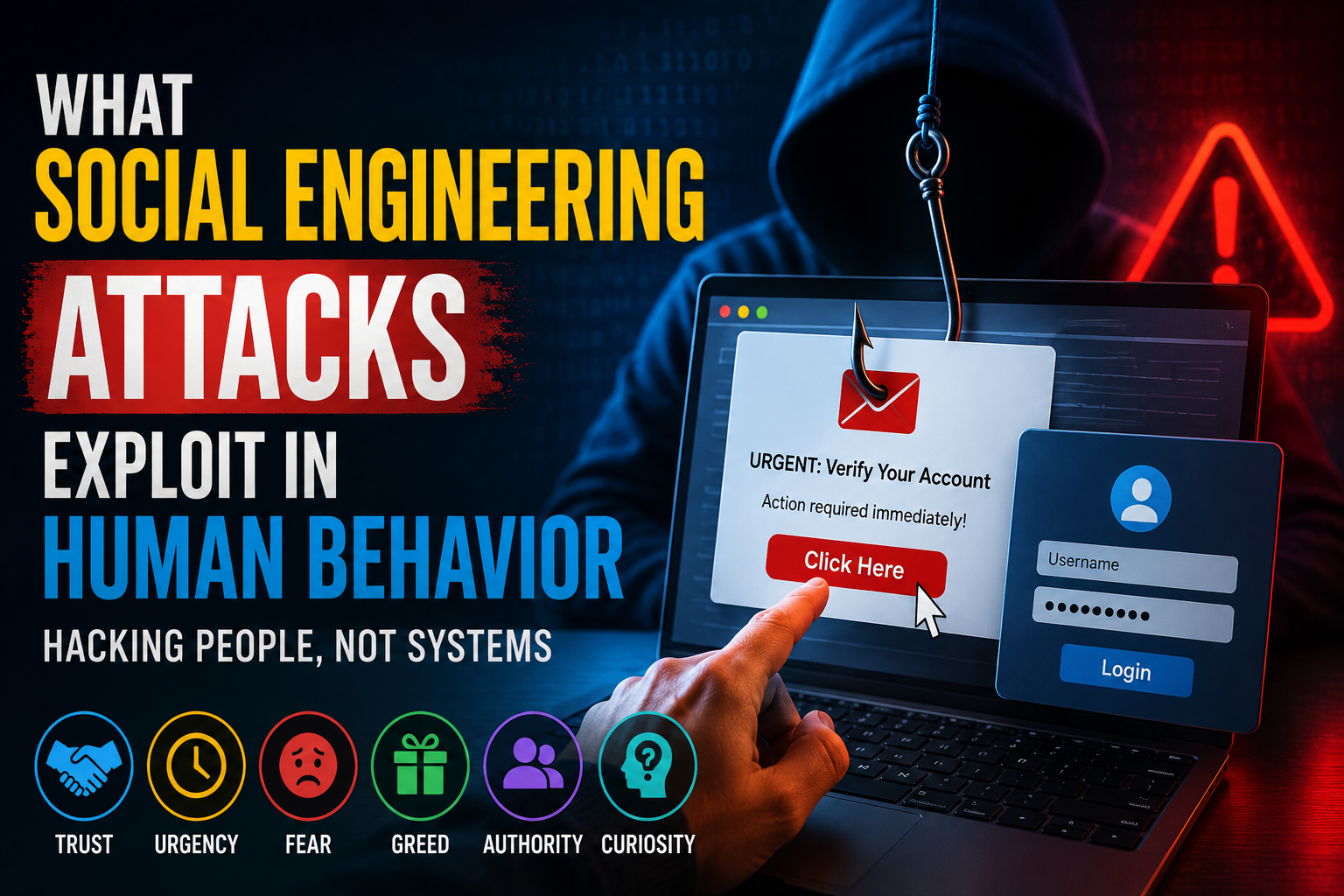
Phishing is closely related to broader manipulation techniques in which attackers exploit trust, urgency, fear, or other aspects of human behavior. Understanding Phishing Versus Social Engineering Explained can help distinguish between these related threats.
Never assume that a message is legitimate simply because it appears professional or uses familiar branding.
Data Breaches
Organizations occasionally experience cybersecurity incidents that expose customer information.
Depending on the incident, exposed information may include names, email addresses, passwords, financial information, or other personal details.
When a service experiences a breach, users should pay particular attention to password reuse. A compromised password that is also used elsewhere can increase the risk of additional account takeovers.
Excessive Tracking
Websites, applications, advertising networks, and other digital services may collect information about browsing behavior and interactions.
This information can sometimes be used to create detailed profiles of users.
Reviewing privacy controls and limiting unnecessary permissions can help reduce the amount of information shared.
Public Wi-Fi Risks
Public wireless networks can introduce additional security risks, particularly when users perform sensitive activities without appropriate precautions.
Avoid entering highly sensitive information on unfamiliar networks when possible, and use secure connections and trusted services.
For broader advice on protecting yourself against phishing, malware, unsafe networks, and other online threats, see The Complete Guide to Staying Safe in the Digital World.
Password Security
Strong password practices remain an important part of protecting online accounts and personal information.
Good password practices include:
- Using long passwords
- Creating a unique password for every important account
- Avoiding predictable information
- Using passphrases where appropriate
- Replacing compromised passwords promptly
- Storing credentials in a trusted password manager
Reusing the same password across multiple services creates unnecessary risk. If one service is compromised, attackers may attempt to use the same credentials against other accounts.
For a detailed look at passwords, password managers, MFA, and passkeys, read the Password Security Guide.
Multi-Factor Authentication
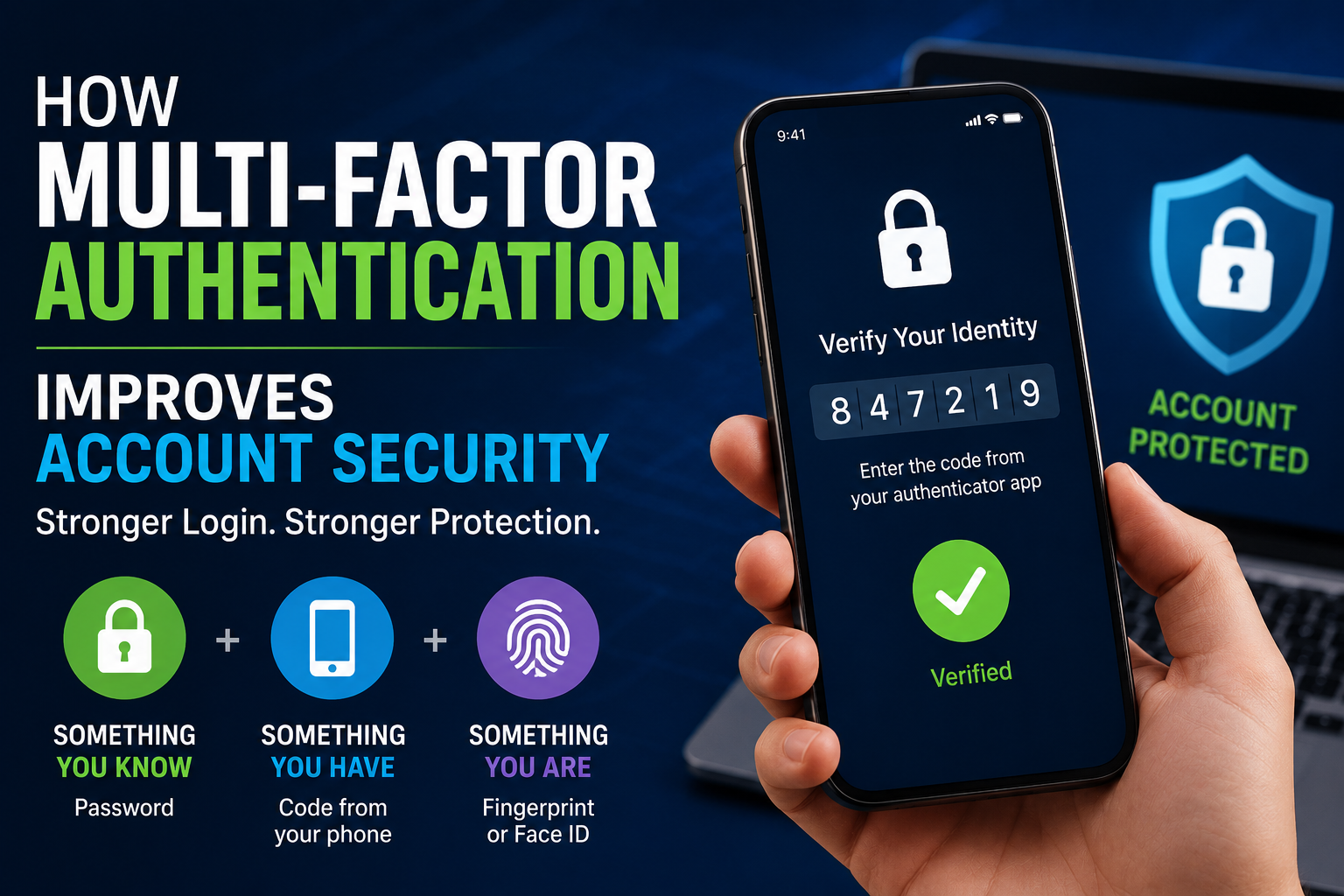
Multi-factor authentication adds an additional layer of protection beyond a password.
Common authentication methods include:
- Authentication apps
- Security keys
- Biometric verification
- Verification codes
- Hardware authentication devices
MFA can help prevent unauthorized access even when a password has been compromised.
For particularly important accounts, consider stronger authentication methods when they are available, especially for email, financial services, cloud storage, business systems, and accounts containing sensitive personal information.
For a more detailed explanation of how additional authentication factors protect accounts, see How Multi-Factor Authentication Improves Account Security.
Managing Privacy Settings
Many online services allow users to control how their information is collected and shared.
Review privacy settings for:
- Social media accounts
- Search engines
- Mobile devices
- Web browsers
- Cloud storage services
- Messaging applications
- Shopping accounts
- Streaming services
Privacy settings can change as services introduce new features or modify their policies. Periodically reviewing them is therefore more useful than configuring them once and never checking again.
Pay particular attention to:
- Location access
- Contact access
- Camera and microphone permissions
- Advertising preferences
- Personalized recommendations
- Public profile information
- Third-party application access
Safe Web Browsing
Practicing safe browsing habits reduces exposure to both privacy and cybersecurity threats.
Helpful recommendations include:
- Visit trusted websites.
- Verify website addresses before entering personal information.
- Look for secure HTTPS connections.
- Avoid suspicious downloads.
- Keep your browser updated.
- Be cautious with unfamiliar links.
- Avoid entering sensitive information into unexpected websites.
- Download software from reputable sources.
Before signing into an account from an email or text message, consider opening the service directly through its official website or application instead of following the provided link.
Social Media Privacy
Social platforms can contain large amounts of personal information.
To improve privacy:
- Limit public profile information.
- Review friend and follower lists.
- Restrict location sharing.
- Avoid posting sensitive personal details.
- Review photo privacy settings.
- Be cautious when accepting connection requests.
- Remove old information that no longer needs to be public.
Information shared publicly can sometimes be combined with information from other sources to build a detailed profile of an individual.
This can make phishing, social engineering, impersonation, and identity-theft attempts more convincing.
Attackers may specifically exploit human trust and publicly available information when attempting to manipulate targets. The guide What Social Engineering Attacks Exploit in Human Behavior explains why these attacks can be so effective.
Mobile Device Privacy
Smartphones store extensive personal information and frequently provide access to other online accounts.
Important protections include:
- Screen-lock security
- Biometric authentication
- Automatic software updates
- App permission reviews
- Encrypted storage
- Device tracking features
- Secure backups
Install applications only from trusted sources and periodically review applications that you no longer use.
Pay particular attention to applications requesting access to sensitive capabilities such as contacts, location, microphones, cameras, photographs, and files.
Protecting Your Home Network
Your home internet connection should also be treated as part of your overall privacy and security strategy.
Best practices include:
- Use a strong Wi-Fi password.
- Enable modern wireless encryption.
- Update router firmware.
- Change default administrator credentials.
- Disable unnecessary remote access.
- Use a guest network for visitors and compatible smart devices when appropriate.
- Review connected devices periodically.
A properly secured home network can help protect the computers, smartphones, smart TVs, cameras, and other connected devices using the connection.
For a broader overview of cybersecurity across devices, accounts, networks, and online activities, read The Complete Guide to Staying Safe in the Digital World.
Understanding Cookies and Tracking
Many websites use cookies and similar technologies.
Cookies can:
- Remember login sessions
- Store preferences
- Improve website functionality
- Measure website performance
- Personalize content
- Support advertising
Cookies are not inherently harmful. Many perform useful functions that make websites work properly.
However, some cookies and related tracking technologies can also be used to understand browsing behavior or support advertising and personalization.
Most modern browsers provide controls for managing cookies and certain forms of tracking.
Understanding these controls can help you make informed choices about your online privacy.
Online Shopping Privacy
Shopping online safely requires attention to both security and privacy.
Helpful practices include:
- Shop on reputable websites.
- Verify the website address before entering payment information.
- Avoid storing unnecessary payment information.
- Monitor financial statements regularly.
- Be cautious of counterfeit websites.
- Use secure payment methods when available.
- Avoid making purchases through unexpected links in emails or messages.
After making an online purchase, review account and transaction notifications for unusual activity.
Privacy for Businesses
Organizations also play a critical role in protecting customer information.
Responsible business practices include:
- Encrypting sensitive data
- Limiting employee access
- Conducting security assessments
- Training employees
- Responding quickly to security incidents
- Following applicable privacy requirements
- Maintaining transparent privacy policies
- Reviewing third-party access
- Securely disposing of information that is no longer required
Protecting customer information is not only a technical responsibility. It is also an important part of maintaining customer trust.
Businesses should therefore treat privacy as part of their broader cybersecurity strategy.
For a wider look at protecting business systems, employees, data, and operations, see The Ultimate Guide to Business Cybersecurity.
Privacy also depends on controlling who can access systems and information. Organizations looking to strengthen this area can explore the Complete Guide to Identity and Access Security.
Emerging Privacy Technologies
Technology continues to evolve alongside privacy protections.
Developments include:
- Privacy-enhancing technologies
- End-to-end encryption
- Zero-trust security models
- Privacy-preserving analytics
- Secure identity verification
- Decentralized identity systems
- Improved authentication technologies
- AI-assisted threat detection
These technologies aim to provide stronger protection while allowing people and organizations to continue using digital services conveniently.
However, technology alone cannot eliminate privacy risks. How systems are configured and how users interact with them remain important factors.
Common Privacy Mistakes
Many privacy risks result from everyday habits.
Common mistakes include:
- Reusing passwords
- Ignoring software updates
- Sharing excessive personal information
- Clicking suspicious links
- Using weak authentication
- Accepting unnecessary app permissions
- Using unsecured public Wi-Fi without precautions
- Ignoring privacy settings
- Failing to back up important data
- Ignoring account security alerts
- Leaving unused accounts active
Small mistakes can accumulate over time.
Regularly reviewing accounts, permissions, devices, and privacy settings can help reduce unnecessary exposure.
Best Practices for Protecting Online Privacy
To strengthen your digital privacy:
- Use long, unique passwords.
- Store passwords in a trusted password manager.
- Enable multi-factor authentication.
- Prefer stronger, phishing-resistant authentication when available.
- Keep operating systems, browsers, and applications updated.
- Review privacy settings regularly.
- Limit the personal information shared publicly.
- Verify websites before entering sensitive information.
- Monitor accounts for unusual activity.
- Back up important information.
- Learn to recognize phishing attempts.
- Review application permissions.
- Secure your home network.
- Stay informed about evolving privacy and cybersecurity risks.
Small, consistent habits can provide meaningful long-term protection.
For additional account-security guidance, see the Password Security Guide.
Frequently Asked Questions
What is online privacy?
Online privacy refers to the ability to control how personal information is collected, stored, shared, and used while interacting with websites, applications, platforms, and other digital services.
Why is online privacy important?
Online privacy helps reduce unnecessary exposure of personal information and can lower risks associated with identity theft, fraud, phishing, unwanted tracking, and account compromise.
How can I improve my online privacy?
Start by using unique passwords, enabling MFA, reviewing privacy settings, limiting the personal information you publish, keeping devices updated, and being cautious with links, applications, and websites.
Does online privacy prevent identity theft?
Good privacy practices cannot eliminate identity-theft risk, but limiting unnecessary exposure of personal information can make it harder for criminals to obtain and misuse information.
For additional prevention strategies, see the Identity Theft Protection Guide.
Are cookies always dangerous?
No. Cookies can perform useful functions such as maintaining login sessions and remembering preferences. However, some cookies and related tracking technologies can be used to monitor browsing behavior or support advertising.
Is online privacy the same as cybersecurity?
No. The concepts overlap but are different.
Cybersecurity primarily focuses on protecting systems, networks, devices, and information from unauthorized access, attacks, and damage.
Privacy focuses more specifically on how personal information is collected, used, stored, and shared.
Both are important parts of staying safe in the digital world.
Can a password manager improve privacy?
A password manager can improve account security by helping you create and maintain unique passwords for different services.
This reduces the risks associated with password reuse and can help limit the consequences of a compromised account.
For more information, see the Password Security Guide.
Key Takeaways
-
Online privacy is about controlling how personal information is collected, used, stored, and shared.
-
Strong privacy practices can reduce exposure to identity theft, phishing, fraud, and unwanted tracking.
-
Unique passwords and multi-factor authentication provide important account protection.
-
Privacy settings should be reviewed regularly across websites, applications, devices, and social platforms.
-
Limiting publicly available personal information can reduce opportunities for misuse.
-
Secure devices and home networks help protect personal information.
-
Understanding cookies and tracking technologies makes it easier to make informed privacy decisions.
-
Businesses have an important responsibility to protect customer information.
-
Online privacy works best as part of a broader cybersecurity strategy.
-
Privacy protection is an ongoing process rather than a one-time configuration.
Protecting personal information does not require avoiding technology. It requires understanding how digital services handle information and making deliberate choices about what you share, what you authorize, and how you secure your accounts and devices.