The Complete Guide to Staying Safe in the Digital World
The internet has transformed the way we work, communicate, shop, learn, and manage our finances. Every day, billions of people rely on connected devices and online services to access information and perform essential tasks.
That convenience also creates opportunities for cybercriminals who seek to steal personal information, spread malware, compromise accounts, commit fraud, and exploit security vulnerabilities.
Cybersecurity is no longer a concern only for governments, large corporations, or technical professionals. Every smartphone, laptop, online account, and connected device can become a target if it is not properly protected.
Fortunately, staying safe online does not require advanced technical knowledge. Understanding common threats and developing a few consistent security habits can significantly reduce everyday risks.
This guide explains the fundamentals of cybersecurity and digital privacy, the most common online threats, and the practical steps individuals and families can take to protect themselves in an increasingly connected world.
What Is Cybersecurity?
Cybersecurity is the practice of protecting computers, smartphones, networks, software, accounts, and digital information from unauthorized access, cyberattacks, theft, disruption, and damage.
Its traditional objectives are often described through three principles:
-
Confidentiality — keeping information accessible only to authorized people.
-
Integrity — preventing unauthorized modification or destruction of information.
-
Availability — ensuring systems and information remain accessible when needed.
Together, these principles are known as the CIA Triad and form a fundamental concept in cybersecurity.
For a broader look at how security works across organizations, see the Ultimate Guide to Business Cybersecurity.
Why Cybersecurity Matters
Digital information has become one of the most valuable assets people and organizations possess.
People may store or access:
-
Banking information
-
Personal photographs
-
Private messages
-
Business documents
-
Emails
-
Passwords
-
Government identification
-
Tax information
-
Payment details
-
Cloud-stored files
If attackers gain unauthorized access, the consequences can include financial loss, identity theft, account takeover, privacy violations, data loss, and reputational damage.
Cybersecurity therefore is not simply about preventing computers from being hacked. It is about protecting the digital systems, information, accounts, and devices people depend on every day.
Understanding Digital Privacy
Cybersecurity and digital privacy are closely related, but they are not the same thing.
Cybersecurity focuses primarily on protecting systems and information from unauthorized access, attacks, damage, or disruption.
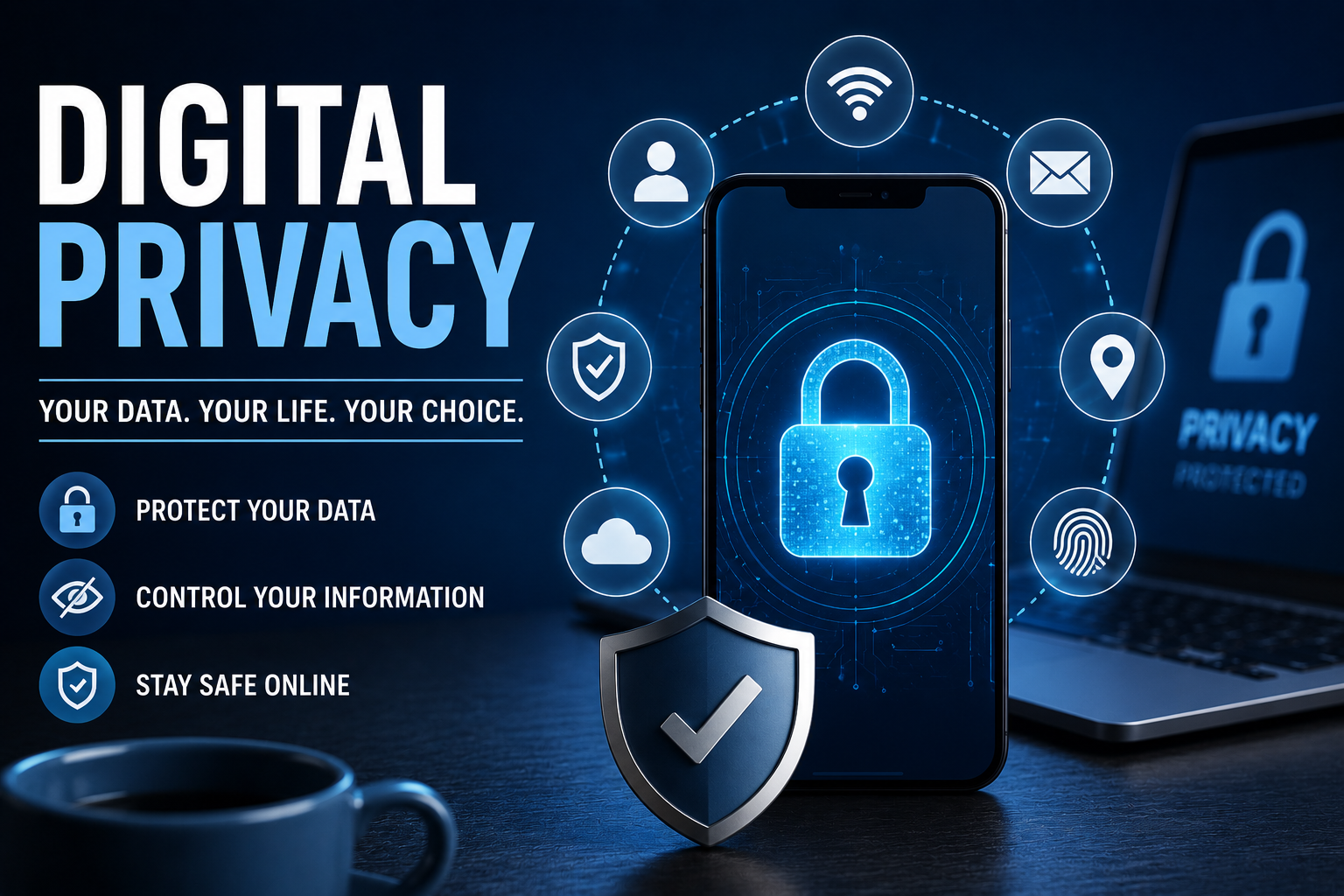
Digital privacy focuses on how personal information is collected, stored, processed, shared, and used.
Privacy can involve:
-
Personal identity
-
Browsing history
-
Search activity
-
Location information
-
Financial information
-
Health information
-
Online communications
-
Social media activity
-
Device information
Strong cybersecurity can help protect private information, but privacy also depends on understanding what information organizations collect and how users choose to share it.
For a deeper explanation, see the Online Privacy Guide and What Digital Privacy Means and Why It Matters.
Common Cyber Threats
Cybercriminals continually develop new techniques, but several categories of attacks remain particularly important for everyday internet users.
Phishing
Phishing attempts to trick people into revealing sensitive information, clicking malicious links, downloading dangerous files, or performing fraudulent actions.
Attackers may impersonate:
-
Banks
-
Government agencies
-
Employers
-
Delivery companies
-
Social media platforms
-
Technology companies
-
Online retailers
Warning signs can include:
-
Unexpected requests for personal information
-
Urgent payment demands
-
Suspicious links
-
Unexpected attachments
-
Unusual sender addresses
-
Requests for passwords or authentication codes
-
Threats that an account will immediately be closed
When in doubt, contact the organization through an official website or application rather than using information provided in a suspicious message.
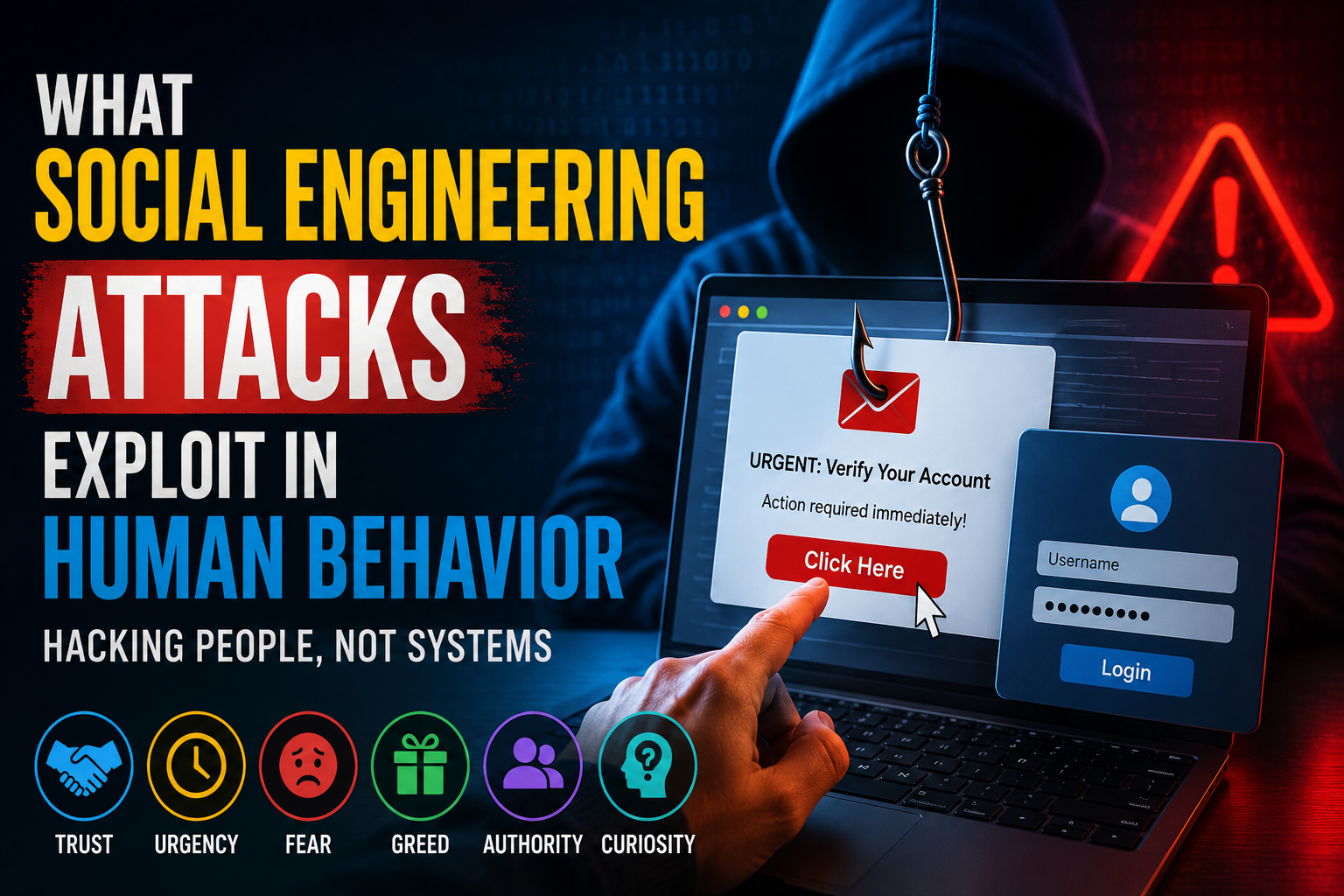
For a more detailed explanation of deceptive manipulation techniques, see Phishing Versus Social Engineering Explained and What Social Engineering Attacks Exploit in Human Behavior.
Malware
Malware is software designed to damage systems, steal information, disrupt operations, or provide unauthorized access.
Common forms include:
-
Viruses
-
Worms
-
Trojans
-
Spyware
-
Adware
-
Rootkits
Malware can arrive through malicious downloads, compromised websites, email attachments, fraudulent applications, or exploited software vulnerabilities.
Learn more in the Complete Guide to Malware and Malicious Software.
Ransomware
Ransomware is a form of malicious software that can prevent victims from accessing files or systems and may demand payment in exchange for restoring access.
Important files at risk can include:
-
Documents
-
Photographs
-
Business records
-
Databases
-
Backups
-
Entire computer systems
Maintaining reliable backups can significantly reduce the impact of ransomware and other forms of data loss.
Identity Theft
Identity theft occurs when criminals obtain and misuse another person’s personal information.
Stolen information may be used to:
-
Open financial accounts
-
Apply for credit
-
Make unauthorized purchases
-
Commit fraud
-
Take over online accounts
-
Impersonate victims
Protecting personal information, securing accounts, and monitoring financial activity can reduce exposure.
For a dedicated guide, see the Identity Theft Protection Guide.
Password Attacks
Weak, reused, or compromised passwords can give attackers access to multiple accounts.
Common techniques include:
-
Brute-force attacks
-
Credential stuffing
-
Dictionary attacks
-
Password guessing
-
Password theft through phishing
Use a unique password for every important account and consider using a password manager.
For a detailed explanation of password security, authentication, MFA, and passkeys, see the Password Security Guide.
Social Engineering
Social engineering attacks target people rather than relying exclusively on technical vulnerabilities.
Attackers may manipulate victims into:
-
Revealing confidential information
-
Downloading malware
-
Approving fraudulent transactions
-
Sharing authentication codes
-
Granting unauthorized access
-
Changing account settings
Social engineering can appear highly convincing because attackers often exploit urgency, fear, authority, curiosity, or trust.
Awareness is an important defense, but strong technical controls can also reduce the damage when someone makes a mistake.
How Attackers Gain Access
Cybercriminals can exploit many different weaknesses, including:
-
Weak or reused passwords
-
Outdated software
-
Phishing messages
-
Malicious applications
-
Software vulnerabilities
-
Unsafe network configurations
-
Stolen credentials
-
Data breaches
-
Social engineering
-
Human error
A successful attack does not always depend on one major technical vulnerability. Attackers may combine several weaknesses to reach their objective.
This is why cybersecurity works best as a layered defense rather than relying on one security product.
Create Strong, Unique Passwords
Passwords remain important for accounts that still use password-based authentication.
A secure password should generally be:
-
Long
-
Unique
-
Difficult to predict
-
Used for only one account
Avoid passwords based on easily discoverable information such as:
-
Names
-
Birthdays
-
Pet names
-
Addresses
-
Company names
-
Common phrases
-
Simple number sequences
A password manager can generate and securely store unique credentials, making it much easier to avoid password reuse.
For a complete treatment of authentication security, see the Password Security Guide.
Enable Multi-Factor Authentication
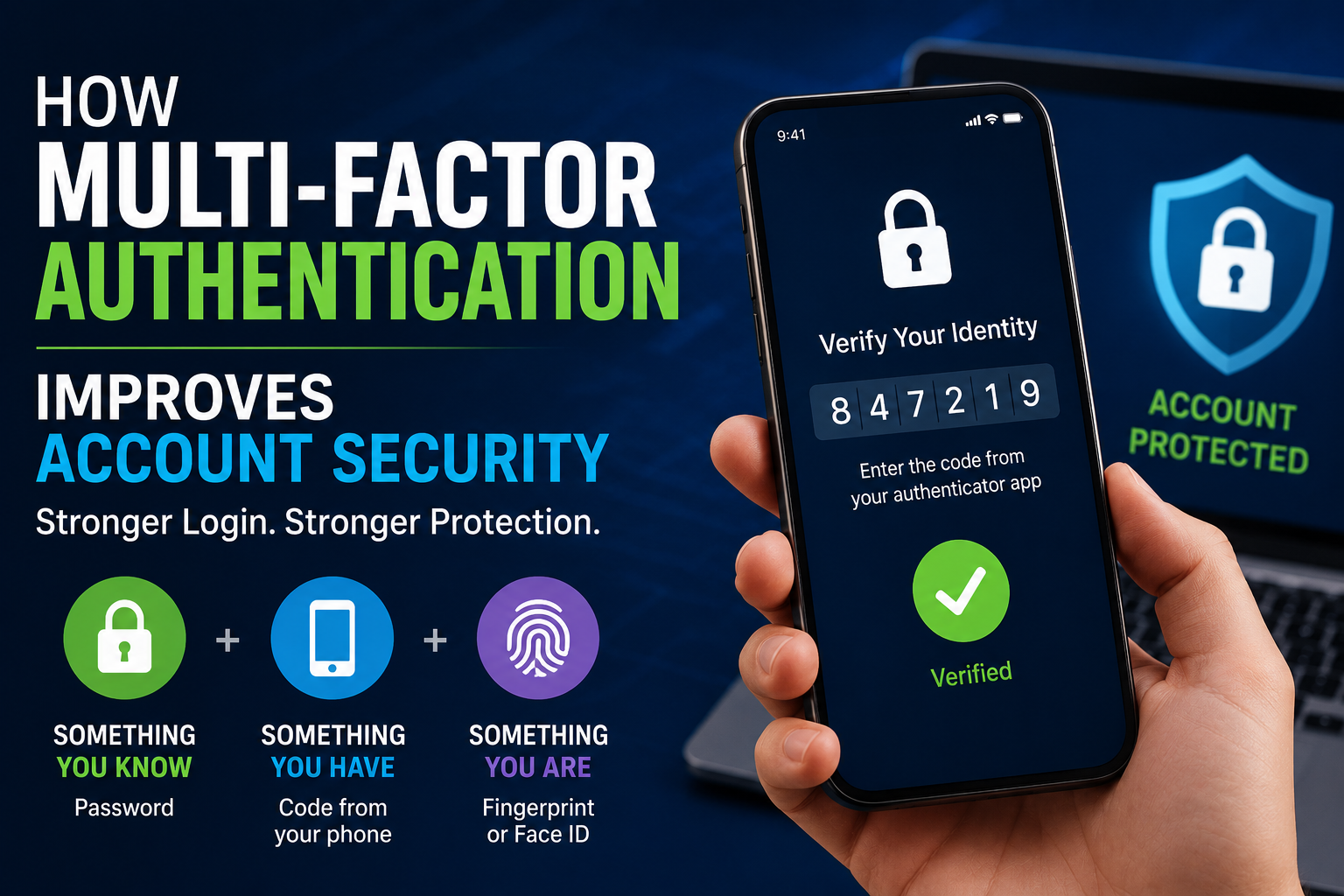
Multi-factor authentication, or MFA, adds another layer of protection beyond a password.
Depending on the service, additional verification may involve:
-
An authentication application
-
A security key
-
A one-time verification code
-
A biometric check
-
An approval request
If an attacker obtains a password, an additional authentication factor can make unauthorized access more difficult.
When possible, prefer authentication methods that provide stronger resistance to phishing.
See How Multi-Factor Authentication Improves Account Security for a deeper explanation.
Keep Software Updated
Software updates frequently include security fixes for newly discovered vulnerabilities.
Keep the following updated:
-
Operating systems
-
Web browsers
-
Mobile applications
-
Security software
-
Routers
-
Smart devices
-
Other connected hardware
Enable automatic updates when they are available and appropriate.
Delaying security updates can leave known vulnerabilities exposed for longer than necessary.
For a broader explanation of protecting software throughout its lifecycle, see the Guide to Software Security.
Browse the Internet Safely
Safe browsing begins with treating unexpected online content with caution.
Good habits include:
-
Check website addresses carefully.
-
Avoid suspicious downloads.
-
Do not install software from unknown sources.
-
Be cautious with unexpected pop-ups.
-
Verify websites before entering sensitive information.
-
Download applications from trusted sources.
-
Avoid entering passwords after following suspicious links.
HTTPS can help protect information while it travels between your browser and a website, but the presence of HTTPS does not automatically mean that a website is legitimate.
A fraudulent website can also use HTTPS.
The domain name, source of the link, and context of the request still matter.
Protect Your Email Account
Email is one of the most important accounts to protect because it is often connected to password resets and account recovery for other services.
Good email security practices include:
-
Use a strong, unique authentication method.
-
Enable MFA or a passkey where available.
-
Avoid unexpected links and attachments.
-
Verify suspicious sender addresses.
-
Review account recovery options.
-
Check active sessions and connected devices.
-
Report phishing messages when appropriate.
A compromised email account can become a gateway to other online accounts, making it one of the highest-priority accounts to secure.
Secure Your Smartphone
Modern smartphones contain enormous amounts of personal information and can provide access to email, banking, social media, photographs, cloud storage, and authentication systems.
Protect your phone by:
-
Using a strong screen lock.
-
Enabling biometric authentication where appropriate.
-
Installing operating system updates promptly.
-
Downloading applications from trusted stores.
-
Reviewing application permissions.
-
Keeping device security features enabled.
-
Enabling encryption when available.
-
Activating remote location and device-wipe features where appropriate.
If a phone is lost or stolen, remote security features can help reduce the risk of unauthorized access.
For more information about protecting computers and mobile devices, see How Computer and Mobile Device Security Protects Endpoints.
Stay Safe on Public Wi-Fi
Public wireless networks can introduce additional security risks, particularly when users do not know who operates the network or how it is configured.
When using public Wi-Fi:
-
Verify the network name before connecting.
-
Disable automatic network connections.
-
Avoid unnecessary access to sensitive services.
-
Turn off file sharing when it is not needed.
-
Use secure connections.
-
Consider using a trusted VPN when appropriate.
-
Use mobile data for particularly sensitive activities when practical.
Modern websites commonly use encrypted connections, but users should still be cautious about what networks they join and what information they share.
For a more detailed explanation of wireless-network risks and protections, see Wi-Fi Security Explained.
Protect Your Social Media Privacy
Social media can reveal information that attackers may use for impersonation, social engineering, or targeted scams.
Avoid publicly sharing unnecessary information such as:
-
Home addresses
-
Personal phone numbers
-
Financial information
-
Identification documents
-
Security-question answers
-
Detailed travel plans
Review privacy settings regularly and consider who can see your posts, profile information, contact details, and other personal information.
Be particularly careful with unexpected direct messages that contain login links, investment opportunities, urgent security warnings, or requests for money.
Back Up Your Important Data
Backups provide protection against several types of problems, including:
-
Hardware failure
-
Accidental deletion
-
Ransomware
-
Device theft
-
Software problems
-
Natural disasters
A commonly recommended approach is the 3-2-1 backup rule:
-
Keep at least three copies of important data.
-
Store those copies using at least two different storage types.
-
Keep at least one copy off-site or otherwise separated from the primary system.
Backups should also be tested periodically. A backup that cannot be restored when needed does not provide much practical protection.
Recognize Common Online Scams
Scammers frequently rely on emotional manipulation rather than sophisticated technical attacks.
Common scams include:
-
Fake investment opportunities
-
Prize and lottery scams
-
Romance scams
-
Technical-support scams
-
Fake charities
-
Delivery scams
-
Employment scams
-
Impersonation scams
Common warning signs include:
-
Unusual urgency
-
Requests for secrecy
-
Promises of guaranteed financial returns
-
Requests for payment through unusual methods
-
Demands for authentication codes
-
Unexpected requests for remote computer access
-
Pressure to bypass normal procedures
Take time to verify unexpected requests before sending money, sharing information, or granting access.
Cybersecurity for Families
Cybersecurity is a household issue as well as an individual one.
Families can improve their security by:
-
Teaching children how to recognize suspicious messages.
-
Encouraging strong and unique passwords.
-
Using appropriate parental controls.
-
Reviewing application permissions.
-
Discussing responsible sharing of personal information.
-
Establishing rules for online purchases and financial information.
-
Keeping household devices updated.
-
Teaching children never to share passwords or authentication codes with strangers.
Children should understand that asking a trusted adult for help when something online seems suspicious is always appropriate.
AI and Cybersecurity
Artificial intelligence is changing cybersecurity for both defenders and attackers.
Organizations can use AI to:
-
Analyze large volumes of security data
-
Identify suspicious behavior
-
Detect potential threats
-
Assist security investigations
-
Automate certain security tasks
-
Identify patterns that may be difficult to detect manually
Attackers can also use AI to make scams and social-engineering campaigns more convincing.
For example, AI can help produce realistic-looking messages, automate interactions, generate fraudulent content, or improve the personalization of attacks.
This makes basic security principles increasingly important. A message that looks polished or personalized is not necessarily trustworthy.
For a dedicated discussion of this changing threat landscape, see Cybersecurity in the AI Era.
Protect Your Online Accounts
Account security extends beyond passwords.
For important accounts:
-
Use unique authentication credentials.
-
Enable MFA or passkeys.
-
Review active sessions.
-
Remove unfamiliar devices.
-
Check account-recovery settings.
-
Remove unused third-party applications.
-
Review security notifications.
-
Keep recovery information current.
Prioritize accounts that could provide access to other services, particularly email, cloud storage, financial accounts, and administrator accounts.
Identity and access controls are a central part of modern cybersecurity. Learn more in the Complete Guide to Identity and Access Security.
Protect Sensitive Information
Not every piece of information needs to be shared online.
Before providing sensitive information, ask:
-
Who is requesting it?
-
Why do they need it?
-
Is the request legitimate?
-
Is the information necessary?
-
How will it be stored or used?
-
Is there a safer way to provide it?
Avoid uploading identification documents or other sensitive records to unfamiliar websites.
The less unnecessary personal information that is publicly available, the fewer opportunities attackers have to use it for impersonation and social engineering.
What to Do When Something Goes Wrong
Even careful users can encounter security incidents.
If you believe an account has been compromised:
-
Secure the affected account.
-
Change the password if the account still uses passwords.
-
Enable MFA or a passkey where available.
-
Sign out unfamiliar sessions.
-
Review recent account activity.
-
Check recovery information.
-
Remove suspicious third-party access.
-
Monitor connected accounts for unusual activity.
-
Contact the relevant service provider if necessary.
If financial information may have been compromised, contact the appropriate financial institution promptly.
If personal information has been stolen, follow the relevant identity-theft response procedures for your jurisdiction.
The sooner an incident is recognized and contained, the less opportunity an attacker may have to cause additional damage.
Best Daily Cybersecurity Habits
Good cybersecurity does not have to be complicated.
Develop these habits:
-
Lock your devices when they are unattended.
-
Use strong, unique passwords.
-
Enable MFA or passkeys.
-
Keep software updated.
-
Verify unexpected messages before responding.
-
Avoid suspicious links and attachments.
-
Review privacy settings periodically.
-
Back up important files.
-
Monitor important financial accounts.
-
Remove applications and accounts you no longer use.
-
Limit unnecessary sharing of personal information.
-
Stay informed about emerging threats.
Consistency matters more than relying on one security product.
Common Myths About Cybersecurity
| Myth | Reality |
|---|---|
| Only large businesses are targeted. | Individuals, families, and small organizations can also be valuable targets. |
| Antivirus software provides complete protection. | Security software can help, but safe behavior, updates, strong authentication, and backups are also important. |
| Strong passwords are enough. | Additional authentication provides another layer of protection. |
| Macs and smartphones cannot be hacked. | Any connected device can have vulnerabilities or be compromised. |
| HTTPS means a website is trustworthy. | HTTPS protects the connection but does not prove that the website itself is legitimate. |
| Cybersecurity is only for technical experts. | Basic security habits can substantially reduce everyday risks. |
| Being careful online prevents every attack. | Good habits reduce risk, but layered technical protections are still important. |
Frequently Asked Questions
What is cybersecurity?
Cybersecurity is the practice of protecting digital systems, devices, networks, accounts, applications, and information from unauthorized access, cyberattacks, theft, disruption, and damage.
Why is online privacy important?
Digital privacy helps people maintain control over personal information and reduce the risk of misuse, unwanted exposure, identity theft, fraud, and other privacy-related harms.
What is the safest type of password?
For accounts that still require passwords, a long, unique password generated and stored by a trusted password manager is a strong approach. Using phishing-resistant authentication such as a passkey can provide additional protection where supported.
Is public Wi-Fi safe?
Public Wi-Fi can introduce additional risks, particularly on networks that are unknown or improperly configured. Verify network names, avoid unnecessary sensitive activity, and use secure connections and other appropriate protections.
What should I do if I receive a suspicious email?
Do not click suspicious links, open unexpected attachments, or provide sensitive information. Verify the request through an official channel and report the message when appropriate.
Why are software updates important?
Software updates frequently contain security fixes that address vulnerabilities discovered in operating systems, applications, browsers, routers, and other connected devices.
Can antivirus software prevent every cyberattack?
No. Security software can detect and block some threats, but it cannot replace strong authentication, software updates, safe browsing practices, backups, privacy awareness, and other security controls.
What should I do if I think my account has been hacked?
Secure the account immediately, change its password if applicable, enable stronger authentication, sign out unfamiliar sessions, review account activity and recovery settings, and contact the service provider if necessary.
Building a Safer Digital Life
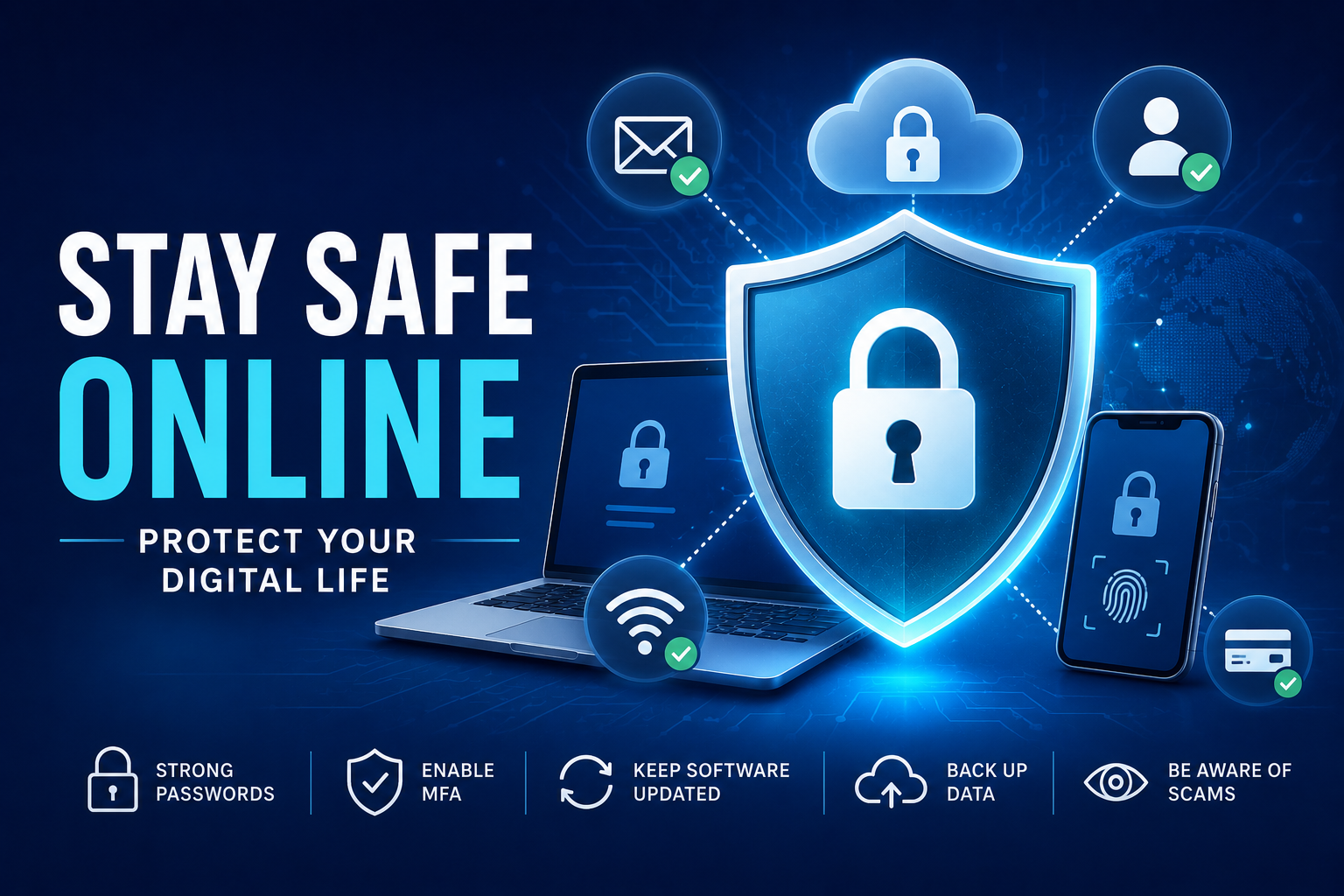
Staying safe online is not about becoming an expert in every type of cyberattack. It is about reducing the number of opportunities attackers have to exploit weak passwords, outdated software, exposed personal information, unsafe devices, and human mistakes.
The strongest approach combines several layers:
-
Strong authentication
-
Secure devices
-
Updated software
-
Safe browsing
-
Phishing awareness
-
Privacy-conscious behavior
-
Reliable backups
-
Account monitoring
-
Secure networks
-
Ongoing security awareness
No single security measure can eliminate every threat. But multiple layers can make successful attacks more difficult and limit the damage when something goes wrong.
As technology continues to evolve, cybercriminals will continue adapting their methods. AI-assisted scams, increasingly sophisticated social engineering, new malware techniques, and emerging vulnerabilities will create new challenges.
The fundamentals, however, remain remarkably consistent: protect your accounts, update your devices, limit unnecessary exposure of personal information, verify unexpected requests, maintain backups, and use stronger authentication whenever possible.
Cybersecurity is not a one-time setup. It is an ongoing habit that helps people use the digital world with greater confidence and fewer unnecessary risks.