The Complete Guide to Identity and Access Security
Identity has become one of the most important security boundaries in the modern digital world.
Employees work from laptops and smartphones, businesses rely on cloud platforms, customers access services from dozens of devices, and applications constantly communicate with other systems. In this environment, knowing who is requesting access, what they are allowed to access, and whether that access is legitimate is just as important as protecting the network itself.
This is where identity and access security comes in.
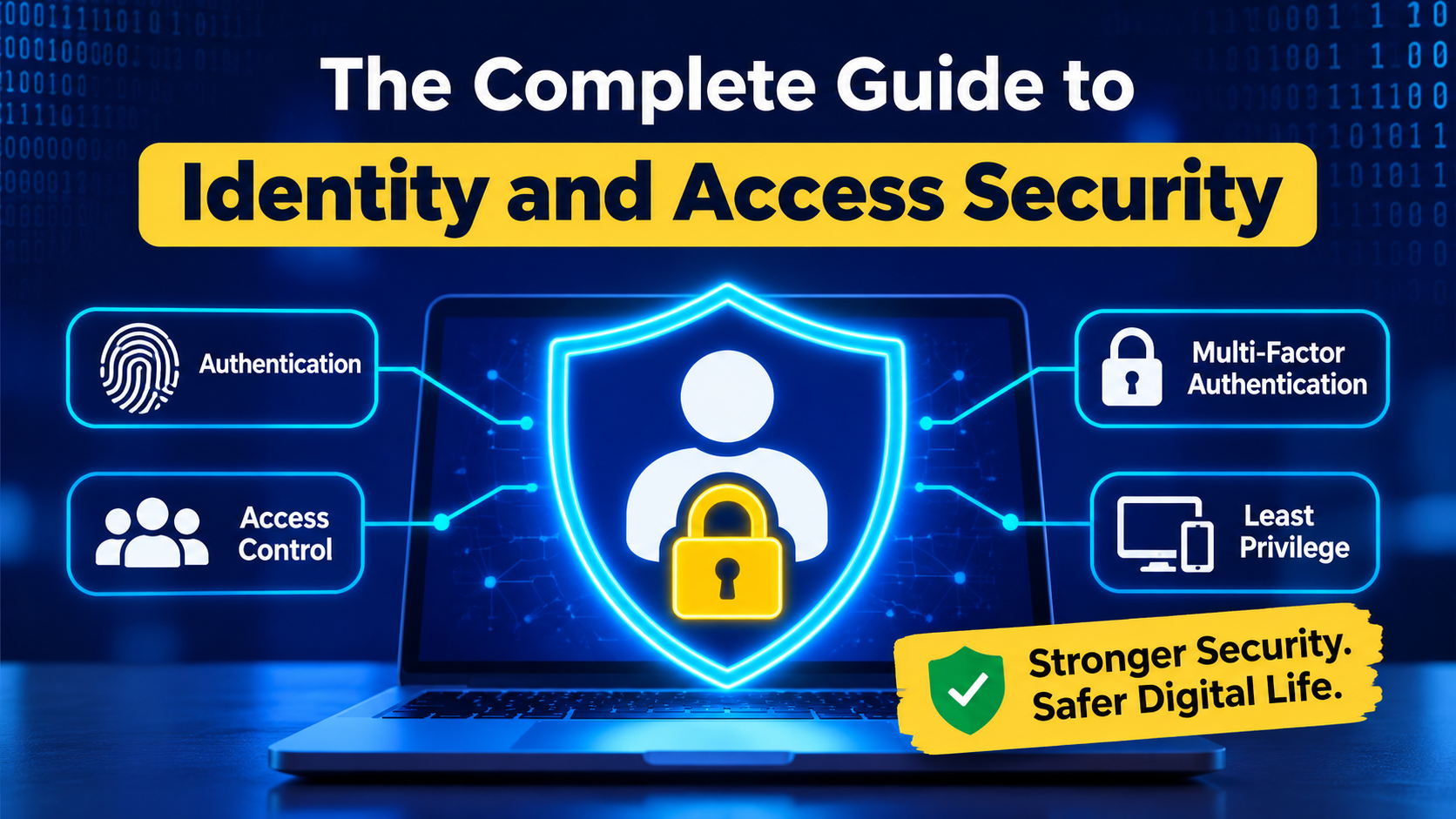
Identity and access security combines technologies, policies, and practices designed to protect digital identities and control access to systems, applications, devices, and information. It covers everything from passwords and multi-factor authentication to privileged accounts, access permissions, identity verification, and automated access controls.
For individuals and organizations alike, getting identity security right can significantly reduce the risk of account takeovers, unauthorized access, data breaches, and other cyber threats.
For a broader overview of protecting digital identities, accounts, and personal information, see our Online Privacy Guide.
What Is Identity and Access Security?
Identity and access security is the process of ensuring that only the right people, applications, and devices can access the right resources under the right conditions.
It involves two closely related ideas: identity and access.
An identity represents an individual, organization, device, application, or other entity that needs to interact with a digital system.
Access determines what that identity is allowed to do.
For example, an employee may have an identity within a company’s systems that allows them to access email, collaboration software, and specific business applications. That same employee may have no reason to access payroll records or administrative systems.
The goal is not simply to prevent outsiders from getting in. It is also to prevent legitimate users from gaining unnecessary access once they are inside.
Why Identity Has Become a Major Security Concern
Traditional cybersecurity often focused heavily on protecting the network perimeter.
That approach is less effective in a world where users, applications, devices, and data can exist almost anywhere.
Employees may work remotely. Businesses may use multiple cloud providers. Customers may access services through mobile applications. Third-party contractors may require temporary access to internal systems.
Meanwhile, attackers increasingly target credentials because compromised accounts can provide a direct path into otherwise protected environments.
A stolen password can potentially give an attacker access to email, financial information, cloud storage, internal applications, or other sensitive resources.
This makes identity one of the most attractive targets in cybersecurity. Understanding the wider principles of business cybersecurity can also help organizations place identity protection within their broader security strategy.
Authentication vs. Authorization
Two concepts are fundamental to identity security: authentication and authorization.
Authentication
Authentication answers the question:
Who are you?
A system authenticates a user by checking evidence that supports their claimed identity.
A password is one example. Other authentication methods include:
- Security keys
- Authentication applications
- One-time codes
- Biometrics
- Passkeys
- Device-based credentials
Modern security increasingly favors authentication methods that are resistant to phishing and credential theft rather than relying solely on passwords.
Authorization
Authorization answers a different question:
What are you allowed to do?
After a user has been authenticated, the system determines which resources and actions are available to that identity.
For example, an employee might be authenticated successfully but still be denied access to a database because their role does not require it.
Keeping authentication and authorization separate is essential because proving someone’s identity does not automatically mean that person should have unlimited access.
The Principle of Least Privilege
One of the most important concepts in identity security is least privilege.
The principle is straightforward: users and systems should receive only the access they need to perform their legitimate tasks.
An employee who only needs to read customer records, for example, may not need permission to delete them.
Likewise, a software application that only needs to retrieve information should not automatically receive permission to modify an entire database.
Least privilege limits the damage that can occur when an account is compromised.
If an attacker takes control of an account with extensive privileges, the consequences can be much more serious than if the compromised account has narrowly defined permissions.
What Is Multi-Factor Authentication?
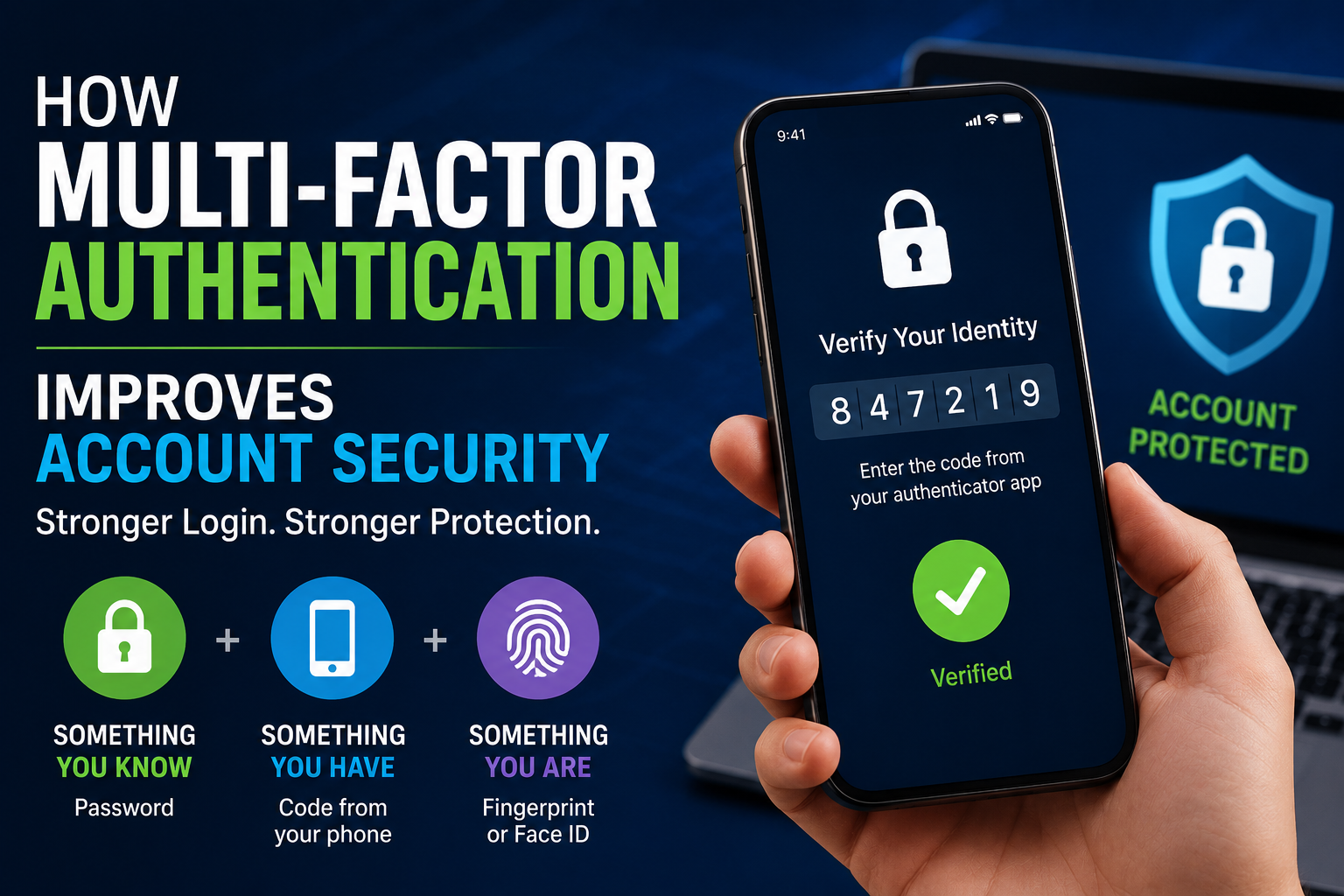
Multi-factor authentication, commonly known as MFA, requires users to provide more than one type of evidence when signing in.
Authentication factors generally fall into categories such as:
- Something you know — such as a password or PIN
- Something you have — such as a security key or trusted device
- Something you are — such as a fingerprint or facial characteristic
The idea is simple: compromising one factor should not automatically be enough to access the account.
For example, if an attacker obtains a password through phishing, an additional authentication requirement can make unauthorized access more difficult.
MFA is particularly important for accounts that contain sensitive information or provide access to administrative systems.
For a deeper explanation of how this protection works, see our guide to multi-factor authentication and account security.
Why Passwords Are Still a Problem
Passwords remain one of the most common ways people authenticate themselves, but they create several security challenges.
People frequently reuse passwords across services, choose predictable passwords, or accidentally disclose credentials through phishing attacks.
Password databases can also be targeted by attackers, while malware can steal credentials directly from compromised devices.
Using a unique password for every important account is therefore a fundamental security practice.
A password manager can make this easier by generating and storing strong, unique credentials rather than requiring users to remember dozens of passwords.
For more detailed guidance, see our Password Security Guide.
Where available, users should also consider modern authentication methods such as passkeys and hardware security keys.
What Are Passkeys?
Passkeys are a newer authentication approach designed to reduce reliance on traditional passwords.
Instead of asking users to remember a secret password, passkey systems use cryptographic credentials associated with an authorized device or credential manager.
The private component of the credential is designed to remain protected rather than being transmitted to a website in the same way a password is.
Passkeys can also provide strong protection against certain types of phishing because authentication is tied to the legitimate service rather than simply relying on a secret string that a user can be tricked into entering elsewhere.
As adoption grows, passkeys are becoming an important part of the broader move toward passwordless authentication.
Understanding Identity and Access Management
Identity and Access Management, commonly abbreviated as IAM, refers to the systems and processes organizations use to manage digital identities and their access to resources.
An IAM program can help organizations:
- Create user accounts
- Manage identities
- Assign permissions
- Enforce authentication policies
- Manage employee access
- Remove access when employees leave
- Control administrative privileges
- Monitor identity activity
- Support compliance requirements
IAM becomes particularly important as organizations grow.
Managing access manually may be manageable for a small team, but it becomes increasingly difficult when an organization has hundreds or thousands of employees, contractors, applications, and devices.
Role-Based Access Control
Role-Based Access Control, or RBAC, assigns permissions according to a user’s role.
Instead of manually deciding what every individual can access, an organization can define roles such as:
- Employee
- Manager
- Accountant
- Developer
- Human resources administrator
- System administrator
Each role receives a defined set of permissions.
When an employee changes jobs, their role can be changed rather than manually modifying dozens of individual permissions.
RBAC can simplify administration and reduce the likelihood of inconsistent access rights.
However, organizations still need to review roles regularly to ensure that permissions remain appropriate.
Attribute-Based Access Control
Attribute-Based Access Control, or ABAC, can make access decisions using multiple characteristics rather than relying solely on a predefined role.
These attributes might include:
- User identity
- Department
- Device status
- Geographic location
- Application
- Resource sensitivity
- Time of day
- Security risk
For example, a system could require stronger verification before allowing a user to access sensitive information from an unfamiliar device.
This approach can provide more flexible and context-aware access decisions.
Privileged Accounts Require Extra Protection
Not every account presents the same level of risk.
A standard employee account may provide access to ordinary business applications. An administrator account, however, might be capable of changing security settings, creating accounts, modifying databases, or accessing highly sensitive systems.
These accounts are known as privileged accounts.
Because they can cause significant damage when compromised, privileged identities deserve additional protection.
Organizations can reduce risk by:
- Limiting the number of administrators
- Separating administrative and everyday accounts
- Using MFA
- Granting temporary privileges when possible
- Monitoring privileged activity
- Removing unnecessary administrative rights
- Regularly reviewing privileged access
The principle is simple: powerful access should be difficult to obtain and carefully monitored.
Identity Security for Employees
Employees are often a major part of an organization’s identity security strategy.
A secure employee access lifecycle should cover the entire relationship between a person and the organization.
Onboarding
When a new employee joins, they should receive the access necessary for their role.
Giving new users broad access simply because it is convenient can create unnecessary security exposure.
Changes in Responsibilities
When an employee moves to another department or takes on new responsibilities, their access should change accordingly.
Old permissions should not remain indefinitely.
Offboarding
When someone leaves an organization, their access should be removed promptly.
This includes:
- Email accounts
- Cloud services
- Internal applications
- VPN access
- Administrative systems
- Physical access systems where applicable
An account that remains active after an employee has left can become an unnecessary security risk.
Don’t Forget Service Accounts and Applications
Identity security is not limited to human users.
Applications, automated services, APIs, scripts, cloud workloads, and devices can also have identities and credentials.
These non-human identities can sometimes receive extensive permissions because developers need them to perform automated tasks.
Poorly managed service credentials can therefore create serious security risks.
Organizations should know which applications and services have access to sensitive systems, why that access exists, and whether those permissions are still necessary.
Credentials that are no longer needed should be removed or rotated.
Zero Trust and Identity
The idea of Zero Trust has become closely associated with modern identity security.
At its core, Zero Trust challenges the assumption that a user or device should automatically be trusted simply because it is already inside a network.
Instead, access decisions should consider factors such as identity, device security, resource sensitivity, and the specific request being made.
A simplified version of the philosophy is:
Do not automatically trust. Verify access continuously and limit it appropriately.
Identity is therefore one of the central components of many Zero Trust strategies.
Device Security Matters Too
A legitimate account can still become dangerous when used from a compromised device.
For example, an attacker who infects a laptop may be able to capture credentials or exploit an authenticated session.
Identity security should therefore work alongside device security.
Organizations may consider factors such as:
- Whether the device is managed
- Whether security software is active
- Whether the operating system is updated
- Whether the device meets organizational security requirements
- Whether suspicious activity has been detected
Access policies can then take device trust into account.
For more information about protecting computers and smartphones, see our guide to endpoint security.
Identity and Access Security in the Cloud
Cloud computing has changed how organizations manage access.
Instead of protecting applications located entirely within a company’s own data center, businesses may now rely on numerous cloud platforms and services.
Each service can introduce its own identities, permissions, roles, tokens, APIs, and administrative interfaces.
This can make access management significantly more complicated.
Organizations need a clear understanding of who can access each cloud resource and what those permissions allow them to do.
Overly broad cloud permissions can be especially dangerous because a single compromised identity may provide access to a large collection of interconnected resources.
API and Application Access
Modern applications frequently communicate through APIs.
An API may allow one application to retrieve data from another system, submit transactions, or perform automated actions.
These connections need authentication and authorization just like human users do.
Developers should avoid treating API credentials as ordinary configuration details that can be casually stored or shared.
Secrets should be protected, access should be limited, and credentials should be rotated when appropriate.
Unused API keys and tokens should not be allowed to remain active indefinitely.
Session Security
Authentication does not necessarily end when a user enters their credentials.
Once authenticated, users often receive a session that allows them to remain signed in.
Session security is therefore another important part of identity protection.
Security measures can include:
- Shorter session lifetimes for sensitive applications
- Secure handling of authentication tokens
- Reauthentication for sensitive actions
- Automatic logout after prolonged inactivity
- Session monitoring
- Protection against session theft
For highly sensitive operations, asking users to authenticate again can provide an additional security barrier.
Common Identity-Based Attacks
Attackers use many techniques to compromise identities.
Phishing
Phishing attacks attempt to trick users into revealing credentials or approving malicious authentication requests.
Messages may impersonate banks, employers, cloud services, colleagues, or other trusted organizations.
Understanding the relationship between phishing and broader manipulation techniques is useful when building identity defenses. Our Phishing Versus Social Engineering guide provides a deeper look at the distinction.
Credential Stuffing
Credential stuffing involves attempting stolen username-and-password combinations against other services.
This is particularly effective when people reuse passwords.
Password Spraying
Instead of attacking one account with many passwords, an attacker may try a small number of common passwords against many accounts.
This can sometimes avoid certain account-lockout protections.
Account Takeover
An account takeover occurs when an attacker gains control of a legitimate account.
The attacker may then use the account to steal information, impersonate the user, access additional systems, or conduct further attacks.
For individuals concerned about the consequences of compromised personal accounts and credentials, our Identity Theft Protection Guide provides additional guidance.
Privilege Escalation
An attacker who initially compromises a low-privilege account may attempt to obtain additional permissions.
This is why least privilege and careful administrative controls are so important.
How Individuals Can Improve Identity Security
Individuals do not need sophisticated enterprise security systems to significantly improve their identity protection.
Start with the basics:
- Use unique passwords for important accounts.
- Use a reputable password manager.
- Enable MFA wherever available.
- Prefer phishing-resistant authentication methods when practical.
- Keep operating systems and applications updated.
- Be cautious with unexpected login requests.
- Review account recovery options.
- Remove unused accounts.
- Check account activity for suspicious sign-ins.
- Avoid entering credentials into links received unexpectedly.
It is also worth securing the email account associated with other important services.
Email frequently serves as a password-reset mechanism, meaning that access to an email account can potentially provide a path toward other accounts.
For broader everyday protection, our Complete Guide to Staying Safe in the Digital World covers practical cybersecurity habits for individuals and families.
How Organizations Can Build a Stronger Identity Strategy
Organizations should approach identity security as an ongoing process rather than a one-time technology deployment.
A practical strategy can include:
1. Inventory Identities
Know which human and non-human identities exist.
2. Review Permissions
Determine what each identity can access and whether those permissions remain necessary.
3. Strengthen Authentication
Require MFA for important systems and prioritize stronger authentication methods.
4. Reduce Privilege
Remove unnecessary administrative and high-risk permissions.
5. Automate the Identity Lifecycle
Automate onboarding, role changes, and offboarding where possible.
6. Monitor Identity Activity
Look for unusual sign-ins, privilege changes, impossible travel patterns, unusual access requests, and other suspicious behavior.
7. Protect Administrative Accounts
Separate powerful administrative identities from ordinary user accounts and apply stronger controls.
8. Test Recovery Processes
Organizations should know how they will respond if an important identity is compromised.
9. Educate Users
Technology cannot eliminate every identity attack. Employees still need to understand phishing, suspicious authentication requests, and credential security.
Why Access Reviews Matter
Permissions tend to accumulate over time.
An employee may start in one position, move to another, join a project, receive temporary access, and eventually forget about some of the permissions they were given.
This can create privilege creep.
Regular access reviews help organizations identify permissions that are no longer justified.
A good review should ask:
- Does this person still need this access?
- Is the access appropriate for their current role?
- Is the privilege level higher than necessary?
- Has temporary access expired?
- Are inactive accounts still enabled?
- Are former employees completely removed?
Access reviews are particularly valuable for sensitive systems.
Identity Security and Privacy
Identity protection and privacy are closely connected.
An identity system may contain information about users, including account details, authentication events, device information, location-related signals, and access history.
Organizations therefore need to protect identity data itself.
Collecting more information than necessary can increase privacy risks. Security teams should consider what information is required for a particular security function and how long it needs to be retained.
Strong identity security should protect people without creating unnecessary surveillance or excessive data collection.
For a broader discussion of personal information, tracking, data collection, and privacy, see our What Digital Privacy Means and Why It Matters.
Common Identity Security Mistakes
Even organizations with security teams can make basic identity mistakes.
Giving Everyone Too Much Access
Broad permissions are convenient, but they increase the potential impact of compromised accounts.
Relying Only on Passwords
Passwords alone provide weak protection against many modern attacks.
Forgetting Former Employees
Inactive accounts can remain attractive targets if they are not properly disabled.
Ignoring Service Accounts
Automated identities can accumulate powerful permissions without receiving the same attention as human accounts.
Failing to Review Permissions
Access that was appropriate six months ago may no longer be necessary today.
Treating MFA as a Complete Solution
MFA is extremely useful, but it does not eliminate every identity threat. Phishing, session theft, social engineering, compromised devices, and other attacks can still create risks.
Making Security Too Difficult
If security controls are unnecessarily complicated, users may look for ways around them.
Good identity security should be strong while remaining practical for legitimate users.
A Practical Identity Security Checklist
Whether you are securing a personal account or helping manage an organization, the following checklist provides a useful starting point:
- Use unique credentials.
- Enable multi-factor authentication.
- Prefer phishing-resistant authentication when available.
- Minimize permissions.
- Review account activity.
- Remove unused accounts.
- Protect administrator accounts.
- Keep devices and software updated.
- Review application permissions.
- Secure service accounts and API credentials.
- Monitor suspicious authentication activity.
- Automate access removal where possible.
- Regularly review existing permissions.
- Protect identity-related information.
- Have a plan for compromised accounts.
The most important point is that identity security is not a single product. It is a combination of technology, policy, configuration, monitoring, and user behavior.
The Next Generation of Identity Security
Identity security is continuing to evolve as organizations adopt cloud services, artificial intelligence, passwordless authentication, connected devices, and increasingly automated systems.
The traditional model of a person signing in with a username and password is becoming only one part of a much larger identity ecosystem.
Future access decisions are likely to increasingly consider the identity of the user, the security of the device, the sensitivity of the requested resource, the behavior associated with the account, and the context surrounding the request.
Artificial intelligence may also play a larger role in identifying unusual authentication patterns and prioritizing suspicious activity for security teams. These developments are part of the broader evolution of cybersecurity in the AI era.
At the same time, organizations will need to balance stronger security with privacy and usability. More identity data can potentially improve security, but collecting and retaining information without a clear purpose can create additional privacy concerns.
Building a Digital Environment Where Access Is Earned
Identity and access security ultimately comes down to a simple principle: access should be intentional, limited, and continuously evaluated.
A user should not receive broad privileges simply because they successfully logged in. An application should not have unlimited access merely because it needs to communicate with another system. And an account should not remain active forever simply because nobody remembered to disable it.
Strong identity security creates boundaries around digital access.
For individuals, that means protecting important accounts, using stronger authentication, and paying attention to where credentials and personal information are used. For organizations, it means understanding every identity, controlling permissions, protecting privileged accounts, and continuously reviewing who or what can access critical resources.
Identity security also works as part of a larger cybersecurity system. Password protection, authentication, endpoint security, network protection, data security, privacy practices, and incident response all contribute to reducing the consequences of compromised identities.
As more of everyday life moves into connected digital environments, identity will increasingly become the key that unlocks those systems. Protecting that key—and making sure it only opens the doors it should—is becoming one of the most important responsibilities in modern cybersecurity.