What Is Data Security and How Can Digital Information Be Protected?
Digital information has become one of the most valuable resources in modern life. Personal details, financial records, business documents, passwords, photographs, customer information, intellectual property and business records are stored and transferred through computers, smartphones, cloud services and online platforms every day.
That convenience also creates risk. Unauthorized access, malware, phishing, accidental deletion, weak passwords, compromised accounts and data breaches can expose information or make it unavailable when people need it.
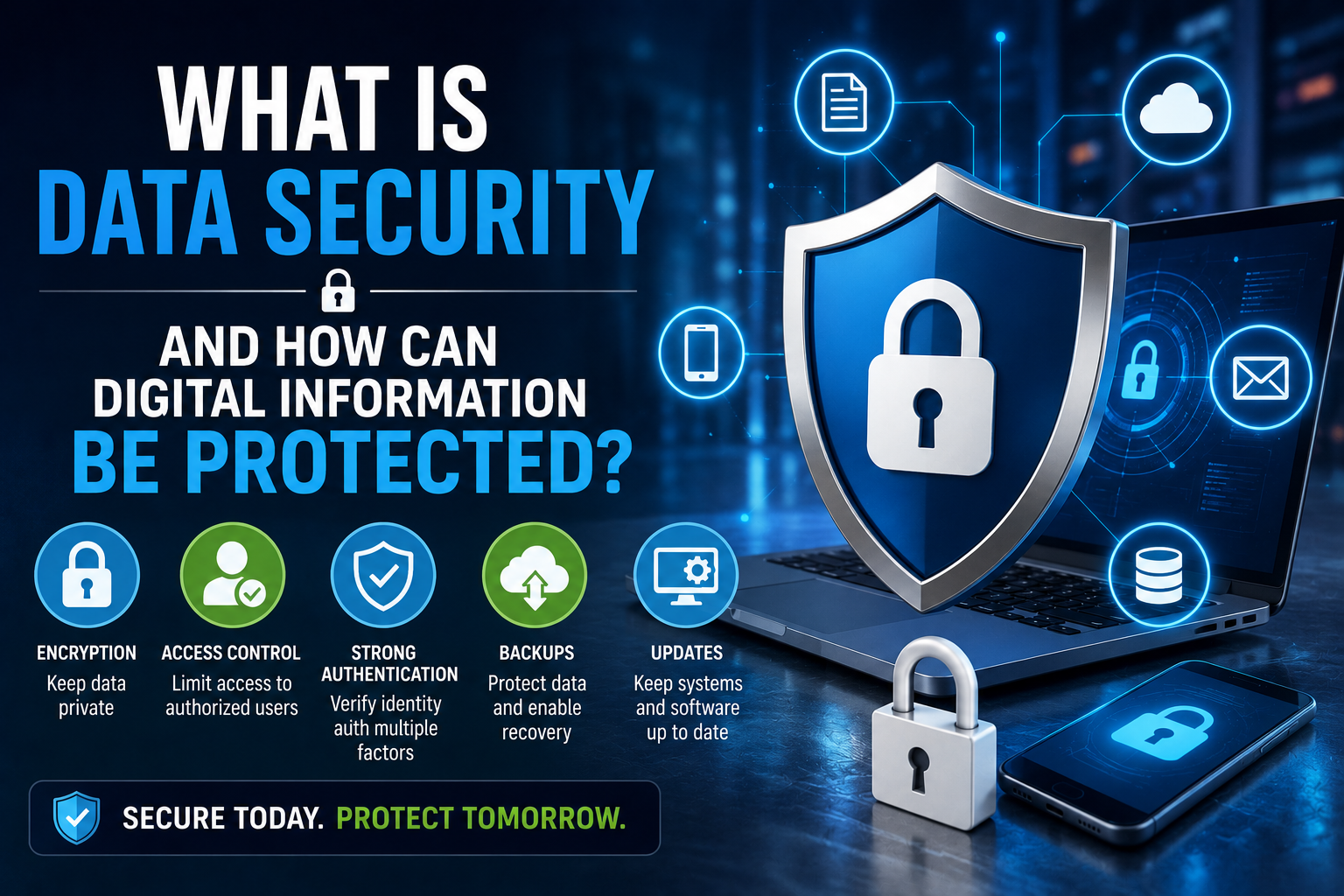
Data security is the practice of protecting digital information from unauthorized access, alteration, destruction, loss or disclosure. It combines technology, policies, access controls and everyday security practices to reduce the likelihood and impact of security incidents.
Data security is also only one part of a broader cybersecurity strategy. Organizations need to protect not only the information itself, but also the systems, networks, applications, identities and infrastructure through which that information is accessed and processed. For a broader overview of how these defenses fit together, see The Ultimate Guide to Business Cybersecurity.
What Is Data Security?
Data security is the collection of technologies, processes and practices used to protect information throughout its lifecycle.
The objective is not simply to prevent hackers from accessing files. Effective data security also protects information against accidental damage, unauthorized modification, theft and loss.
Data security commonly focuses on three fundamental objectives:
- Confidentiality — ensuring information is accessible only to authorized people or systems.
- Integrity — ensuring information remains accurate and is not improperly changed.
- Availability — ensuring authorized users can access information when they need it.
These three objectives are commonly described as the CIA triad and form an important foundation of information security.
Data security also depends heavily on understanding how information is stored, organized and managed. Businesses that want a broader foundation for understanding organizational data can explore the Complete Guide to Databases.
Why Data Security Matters
Almost every digital activity involves information that may need protection.
Individuals may need to protect:
- Passwords
- Banking information
- Identification documents
- Personal photographs
- Private communications
- Health records
- Online account information
Businesses may hold much larger collections of sensitive information, including:
- Customer records
- Employee information
- Financial data
- Intellectual property
- Contracts
- Authentication credentials
- Business plans
- Operational databases
A security incident can therefore have consequences far beyond simply losing a file.
Stolen information may be used for fraud or identity theft. Altered information can lead to incorrect decisions. Deleted or encrypted information can interrupt business operations.
This is why data protection should be considered within the organization’s overall cybersecurity risk management process. Organizations that want to understand how threats, vulnerabilities, business impact and security decisions fit together should also review Understanding Cybersecurity Risk Management.
Data protection also becomes more difficult as organizations collect information across databases, cloud applications, employee devices and other systems. A structured approach to business data management can help organizations understand where important information resides and how it should be governed and protected.
The Difference Between Data Security and Cybersecurity
Data security and cybersecurity are closely related, but they are not identical.
Cybersecurity focuses broadly on protecting computers, networks, systems, applications and digital environments from threats.
Data security focuses specifically on protecting the information contained within those environments.
For example, securing a company’s network firewall is a cybersecurity measure. Encrypting sensitive customer records is a data-security measure.
The two areas overlap because protecting data often requires securing the systems through which that data moves and is stored.
A business therefore should not treat data security as an isolated technical activity. It should form part of a broader security strategy covering infrastructure, applications, identities, users and business processes.
Common Threats to Digital Information
Digital information can be exposed in many different ways.
Phishing
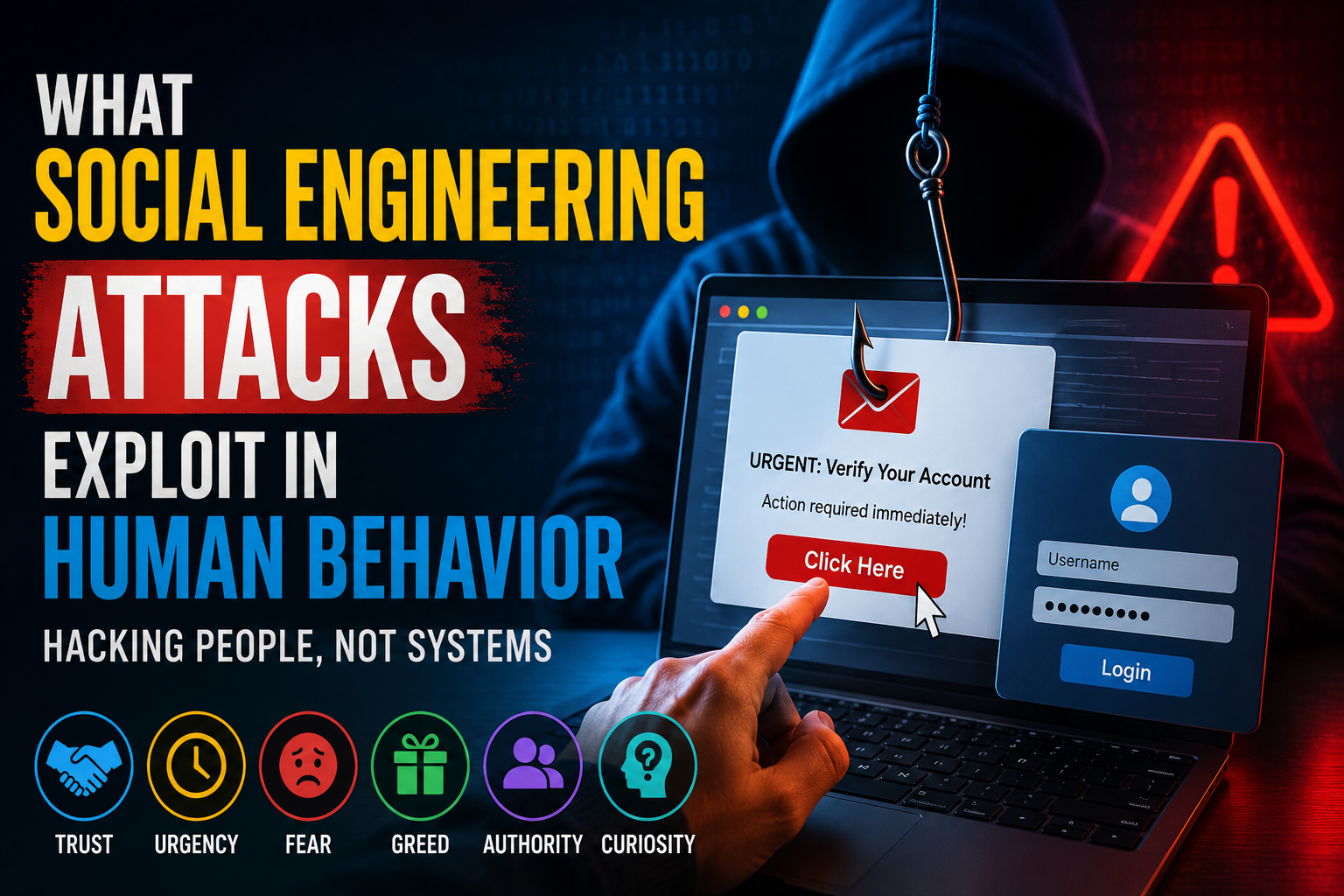
Phishing attempts use deceptive messages or websites to persuade people to reveal passwords, financial information or other sensitive data.
Messages may appear to come from banks, employers, online services or other trusted organizations.
A compromised account can then provide an attacker with access to email, cloud storage, business applications or sensitive records.
For a deeper look at how deceptive messages exploit human behavior, see Phishing Versus Social Engineering Explained.
Malware
Malicious software can be used to steal information, disrupt systems or provide unauthorized access.
Different types of malware include viruses, spyware, ransomware and other malicious programs.
Some malware is designed specifically to collect credentials or sensitive information, while ransomware can make important data unavailable until the underlying incident is addressed.
Weak Passwords
Simple, reused or predictable passwords can make accounts easier to compromise.
If the same password is used across multiple services, a breach involving one account can potentially put other accounts at risk.
Strong authentication and appropriate access controls therefore play an important role in protecting information.
For practical guidance on creating stronger credentials and managing passwords securely, see the Password Security Guide.
Insider Threats
Security incidents do not always originate from outside an organization.
Employees, contractors or other authorized users may accidentally or deliberately expose sensitive information.
Insider risk can involve excessive permissions, accidental sharing, malicious activity or simple mistakes.
Accidental Data Loss
Files can be deleted accidentally, devices can be lost and hardware can fail.
Data security therefore needs to address both malicious activity and ordinary mistakes.
Reliable backups and tested recovery procedures can reduce the consequences of these events. The Data Backup Guide explains how individuals and organizations can create reliable backup strategies for recovering information after loss or damage.
Unpatched Software
Software vulnerabilities can sometimes be exploited when systems are not updated.
Keeping operating systems, applications and security tools updated is an important part of maintaining a secure digital environment.
For organizations managing large numbers of systems, this connects data protection with broader vulnerability management. A useful companion article is How Vulnerability Management Identifies, Prioritizes and Reduces Security Weaknesses.
How Encryption Protects Data
Encryption converts readable information into a protected form that requires an appropriate key or mechanism to be understood.
When properly implemented, encryption can help protect information if unauthorized parties gain access to the underlying storage or communications.
Two common situations are encryption in transit and encryption at rest.
Encryption in Transit
Information is encrypted while moving between devices, servers or online services.
Secure web connections are an everyday example. When a website uses HTTPS, communications between the browser and website are protected using cryptographic protocols.
Encryption in transit can help reduce the risk that sensitive information will be exposed while moving between systems.
Encryption at Rest
Information is encrypted while stored on a device, server or other storage system.
This can help protect data if storage media is lost or accessed without authorization.
Encryption is particularly valuable for laptops, smartphones, removable drives, databases and cloud environments containing sensitive information.
Encryption should nevertheless be combined with appropriate authentication and access controls. Encrypting information does not prevent an authorized account from accessing it.
Strong Authentication Adds Another Layer
Authentication determines whether someone attempting to access an account or system is actually authorized to do so.
Passwords are one form of authentication, but relying on passwords alone can create weaknesses.
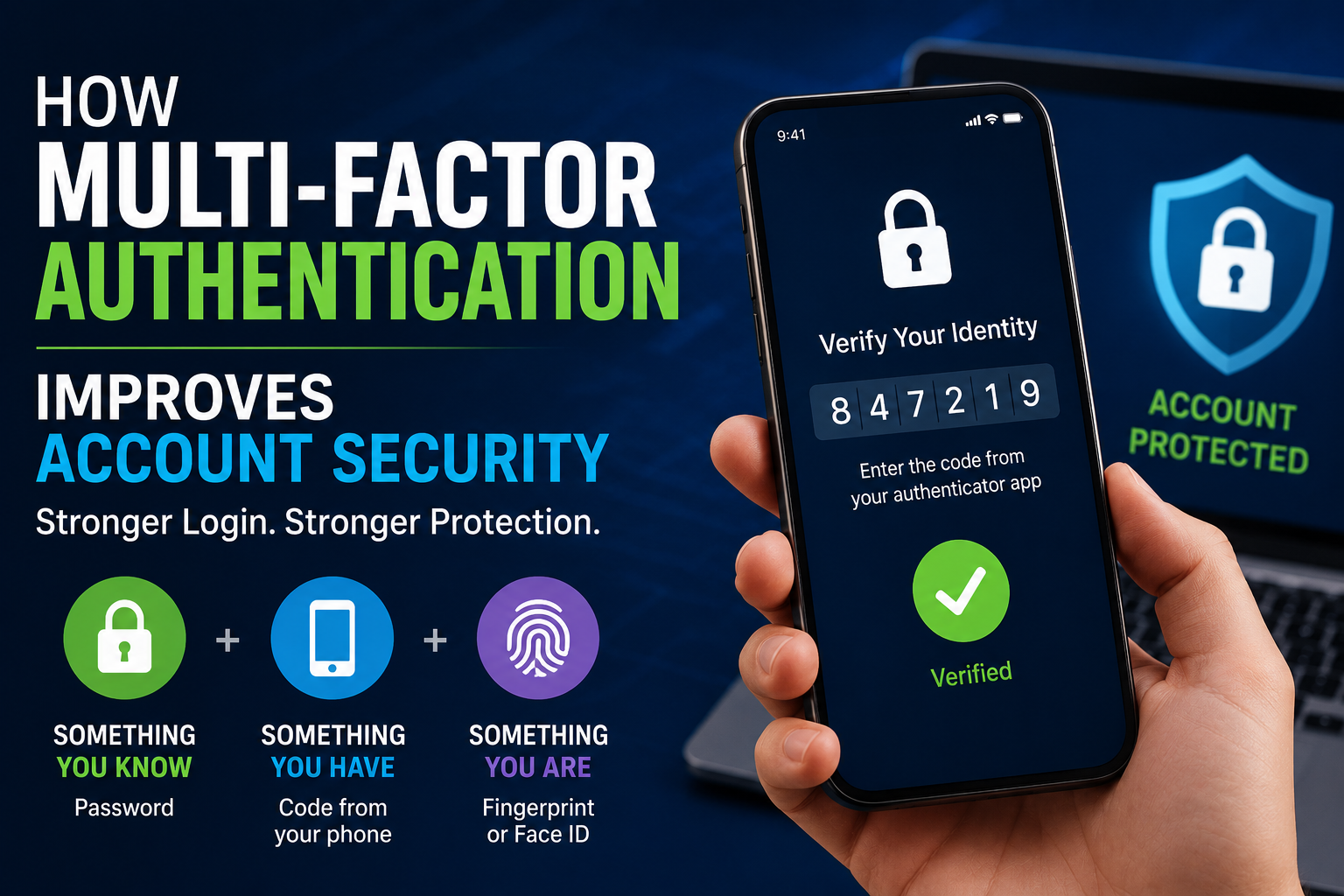
Multi-factor authentication (MFA) adds another verification factor.
Depending on the system, authentication may involve:
- Something you know, such as a password
- Something you have, such as a security key or authentication device
- Something you are, such as a biometric characteristic
MFA can significantly reduce the usefulness of a stolen password because an attacker may still need the additional authentication factor.
For organizations, authentication should also be considered alongside identity management and least-privilege access.
For more detail on strengthening authentication, see How Multi-Factor Authentication Improves Account Security.
Why Access Controls Matter
Not everyone who can access a system needs access to every piece of information.
Access controls limit what users, applications and systems are permitted to do.
A common security principle is least privilege.
Under this approach, users receive only the access necessary to perform their responsibilities.
For example, an employee who needs to view customer records may not need permission to modify or delete an entire database.
Limiting unnecessary permissions reduces the potential damage caused by compromised accounts or mistakes.
Access reviews should also be performed periodically because employees change roles, leave organizations and gain new responsibilities.
Protecting Data With Backups
Backups provide another layer of protection.
A backup is a separate copy of information that can be restored if the original is lost, damaged, deleted or encrypted by malicious software.
Useful backup strategies can include:
- Regular automated backups
- Multiple backup locations
- Offline or otherwise isolated copies
- Encrypted backups
- Periodic restoration tests
Simply having a backup is not enough.
Organizations and individuals should also verify that backups actually work and can be restored when necessary.
A backup that cannot be recovered provides little practical protection during an emergency.
Backups should therefore be treated as part of resilience rather than simply as a storage convenience.
Cloud Storage Still Requires Security
Cloud services can provide convenient storage and collaboration, but moving information to the cloud does not automatically make it secure.
Users still need to consider:
- Account security
- Access permissions
- Encryption
- Sharing settings
- Backup arrangements
- Service-provider security controls
- Data retention policies
One common mistake is assuming that a cloud provider handles every aspect of security.
In many cloud environments, security responsibilities are shared between the provider and the customer.
Users remain responsible for configuring accounts and permissions correctly.
Cloud security also creates a need for continuous visibility. Security teams need to understand who is accessing information, what resources are being used and whether unexpected configuration changes have occurred.
Keep Software Updated
Software updates often contain security fixes as well as new features.
When developers discover vulnerabilities, patches may be released to address them.
Keeping operating systems, browsers, applications, firmware and security software updated can therefore reduce exposure to known vulnerabilities.
Automatic updates can make this process easier, particularly for everyday consumer devices.
Organizations generally need more structured patch-management processes because they may operate large numbers of devices and applications.
Vulnerability management goes beyond simply installing patches. It also involves identifying weaknesses, determining which ones create the greatest risk and verifying that remediation actually worked.
Secure Smartphones and Computers
Personal devices frequently contain large amounts of sensitive information.
A basic device-security strategy should include:
- A strong screen lock
- Automatic security updates
- Device encryption where available
- Trusted applications
- Secure backups
- Limited administrator privileges
- Remote-location or device-wipe capabilities where appropriate
People should also avoid installing software from unknown sources.
Lost or stolen devices can become a significant privacy problem if they are not adequately protected.
For businesses, endpoint security can provide additional visibility into applications, processes, files and network activity occurring on employee devices.
For a broader look at protecting computers and mobile devices, see our guide to endpoint security.
Be Careful With Public Wi-Fi
Public wireless networks can be convenient in airports, hotels, cafes and other locations.
However, users should be cautious when connecting to networks they do not control.
Good practices include:
- Confirming the correct network name
- Avoiding sensitive activity on suspicious networks
- Keeping device security features enabled
- Using secure websites
- Avoiding automatic connection to unknown networks
A virtual private network can provide additional protection in certain situations, but it is not a replacement for secure accounts, strong authentication and other security practices.
For more guidance on protecting wireless connections, see Wi-Fi Security Explained.
Recognize Suspicious Messages
Technology cannot prevent every successful attack.
Human judgment remains an important part of data protection.
Before clicking a link, opening an attachment or providing sensitive information, consider:
- Who sent the message?
- Was the communication expected?
- Does the request make sense?
- Is there unusual urgency?
- Does the website address look legitimate?
- Is the sender asking for information they normally would not request?
When something seems suspicious, independently contact the organization using a trusted communication method rather than relying on the contact information contained in the questionable message.
Employees should also have a simple way to report suspicious emails and other potential security incidents.
Minimize the Data You Store
One of the simplest data-security principles is to avoid collecting or retaining information that is not needed.
The less sensitive information an organization stores, the less information could potentially be exposed during a breach.
This principle is sometimes called data minimization.
For individuals, it can mean deleting old accounts, removing unnecessary files and reviewing which applications have access to personal information.
For businesses, it can involve establishing retention policies that specify how long different types of information should be kept.
Data minimization can reduce both security exposure and the amount of information that must be protected over time.
Protect Data Throughout Its Lifecycle
Information does not remain in one place forever.
It may move through several stages:
- Collection
- Storage
- Processing
- Sharing
- Archiving
- Deletion
Security controls should account for each stage.
For example, sensitive information might require encryption while stored, secure communication while transmitted and controlled deletion when it is no longer needed.
Thinking about the entire lifecycle prevents organizations from focusing exclusively on the database while overlooking copies stored elsewhere.
Copies can exist in backups, employee devices, cloud applications, email accounts, development systems and third-party services.
Data Security Requires Physical Protection Too
Digital security also has a physical component.
A computer containing sensitive information can be compromised if an unauthorized person gains physical access to it.
Physical safeguards can include:
- Locked server rooms
- Controlled office access
- Secure storage for backup drives
- Screen privacy in public locations
- Device tracking
- Proper disposal of storage media
Organizations should also consider what happens to old computers, phones and hard drives before they are discarded or recycled.
Simply deleting files may not always be sufficient to securely dispose of sensitive information.
Employee Training Is an Important Security Control
Technology alone cannot protect an organization if employees do not understand basic security practices.
Security awareness programs can teach employees how to:
- Recognize phishing attempts
- Create and manage strong credentials
- Handle sensitive information
- Report suspicious activity
- Use company devices securely
- Follow access-control policies
- Protect physical documents and devices
Training should be ongoing rather than a one-time exercise.
Threats evolve, and employees may encounter new types of scams or attacks over time.
Security awareness should therefore be integrated into the organization’s broader cybersecurity program rather than treated as an isolated annual exercise.
Security Monitoring Can Detect Problems Earlier
Organizations can use monitoring systems to identify unusual activity.
Depending on the environment, security teams may monitor:
- Login attempts
- Network traffic
- Account activity
- File access
- Changes to sensitive systems
- Malware alerts
- Unusual data transfers
The purpose is not simply to collect large amounts of information.
Effective monitoring should help organizations identify meaningful warning signs and respond appropriately.
This is where data security connects directly with security operations. Security teams can use logs, endpoint information, network activity and identity events to investigate suspicious behavior.
For a deeper look at how this monitoring process works, see How Security Operations Teams Monitor Systems and Detect Cybersecurity Threats.
What Happens When a Data Breach Occurs?
A data breach occurs when information is accessed, disclosed or acquired without authorization.
The appropriate response depends on the circumstances and applicable laws.
A general incident-response process may involve:
- Detecting the incident
- Containing the affected systems
- Investigating what happened
- Identifying affected information
- Removing the underlying threat
- Restoring systems
- Notifying relevant parties when required
- Reviewing what can be improved
Speed matters, but so does accuracy.
Organizations need to understand the scope of an incident before making decisions about recovery and communication.
Data security controls can reduce the likelihood or impact of a breach, but organizations should still prepare for the possibility that preventive measures may fail.
Privacy and Data Security Are Connected
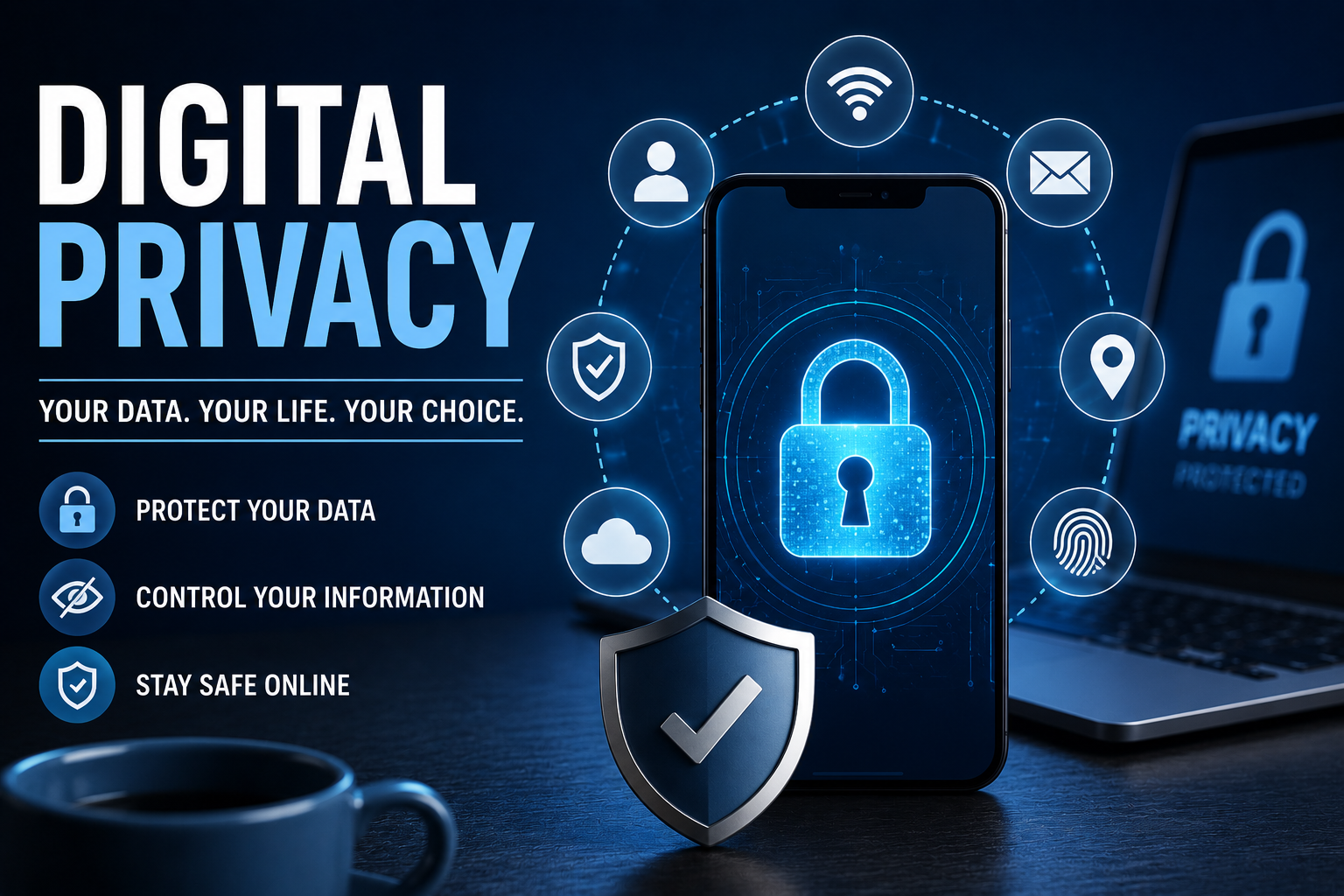
Privacy and security are closely related but represent different concepts.
Privacy concerns how personal information is collected, used, shared and handled.
Security concerns protecting information against unauthorized access, alteration, loss or disclosure.
A company can have strong technical security while still raising privacy concerns if it collects excessive information or uses data in ways people did not reasonably expect.
Strong digital practices therefore need to consider both security and responsible data handling.
For a broader explanation of how personal information, tracking and data collection relate to digital life, see What Digital Privacy Means and Why It Matters.
A Practical Data Security Checklist
Individuals and organizations can use a basic checklist to strengthen their security posture.
For Individuals
- Use unique, strong passwords.
- Enable multi-factor authentication.
- Keep devices and software updated.
- Back up important information.
- Encrypt sensitive devices and storage where appropriate.
- Be cautious with unexpected messages and links.
- Review account permissions.
- Avoid unnecessary data sharing.
- Secure lost or stolen devices quickly.
For Organizations
- Classify sensitive information.
- Apply least-privilege access controls.
- Encrypt sensitive data.
- Maintain tested backups.
- Establish security policies.
- Train employees regularly.
- Monitor important systems.
- Patch vulnerabilities promptly.
- Develop an incident-response plan.
- Review third-party security risks.
- Establish appropriate data-retention and disposal policies.
These measures should not be viewed as separate tasks. They work together as layers within a broader business cybersecurity strategy.
Common Data Security Mistakes
Several avoidable mistakes continue to create unnecessary exposure.
Reusing Passwords
A compromised password can put multiple accounts at risk when the same credential is reused.
Ignoring Software Updates
Known vulnerabilities may remain exploitable when security patches are not installed.
Giving Everyone Broad Access
Excessive permissions increase the potential impact of compromised accounts.
Keeping Data Forever
Old information can create unnecessary security and privacy risks.
Assuming Backups Are Automatic
Important information should not be considered protected until backups have been tested.
Treating Security as Only an IT Problem
Employees, managers and ordinary users all interact with digital information. Security is therefore an organizational responsibility rather than solely a technical function.
How Data Security Fits Into a Broader Cybersecurity Program
Data protection works best when it is connected to the organization’s other security activities.
For example, risk management helps determine which information and systems are most important to protect.
Vulnerability management helps identify weaknesses that could expose those systems or the information they contain.
Security operations provides ongoing monitoring that can reveal suspicious activity involving accounts, systems and data.
Incident response then provides a structured way to contain and investigate security incidents when preventive controls are bypassed.
These areas reinforce one another rather than operating independently.
That is why organizations should think about data security as one component of a broader cybersecurity architecture. The larger picture is covered in The Ultimate Guide to Business Cybersecurity, which provides the central framework connecting these different security disciplines.
Building a Stronger Digital Security Culture
Effective data security is not achieved through a single product.
Firewalls, encryption, antivirus software, password managers, authentication systems, access controls, backups and monitoring tools can all play useful roles, but they work best as parts of a broader strategy.
The strongest approach combines technology, clear policies, informed users, controlled access, reliable backups and continuous improvement.
For individuals, this means developing everyday habits that make accounts and devices harder to compromise.
For organizations, it means treating information as an asset that requires protection throughout its entire lifecycle.
Protecting Information Starts With Understanding It
Digital information cannot be made completely risk-free. New vulnerabilities, scams and attack techniques will continue to emerge as technology changes.
What organizations and individuals can do is reduce unnecessary exposure and make it harder for security incidents to become serious problems.
Strong authentication can protect accounts. Encryption can protect information from unauthorized access. Backups can limit the consequences of data loss. Access controls can restrict what compromised accounts can do. Security awareness can help people recognize threats before they become incidents.
The most effective data-security strategy is therefore not one defensive measure but a series of complementary protections that work together—from the moment information is collected and stored to the moment it is securely deleted.
And because data security sits inside a much larger security ecosystem, it should continually connect back to the organization’s overall cybersecurity strategy, risk priorities, vulnerability-management process and security monitoring capabilities.