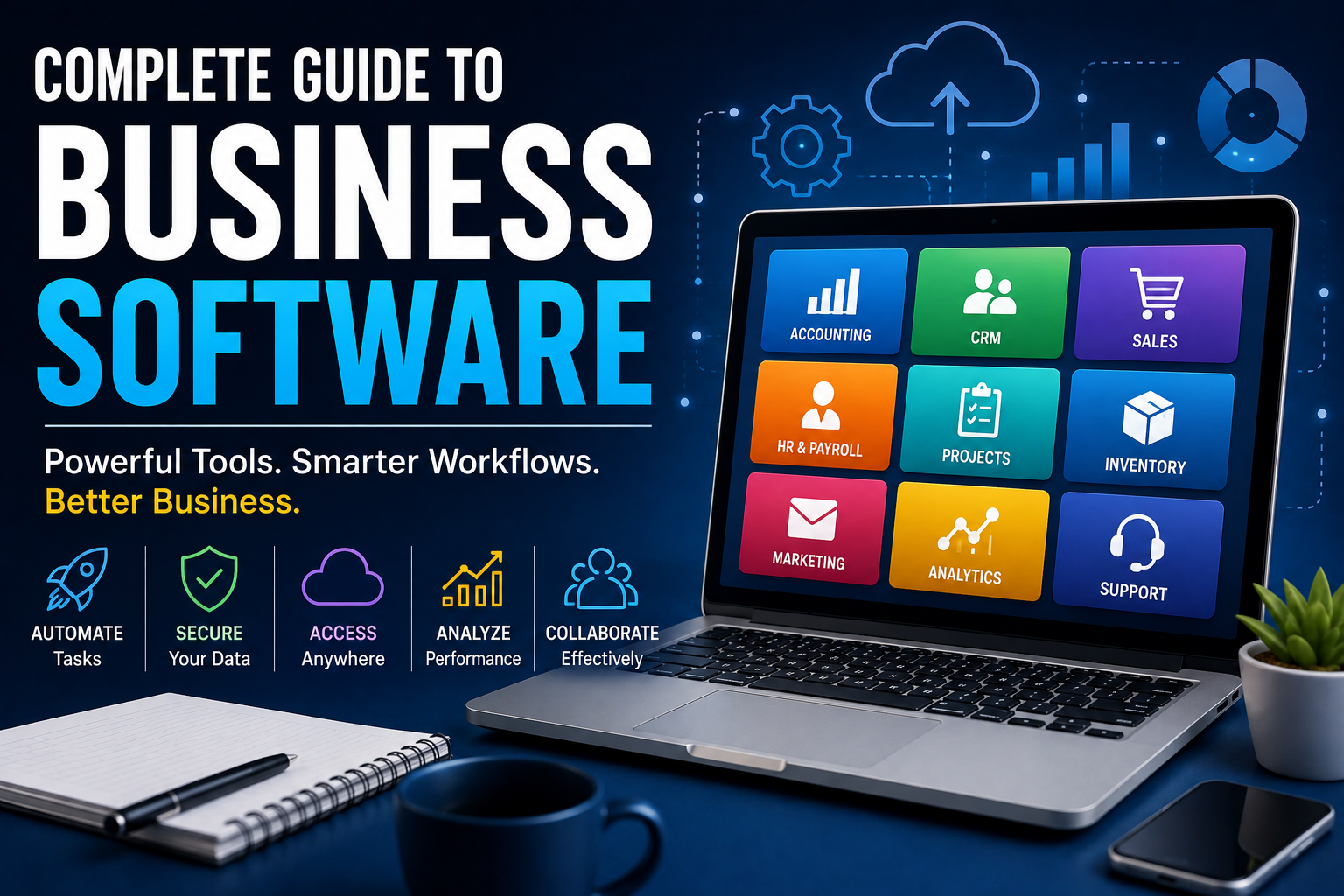
Complete Guide to Business Software
Businesses of every size rely on software to organize operations, communicate with customers, manage finances, analyze information and make better decisions.
From a small business using accounting and invoicing tools to a multinational company operating complex enterprise platforms, software has become a fundamental part of how modern organizations work.
But business software is much more than a collection of applications.
The right systems can connect departments, automate repetitive tasks, reduce errors, improve customer experiences and give decision-makers a clearer view of the organization. Poorly selected or poorly implemented software, on the other hand, can create unnecessary costs, fragmented information and operational headaches.
This complete guide to business software explains the major categories, how they work together, the benefits and challenges, cloud-based platforms, security considerations, artificial intelligence, implementation strategies and how businesses can choose technology that supports long-term growth.
What Is Business Software?
Business software is software designed to help organizations perform, manage, automate or improve business activities.
It can support virtually every part of an organization, including:
- Accounting
- Finance
- Sales
- Marketing
- Customer service
- Human resources
- Payroll
- Project management
- Inventory
- Procurement
- Communication
- Data analysis
- Cybersecurity
- Operations
- Business planning
Some applications are designed for one specific task, while others combine multiple capabilities into a larger business platform.
For example, a small company might use separate applications for accounting, email marketing, customer management and payroll.
A larger organization may use an integrated enterprise platform connecting many of these functions.
Businesses can also combine specialized tools for automation, communication, collaboration and data management rather than relying on one platform for everything. Understanding these categories is useful when evaluating the broader business automation guide or exploring the complete guide to business communication technology.
Why Business Software Matters
Businesses generate enormous amounts of information every day.
Orders need to be recorded. Employees need to be scheduled. Customers need assistance. Invoices need to be issued. Inventory needs to be tracked.
Trying to manage these activities manually becomes increasingly difficult as an organization grows.
Business software can help organizations:
- Automate repetitive work
- Organize information
- Improve collaboration
- Reduce manual errors
- Track performance
- Improve customer service
- Manage resources
- Support decision-making
- Scale operations
The objective isn’t simply to digitize existing processes.
Good software should make important processes more efficient, reliable and measurable.
This is particularly important when organizations adopt multiple applications. A business may use separate systems for customer relationships, employees, projects, communication and analytics, making integration an important part of the overall technology strategy.
The Main Types of Business Software
Business software can be divided into numerous categories.
The most important include:
- Accounting software
- Enterprise resource planning software
- Customer relationship management software
- Human resources software
- Payroll software
- Project management software
- Communication software
- Collaboration software
- Marketing software
- Sales software
- Inventory management software
- Supply chain software
- Business intelligence software
- Document management software
- Cybersecurity software
- Productivity software
- E-commerce software
- Customer support software
- Workflow automation software
- Industry-specific software
Many modern platforms overlap several of these categories.
For example, a CRM platform may include sales automation, marketing capabilities and customer support features. An ERP platform may combine accounting, procurement, inventory and operational management.
This interconnected approach is also why businesses should understand the principles behind business software evaluation and purchasing before committing to a major platform.
Accounting Software
Accounting software helps businesses record and manage financial information.
Common functions include:
- Income tracking
- Expense tracking
- Invoicing
- Accounts payable
- Accounts receivable
- Bank reconciliation
- Financial reporting
- Tax-related records
- Budgeting
- Cash-flow management
For small businesses, accounting software can replace many manual spreadsheet-based processes.
For larger organizations, accounting capabilities may be integrated into broader enterprise systems.
Why Accounting Software Is Important
Financial information needs to be accurate and accessible.
Manual bookkeeping can introduce problems such as:
- Duplicate entries
- Calculation errors
- Missing transactions
- Delayed reporting
- Poor record organization
Accounting software can automate many repetitive calculations and create a more consistent financial record.
However, software doesn’t eliminate the need for sound accounting practices.
Incorrect information entered into a system can still produce incorrect reports.
Accounting is also closely connected to ERP technology because enterprise resource planning systems can integrate financial information with purchasing, inventory, operations and other business functions.
Enterprise Resource Planning Software
Enterprise resource planning (ERP) software integrates multiple business functions into a centralized system.
An ERP platform may connect:
- Finance
- Procurement
- Inventory
- Manufacturing
- Human resources
- Sales
- Supply chain
- Project management
The central idea is integration.
Instead of every department maintaining completely separate systems, information can flow between connected business processes.
How ERP Software Works
Imagine a company receives an order.
A connected ERP system could potentially:
- Record the customer order.
- Check inventory.
- Generate a procurement request if stock is insufficient.
- Update financial records.
- Schedule fulfillment.
- Generate an invoice.
- Update management reports.
The exact workflow depends on the organization and software configuration.
The benefit is that different departments can work from shared information.
ERP systems can therefore become an important component of a company’s wider IT infrastructure for businesses.
Customer Relationship Management Software
Customer relationship management (CRM) software helps businesses organize interactions with customers and prospects.
CRM platforms can store information such as:
- Customer names
- Contact details
- Communication history
- Sales opportunities
- Purchases
- Support interactions
- Marketing activity
Sales teams can use CRM systems to track prospects throughout the sales process.
Customer-service teams can use them to understand previous interactions.
Marketing teams can use customer information to create more relevant campaigns.
For a dedicated explanation of the technology, see What Is CRM Technology?.
CRM systems also demonstrate why business data management matters. Customer information needs to be accurate, accessible, appropriately protected and available to authorized teams.
Sales Software
Sales software helps organizations manage the process of turning prospects into customers.
Common features include:
- Lead management
- Opportunity tracking
- Sales pipelines
- Quotations
- Proposals
- Sales forecasting
- Customer communication
- Performance reporting
Many sales platforms are integrated with CRM systems.
What Is a Sales Pipeline?
A sales pipeline represents the stages through which a potential customer moves before making a purchase.
A simplified pipeline might look like:
Lead
  ↓
Qualified Prospect
  ↓
Opportunity
  ↓
Proposal
  ↓
Negotiation
  ↓
Closed Deal
Software can help sales teams understand how many opportunities exist at each stage.
This can make forecasting and sales management more systematic.
Sales information can also become valuable input for data analytics for business, allowing organizations to identify patterns in conversion rates, customer behavior and revenue performance.
Human Resources Software
Human resources software helps organizations manage employee-related information and processes.
Features may include:
- Employee records
- Recruitment
- Onboarding
- Leave management
- Performance management
- Training
- Benefits administration
- Workforce planning
HR platforms can reduce administrative work while providing employees with self-service access to certain information.
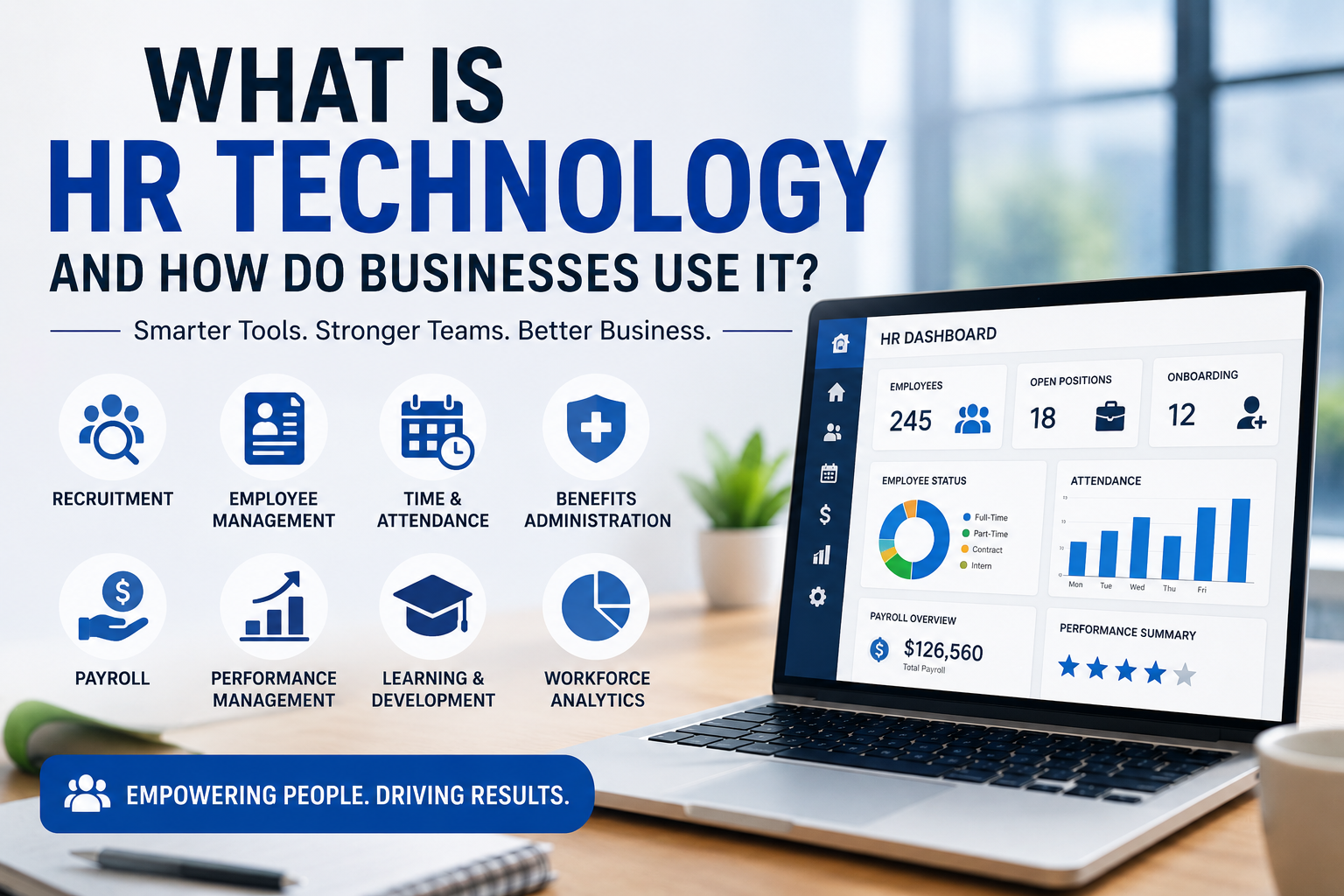
For a dedicated overview, see What Is HR Technology and How Do Businesses Use It?.
HR technology also connects naturally with digital workplace systems because employee productivity depends on more than HR administration alone.
Payroll Software
Payroll software is designed specifically to help calculate and manage employee compensation.
Depending on the jurisdiction and platform, it may handle:
- Salaries
- Wages
- Deductions
- Taxes
- Benefits
- Payslips
- Payroll reports
Payroll systems require careful configuration because employment and tax rules vary between countries and can change over time.
Businesses should ensure their payroll software supports the regulations applicable to their workforce.
Project Management Software
Project management software helps teams plan, organize and monitor work.
Typical capabilities include:
- Task management
- Project schedules
- Deadlines
- Assignments
- Dependencies
- Milestones
- File sharing
- Progress tracking
- Reporting
Different organizations use different project-management approaches.
Some rely on traditional task lists and schedules.
Others use agile methodologies, Kanban boards or hybrid approaches.
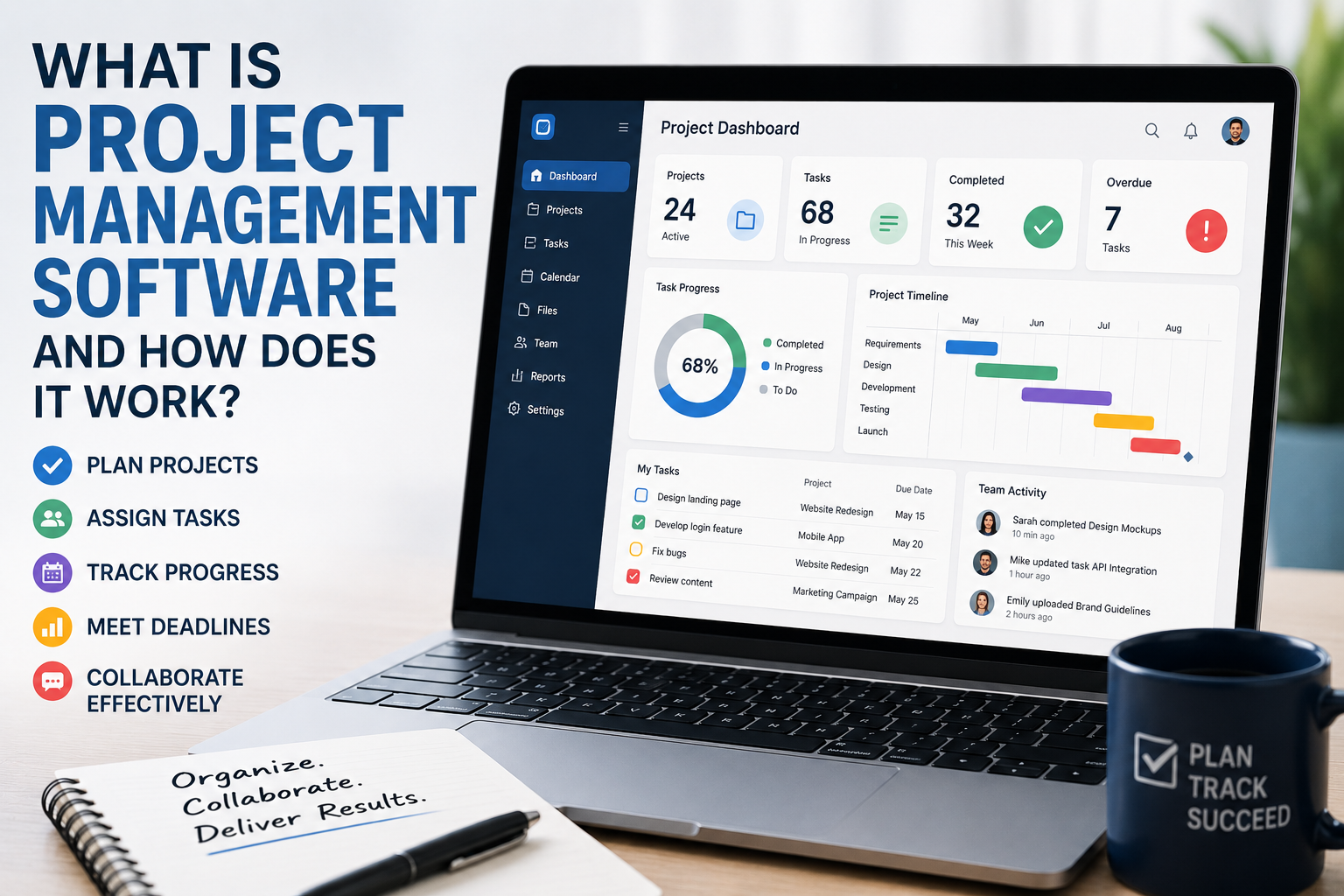
For a deeper explanation, see What Is Project Management Software and How Does It Work?.
Project management software often works alongside collaboration platforms, particularly when teams need shared documents, conversations and project workspaces.
Task Management Software
Task-management applications focus on individual pieces of work.
A task might contain:
- Title
- Description
- Owner
- Due date
- Priority
- Status
- Attachments
A collection of tasks can form a project or workflow.
Task management is especially useful for making responsibilities visible across teams.
The effectiveness of task management can improve when it is connected to collaboration software and broader workplace communication systems.
Collaboration Software
Collaboration platforms allow employees to work together even when they aren’t physically located in the same office.
They may provide:
- Shared documents
- Team messaging
- File storage
- Video meetings
- Comments
- Shared calendars
- Project workspaces
Modern collaboration software has become particularly important for distributed and hybrid organizations.
See the complete guide to collaboration software for a deeper look at how these platforms support teamwork.
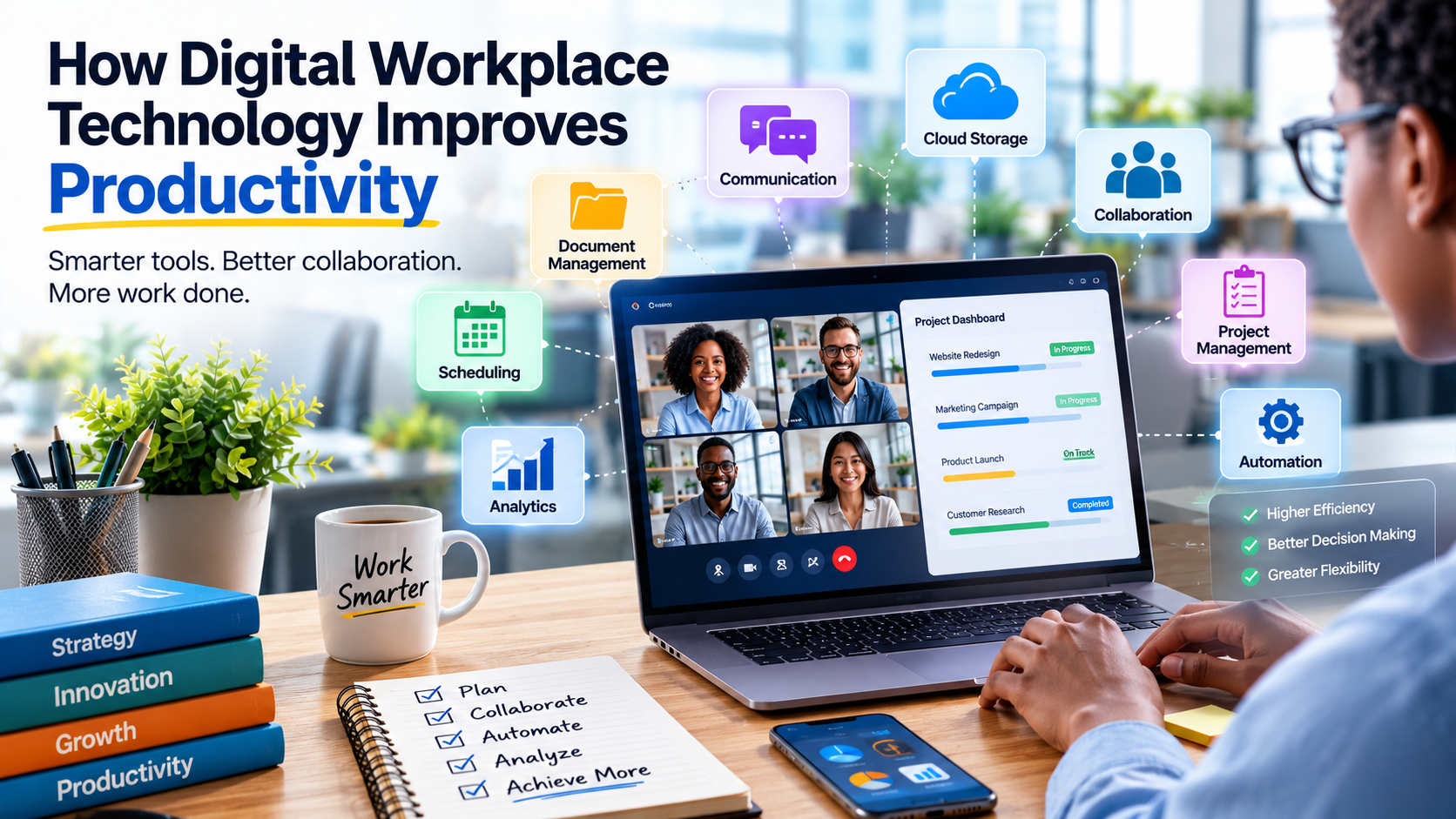
Collaboration tools are also closely related to how digital workplace technology improves productivity.
Business Communication Software
Communication platforms support internal and external business communication.
Common tools include:
- Instant messaging
- Video conferencing
- Voice communication
- Team channels
- Customer communication platforms
The objective is to make information exchange faster and more organized.
However, too many communication platforms can have the opposite effect.
Employees may end up searching across email, chat applications and project-management systems to find the same information.
The broader complete guide to business communication technology explores these tools and their role in modern organizations.
Communication also overlaps with collaboration. A company therefore needs to think about how its communication and collaboration systems fit together rather than selecting each application independently.
Marketing Software
Marketing software helps organizations attract, engage and retain customers.
Common categories include:
- Email marketing
- Marketing automation
- Social media management
- Content management
- Search engine optimization
- Advertising management
- Customer segmentation
- Analytics
Marketing platforms increasingly integrate data from multiple channels to create a more complete view of customer behavior.
Marketing Automation Software
Marketing automation can perform repetitive marketing tasks based on predefined conditions.
For example:
Customer submits form
        ↓
Add customer to campaign
        ↓
Send welcome message
        ↓
Wait
        ↓
Send relevant follow-up
        ↓
Update customer record
Automation can reduce repetitive work and help organizations respond to customers more consistently.
Marketing automation is one example of the broader principles explained in the Business Automation Guide.
Inventory Management Software
Inventory software helps businesses track products and materials.
It can monitor:
- Stock levels
- Product locations
- Purchases
- Sales
- Returns
- Reorder points
- Stock movements
This is particularly important for retailers, manufacturers, distributors and e-commerce businesses.
Inventory systems may also connect to ERP platforms, procurement systems and analytics tools.
Why Inventory Accuracy Matters
Poor inventory information can cause:
- Overstocking
- Stockouts
- Delayed orders
- Lost sales
- Excess storage costs
- Customer dissatisfaction
Inventory software can provide better visibility, but accurate data and disciplined processes remain essential.
Supply Chain Management Software
Supply chain software manages activities involved in moving products, materials and information through an organization and its suppliers.
It can support:
- Procurement
- Supplier management
- Logistics
- Warehousing
- Demand planning
- Transportation
- Inventory
- Order fulfillment
Large supply chains often require sophisticated software because many organizations and processes are interconnected.
These systems demonstrate why integrated business technology can be more effective than a collection of isolated applications.
Procurement Software
Procurement software helps businesses manage purchasing activities.
It can support:
- Supplier selection
- Purchase requests
- Purchase orders
- Approvals
- Contract management
- Spend tracking
- Supplier performance
Automated approval workflows can help organizations enforce purchasing policies.
Procurement data can also feed into ERP systems and business intelligence platforms, giving management greater visibility into spending and supplier performance.
Business Intelligence Software
Business intelligence (BI) software transforms business data into reports, dashboards and analytical insights.
BI systems can help answer questions such as:
- Which products sell the most?
- Which customers generate the most revenue?
- Which expenses are increasing?
- Which regions are performing well?
- Where are operational bottlenecks?
Popular BI capabilities include:
- Dashboards
- Data visualization
- Reporting
- Data exploration
- Trend analysis
- Performance monitoring
For a more detailed explanation, see How Business Intelligence Helps Businesses Make Better Data-Driven Decisions.
BI also overlaps with business analytics, which can investigate why business outcomes occurred and what might happen next.
What Is a Business Dashboard?
A dashboard presents important information in a visual format.
It might show:
- Revenue
- Sales
- Expenses
- Customer growth
- Conversion rates
- Inventory
- Employee metrics
A good dashboard focuses on information that supports decisions.
A dashboard containing dozens of unrelated metrics may look impressive but provide little practical value.
The quality of a dashboard therefore depends not only on visualization but also on the underlying data management and analytics processes.
Business Analytics Software
Business analytics goes beyond basic reporting.
Analytics can investigate:
- Why sales changed
- Which customers are most valuable
- Which marketing channels perform best
- Where operational inefficiencies exist
- What might happen under different scenarios
More advanced analytics can include statistical modeling, forecasting and machine learning.
Organizations that want to build effective analytics systems should also understand the complete guide to business data management, because reliable analysis depends on reliable underlying information.
Document Management Software
Businesses create enormous quantities of documents.
Document-management software helps organizations store, organize and retrieve files.
Features can include:
- Search
- Version control
- Permissions
- File sharing
- Document workflows
- Approval processes
- Audit trails
- Retention policies
Centralized document management can reduce the problem of employees keeping important information in personal folders or email attachments.
Document systems can also support collaboration by allowing authorized employees to work from shared and current versions of files.
Content Management Systems
A content management system (CMS) allows organizations to create and manage digital content.
Businesses commonly use CMS platforms for:
- Websites
- Blogs
- Knowledge bases
- Documentation
- Product catalogs
A CMS can separate content management from the technical implementation of a website.
Customer Support Software
Customer-support platforms help organizations manage questions, complaints and service requests.
Common capabilities include:
- Ticket management
- Customer history
- Live chat
- Knowledge bases
- Automated responses
- Service-level tracking
- Reporting
Support software can help businesses organize large volumes of customer requests.
When connected to CRM systems, support employees can also access relevant customer information and previous interactions.
Help Desk Software
A help desk system typically turns customer or employee issues into tickets.
A ticket might contain:
- Customer information
- Problem description
- Priority
- Assigned agent
- Status
- Communication history
- Resolution
This creates a structured process for managing support requests.
Help desk platforms can also connect with communication, collaboration and automation systems to reduce manual handling.
Workflow Automation Software
Workflow automation software allows businesses to automate sequences of actions.
For example:
New customer
      ↓
Create CRM record
      ↓
Notify sales team
      ↓
Create onboarding task
      ↓
Send welcome email
Automation can connect otherwise separate systems.
For a broader examination of these processes, see the Business Automation Guide.
Why Business Automation Matters
Automation can help organizations reduce repetitive manual work.
Potential benefits include:
- Faster processing
- Fewer data-entry mistakes
- Consistent workflows
- Lower administrative workload
- Faster customer response
- Better scalability
But not every process should be automated.
Processes that are poorly designed can become poorly designed automated processes.
Businesses should therefore understand the process first, improve it where necessary and then determine whether automation provides meaningful value.
Integration Between Business Applications
Modern businesses rarely operate a single application.
A company might use:
- CRM
- Accounting software
- Email marketing
- E-commerce platform
- Inventory system
- Customer-support platform
These systems need to exchange information.
Integration allows one application to send or receive data from another.
This becomes especially important as organizations expand their technology environment and adopt specialized systems for different departments.
APIs and Business Software
An application programming interface (API) allows software systems to communicate.
For example:
E-commerce Platform
        ↓
       API
        ↓
Inventory System
        ↓
       API
        ↓
Accounting Software
When a customer places an order, information can automatically move between systems.
APIs are one of the foundations of modern business-software integration.
They are also important when organizations evaluate new technology because integration capabilities can determine whether a new application fits into the existing environment.
Why Software Integration Matters
Without integration, employees may have to manually copy information between systems.
That creates:
- Duplicate work
- Data-entry errors
- Delays
- Inconsistent records
- Higher administrative costs
Integrated systems can create a more continuous flow of information.
Integration is therefore closely connected to IT governance, because organizations need clear policies around how systems exchange data, who controls integrations and what risks need to be managed.
Business Software and Artificial Intelligence
Artificial intelligence is becoming an increasingly important feature of business software.
AI can assist with:
- Document processing
- Customer support
- Data analysis
- Writing
- Summarization
- Forecasting
- Search
- Recommendations
- Workflow automation
- Software development
Instead of existing as a separate application, AI is increasingly being embedded inside everyday business platforms.
AI can therefore become another layer connecting business processes, data and software.
AI-Powered Business Assistants
Business software can use AI assistants to help employees perform tasks using natural language.
For example, an employee might ask:
“Which customers haven’t placed an order in the last six months?”
An AI-powered system could potentially retrieve the appropriate information from connected business data.
Other examples include:
- Summarizing customer interactions
- Drafting emails
- Creating reports
- Finding documents
- Generating meeting summaries
- Identifying unusual patterns
The accuracy and usefulness of these features depend heavily on the quality and accessibility of the underlying business data.
This makes AI adoption closely connected to strong business data management.
AI Agents in Business Software
An AI agent can be designed to perform multiple steps toward a goal rather than simply returning a single response.
For example:
Identify overdue invoice
       ↓
Check customer record
       ↓
Review previous communication
       ↓
Draft reminder
       ↓
Request approval
       ↓
Send message
       ↓
Update CRM
Agentic systems could eventually automate increasingly complex business workflows.
However, organizations need appropriate safeguards around permissions, approvals, accuracy and accountability.
These considerations also reinforce the importance of IT governance when organizations introduce increasingly autonomous technology.
Business Software and Data Security
Business applications often contain highly valuable information.
This can include:
- Customer information
- Employee records
- Financial data
- Contracts
- Business strategies
- Intellectual property
- Authentication information
Security therefore needs to be a fundamental part of software selection.
Businesses should evaluate security alongside functionality, usability, integration and cost rather than treating it as an afterthought.
Essential Business Software Security Practices
Strong Authentication
Use strong authentication methods and, where appropriate, multi-factor authentication.
Least Privilege
Users should receive only the access they need.
Encryption
Protect sensitive information during storage and transmission.
Backups
Maintain appropriate recovery mechanisms.
Software Updates
Keep applications and supporting infrastructure updated.
Monitoring
Monitor suspicious access and unusual activity.
Employee Training
Technology cannot compensate for poor security awareness.
Security should also be considered as part of broader IT infrastructure for businesses.
Cloud-Based Business Software
Cloud software runs on infrastructure accessed through the internet rather than requiring every application to be installed and operated on local servers.
Cloud business applications can offer:
- Remote access
- Centralized updates
- Flexible scaling
- Easier collaboration
- Reduced infrastructure management
However, cloud software doesn’t automatically eliminate security or operational risks.
Businesses still need to understand:
- Data ownership
- Access controls
- Service availability
- Backup policies
- Compliance requirements
- Vendor responsibilities
Cloud software also changes the way organizations think about infrastructure, networking and vendor management.
Software as a Service
Software as a Service (SaaS) is a model in which software is provided as an online service.
Instead of purchasing and maintaining traditional software installations, customers commonly pay through subscription or usage-based arrangements.
Examples of SaaS categories include:
- CRM
- Accounting
- Project management
- Communication
- Marketing
- HR
SaaS has made sophisticated business software accessible to organizations that previously couldn’t afford or manage large IT infrastructures.
Advantages of Cloud Business Software
Lower Initial Infrastructure Requirements
Businesses may not need to purchase and maintain their own servers.
Remote Accessibility
Employees can often access applications from multiple locations.
Faster Updates
Providers can deploy software updates centrally.
Scalability
Organizations may be able to increase or decrease service capacity more easily.
Collaboration
Cloud platforms can make shared information easier to access.
These advantages have contributed to the growth of digital workplaces and distributed work environments.
Challenges of Cloud Business Software
Cloud applications also introduce considerations such as:
- Subscription costs
- Internet dependency
- Vendor lock-in
- Data residency
- Integration complexity
- Service outages
- Migration challenges
Cloud isn’t automatically better than on-premises software.
The appropriate model depends on business requirements.
On-Premises Business Software
On-premises software is deployed on infrastructure controlled by the organization.
This can provide:
- Greater infrastructure control
- Customization
- Direct management of systems
- Potentially greater control over data location
But organizations must also manage:
- Servers
- Maintenance
- Security
- Backups
- Upgrades
- Hardware
- Disaster recovery
This is one reason businesses need to understand their broader IT infrastructure before deciding where software should run.
Cloud Versus On-Premises Software
| Factor | Cloud | On-Premises |
|---|---|---|
| Infrastructure | Provider-managed | Organization-managed |
| Initial hardware | Usually lower | Often higher |
| Maintenance | Shared/provider-managed | Organization-managed |
| Remote access | Generally easier | Depends on architecture |
| Customization | Depends on provider | Often greater |
| Scaling | Often easier | Requires infrastructure planning |
| Vendor dependency | Potentially high | Lower in some areas |
| Operational responsibility | Reduced | Greater |
Hybrid architectures can combine both approaches.
Choosing Business Software
Selecting software should begin with business requirements, not product features.
Start by asking:
What Problem Are We Solving?
A software purchase should address a real business need.
Who Will Use It?
Employee roles influence usability and functionality requirements.
How Large Is the Organization?
A solution suitable for five employees may not work for 5,000.
What Systems Must It Integrate With?
Integration requirements should be identified before purchase.
What Data Will It Handle?
Sensitive or regulated data can significantly affect software requirements.
What Is the Total Cost?
Consider more than the subscription price.
Organizations should also consider whether the software fits existing processes, infrastructure and governance requirements.
For a more detailed purchasing framework, see How Businesses Evaluate and Purchase Technology Solutions for Organizational Needs.
Understanding Total Cost of Ownership
The true cost of software may include:
- Subscription fees
- Licenses
- Implementation
- Migration
- Training
- Customization
- Integration
- Support
- Security
- Hardware
- Administration
A platform that appears inexpensive initially can become costly if it requires extensive customization or manual work.
This is why software evaluation should consider the full lifecycle rather than simply comparing advertised subscription prices.
Software Implementation
Purchasing software is only the beginning.
Successful implementation typically requires:
- Planning
- Requirements gathering
- Configuration
- Data migration
- Integration
- Testing
- Training
- Deployment
- Monitoring
- Continuous improvement
Skipping important stages can undermine the value of even excellent software.
Implementation is also a major part of digital transformation because introducing technology often changes established business processes.
Why Employee Adoption Matters
Employees ultimately determine whether many business applications succeed.
If software is difficult to use, workers may:
- Avoid it
- Create workarounds
- Maintain separate spreadsheets
- Enter incomplete information
- Use unauthorized applications
This can produce fragmented data and security risks.
User experience should therefore be part of software selection.
The wider topic of how workplace technology improves employee productivity and collaboration is closely connected to successful software adoption.
Change Management
New software often changes how employees work.
Change management helps organizations prepare people for those changes.
It may include:
- Communication
- Training
- Documentation
- Pilot programs
- Feedback
- Support
- Gradual rollout
Employees are more likely to adopt new systems when they understand why the change is happening and how it will benefit their work.
Data Migration
Moving existing information into a new business application can be one of the most difficult parts of implementation.
Migration may require:
- Data cleaning
- Duplicate removal
- Format conversion
- Validation
- Mapping
- Testing
Poor-quality legacy data can cause problems in the new system.
This is why business data management should be considered before, during and after a major software migration.
Business Software Interoperability
Interoperability refers to the ability of different systems to exchange and use information effectively.
This becomes particularly important as businesses accumulate multiple applications.
Before purchasing software, organizations should investigate:
- APIs
- Export options
- Import formats
- Integration platforms
- Webhooks
- Authentication mechanisms
- Data portability
Strong interoperability can reduce the risk of creating isolated technology silos.
Avoiding Vendor Lock-In
Vendor lock-in occurs when it becomes difficult or expensive to move from one software provider to another.
Organizations can reduce the risk by evaluating:
- Data export capabilities
- Open standards
- API access
- Contract terms
- Migration options
- Integration architecture
Vendor lock-in isn’t always avoidable, but it should be understood before making a major technology commitment.
Business Software Licensing
Business software can use different licensing models.
Common models include:
- Subscription
- Per-user licensing
- Usage-based pricing
- Per-device licensing
- Enterprise licensing
- Open-source licensing
- Freemium models
The licensing structure can significantly affect long-term costs.
Open-Source Business Software
Open-source software makes its source code available under specific licensing terms.
Potential advantages include:
- Greater customization
- Community development
- Reduced licensing fees
- Greater control
Potential challenges include:
- Technical expertise requirements
- Support responsibilities
- Maintenance
- Security management
- Integration work
Open source does not necessarily mean free of all costs.
Business Software and Compliance
Certain industries have specific legal or regulatory requirements regarding information management.
Organizations may need to consider:
- Data protection
- Financial records
- Employee information
- Industry regulations
- Data retention
- Audit requirements
Compliance requirements vary significantly between countries and industries.
Businesses should seek appropriate professional and legal guidance when software decisions involve regulated data.
Governance is especially important when software systems handle sensitive information or make decisions that affect employees and customers.
Common Business Software Mistakes
Buying Too Many Applications
More software doesn’t necessarily mean better operations.
Choosing Features Instead of Outcomes
A long feature list is less important than solving the actual business problem.
Ignoring Integration
Disconnected systems create duplicated work.
Underestimating Training
Employees need time to learn new workflows.
Failing to Plan Data Migration
Poor migration can create inaccurate or incomplete records.
Ignoring Security
Business applications are attractive targets for attackers.
Automating Broken Processes
Automation can amplify inefficient workflows.
Failing to Review Usage
Organizations sometimes continue paying for software that employees barely use.
These problems are easier to prevent when businesses have a structured technology strategy and clear governance.
How to Improve Business Software Performance
Businesses should regularly evaluate whether their software is delivering value.
Useful questions include:
- Are employees using the platform?
- Has productivity improved?
- Are manual processes decreasing?
- Is data quality improving?
- Are customers receiving better service?
- Are costs justified?
- Are integrations functioning properly?
- Are security controls effective?
Software should be treated as part of an evolving business system rather than a one-time purchase.
Performance should also be measured through meaningful business metrics rather than assumptions about what technology should accomplish.
Measuring Software ROI
Return on investment can be difficult to calculate for some business applications, but organizations can track measurable outcomes.
Possible metrics include:
- Time saved
- Revenue generated
- Operating costs reduced
- Error rates
- Customer retention
- Employee productivity
- Processing time
- Conversion rates
For example, if automation reduces a task from two hours to 20 minutes, the organization can estimate the value of the time saved.
Business intelligence and analytics platforms can help organizations monitor these outcomes and determine whether technology investments are producing measurable improvements.
Business Software for Small Businesses
Small businesses often benefit from simplicity.
A typical technology stack might include:
- Accounting software
- CRM
- Cloud storage
- Project management
- Communication
- Website platform
- Payment processing
The goal should be to build a manageable system rather than accumulate dozens of applications.
Small businesses should also consider whether each application solves a meaningful problem and whether employees can realistically manage the resulting technology environment.
Business Software for Growing Companies
As an organization grows, software requirements usually become more complex.
A growing company may need:
- Better financial controls
- CRM automation
- HR systems
- Inventory management
- Business intelligence
- More advanced security
- Integrated workflows
This is often the stage at which businesses need to reconsider whether separate applications should be replaced with more integrated platforms.
Growth can also make IT governance more important because technology decisions increasingly affect multiple departments.
Business Software for Large Enterprises
Large organizations often operate complex technology ecosystems.
They may use:
- ERP
- CRM
- HR platforms
- Data warehouses
- Business intelligence
- Security systems
- Collaboration platforms
- Supply-chain software
- Customer-service platforms
Enterprise architecture becomes important because changes in one system can affect many others.
Large organizations therefore need to think carefully about infrastructure, integrations, data, security, governance and long-term technology strategy.
The Role of Business Software in Digital Transformation
Digital transformation is not simply buying new software.
It involves changing how an organization operates through technology, data and redesigned processes.
Successful transformation often combines:
People + Processes + Technology + Data
Technology alone rarely produces sustainable transformation.
Businesses exploring this broader topic can continue with the Complete Guide to Digital Transformation for Businesses.
Digital transformation may also involve how digital innovation is transforming modern companies, particularly as organizations adopt automation, cloud computing, analytics and artificial intelligence.
The Future of Business Software
Business software is moving toward greater automation, integration and intelligence.
Several trends are particularly significant.
Artificial Intelligence
AI will increasingly assist with analysis, communication, search, content creation and workflow execution.
AI Agents
Software may increasingly perform multi-step tasks rather than simply responding to individual commands.
Connected Platforms
Applications are becoming more interconnected through APIs and shared data.
Low-Code and No-Code Development
More employees may be able to create workflows and applications without traditional programming.
Real-Time Analytics
Businesses increasingly want information immediately rather than waiting for periodic reports.
Embedded Intelligence
AI capabilities are increasingly being built directly into ordinary business applications.
These developments are changing how organizations think about the role of technology in everyday work.
Low-Code and No-Code Business Software
Low-code and no-code platforms allow users to create applications and workflows using visual interfaces.
They can help organizations:
- Build internal tools
- Automate processes
- Create forms
- Connect applications
- Develop simple applications
These platforms can reduce development time.
However, they also need governance.
Without appropriate controls, organizations can accumulate many disconnected applications and workflows.
This makes low-code adoption closely related to business automation, integration and IT governance.
The Rise of Composable Business Software
Composable architecture involves assembling business capabilities from different applications and services rather than relying on one monolithic platform for everything.
For example:
CRM
 ↓
API Layer
 ↓
Automation Platform
 ↓
Accounting System
 ↓
Analytics Platform
This can provide flexibility but also increases the importance of integration and architecture.
A composable environment can work particularly well when organizations have clearly defined data flows and governance policies.
How AI Could Change Business Applications
The most significant change may be the transition from software that waits for instructions to software that can proactively assist with work.
Traditional software often requires employees to:
- Open an application.
- Find a record.
- Enter information.
- Run a report.
- Interpret the result.
- Take action.
AI-enabled software could increasingly compress these steps.
An employee might simply ask:
“Find customers whose purchasing activity has declined and suggest appropriate follow-up actions.”
The system could potentially retrieve information, analyze patterns and prepare recommendations.
Human oversight remains important, particularly when decisions affect customers, employees or finances.
Frequently Asked Questions About Business Software
What Is Business Software?
Business software consists of applications and platforms designed to help organizations manage, automate and improve business activities.
What Are the Main Types of Business Software?
Major categories include accounting, ERP, CRM, HR, payroll, project management, communication, marketing, inventory, business intelligence, customer support and workflow automation software.
What Is ERP Software?
ERP software integrates multiple business functions into a centralized system, often connecting finance, procurement, inventory, operations and other departments.
What Is CRM Software?
CRM software helps organizations manage customer information, interactions, sales opportunities and relationships.
What Is SaaS Business Software?
SaaS is a software-delivery model in which applications are provided as services, commonly through the internet and often through subscription or usage-based pricing.
Is Cloud Software Better Than On-Premises Software?
Neither is universally better. Cloud software can reduce infrastructure management and simplify remote access, while on-premises systems can provide greater direct control and customization.
How Does AI Improve Business Software?
AI can assist with tasks such as document processing, analysis, search, summarization, customer service, forecasting and workflow automation.
How Much Does Business Software Cost?
Costs vary enormously. Pricing can depend on users, features, data volume, implementation requirements, integrations, support and licensing arrangements.
How Do Businesses Choose the Right Software?
Businesses should begin with their requirements, processes, users, data, integrations, security needs and budget before comparing specific products.
Can Business Software Be Customized?
Many platforms provide configuration options, integrations and APIs. Some also support extensive customization, although excessive customization can increase costs and complicate future upgrades.
Building a Business Software Strategy That Works
Business software should not exist in isolation.
The most effective technology environments connect software with the organization’s broader goals.
Before investing in a new platform, businesses should understand:
What problem are we solving?
Then ask:
What process needs to change?
Then:
What information needs to move between systems?
And finally:
How will we know the software actually improved the business?
This approach prevents technology from becoming an expensive collection of disconnected applications.
It also creates a foundation for better technology governance, infrastructure planning, data management and digital transformation.
From Software Tools to Business Infrastructure
Business software has evolved from simple productivity tools into interconnected infrastructure that supports almost every major organizational function.
Accounting systems manage financial information. CRM platforms organize customer relationships. ERP systems connect operations. HR software manages employee information. Analytics platforms turn data into insights. Automation systems connect workflows. AI increasingly sits across these layers, helping people search, analyze, communicate and act.
The most successful organizations will not necessarily be those with the largest number of applications.
They will be the ones that build a coherent technology environment in which people, processes, data and software work together.
As AI, cloud computing, automation and integrated platforms continue to evolve, business software will become increasingly capable of handling complex work.
But the fundamental principle remains simple:
Technology should make the business more capable, not more complicated.
The right software can reduce friction, improve visibility, automate repetitive work and help employees focus on higher-value activities. The wrong software can create costs, confusion and unnecessary dependency.
Choosing wisely therefore means looking beyond features and asking the bigger question: Does this technology help the organization operate better, serve customers more effectively and grow sustainably?