How Digital Workplace Technology Improves Productivity
The modern workplace is no longer defined by a physical office, desktop computers and face-to-face meetings. Businesses increasingly rely on digital tools to communicate, manage projects, store information, serve customers and complete everyday tasks.
This shift has made digital workplace technology an important part of business productivity. When implemented effectively, the right technology can reduce repetitive work, improve communication, make information easier to access and help employees spend more time on higher-value activities.
However, simply adding more software does not automatically make a business more productive. Technology delivers the greatest benefits when it solves specific workplace problems and fits naturally into how employees work.
What Is Digital Workplace Technology?
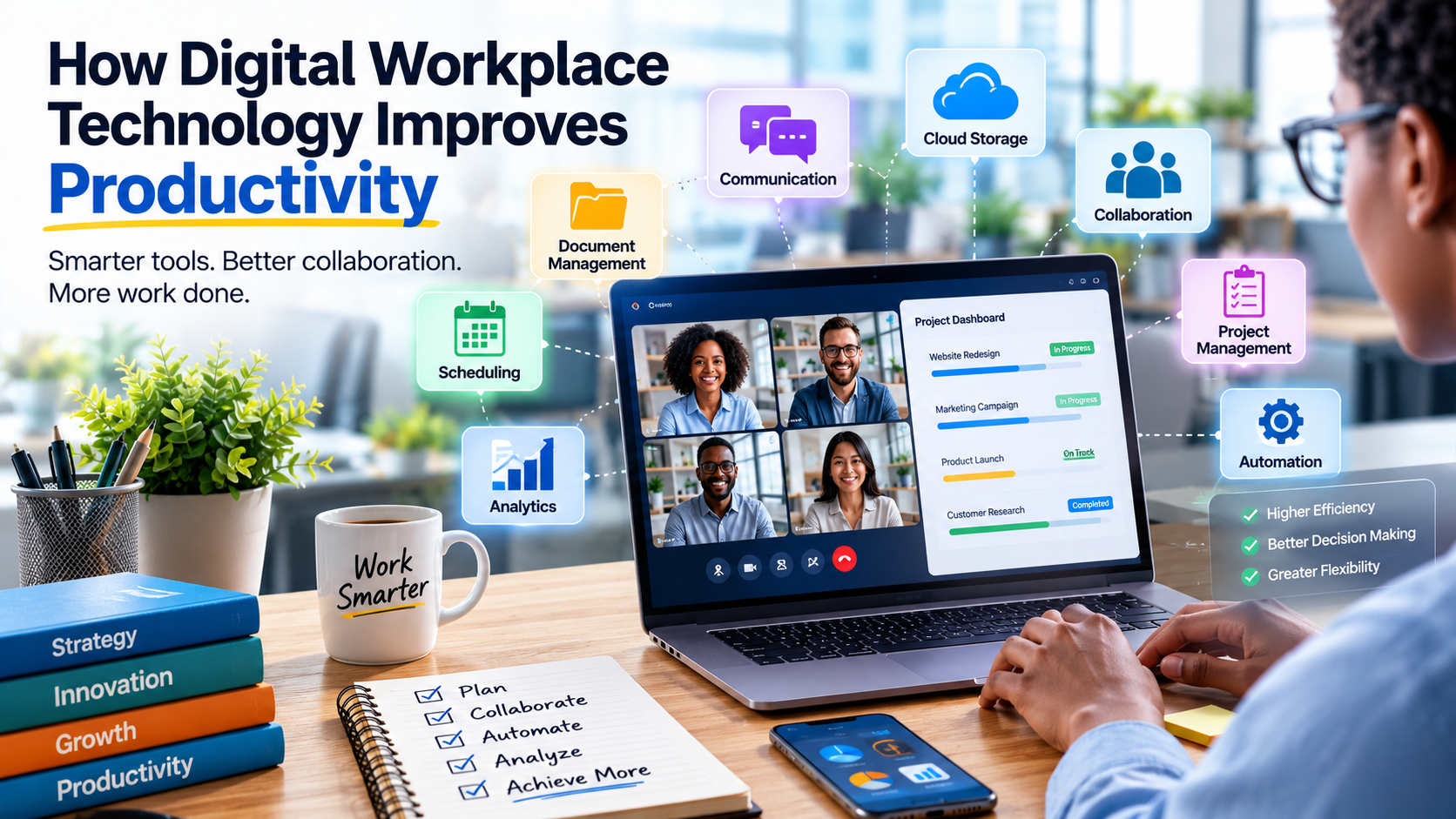
Digital workplace technology refers to the collection of digital tools and systems employees use to perform their jobs.
These can include:
- Communication and messaging platforms
- Video conferencing software
- Cloud storage
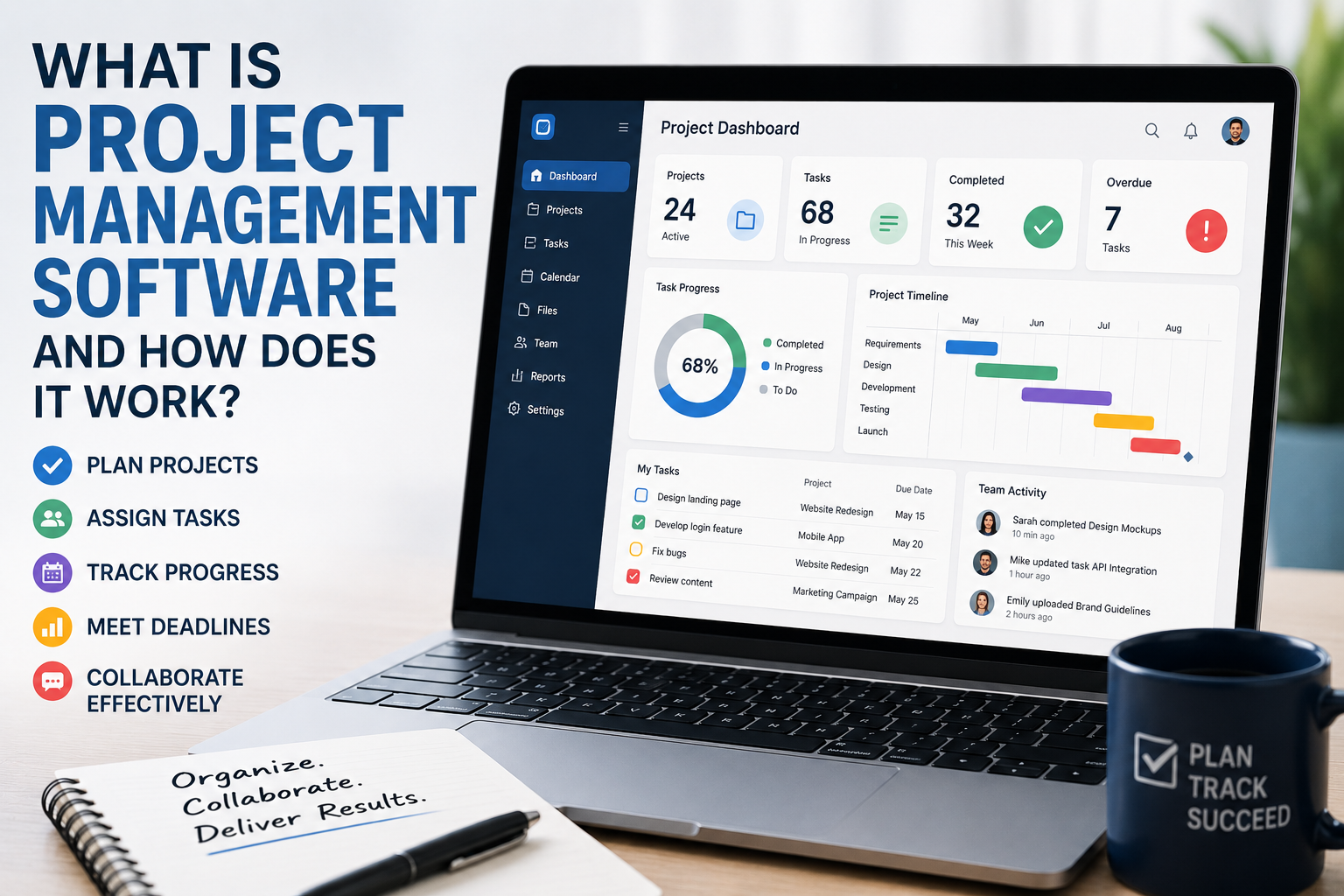
- Project management systems
- Customer relationship management software
- Business analytics tools
- Document management systems
- Automation platforms
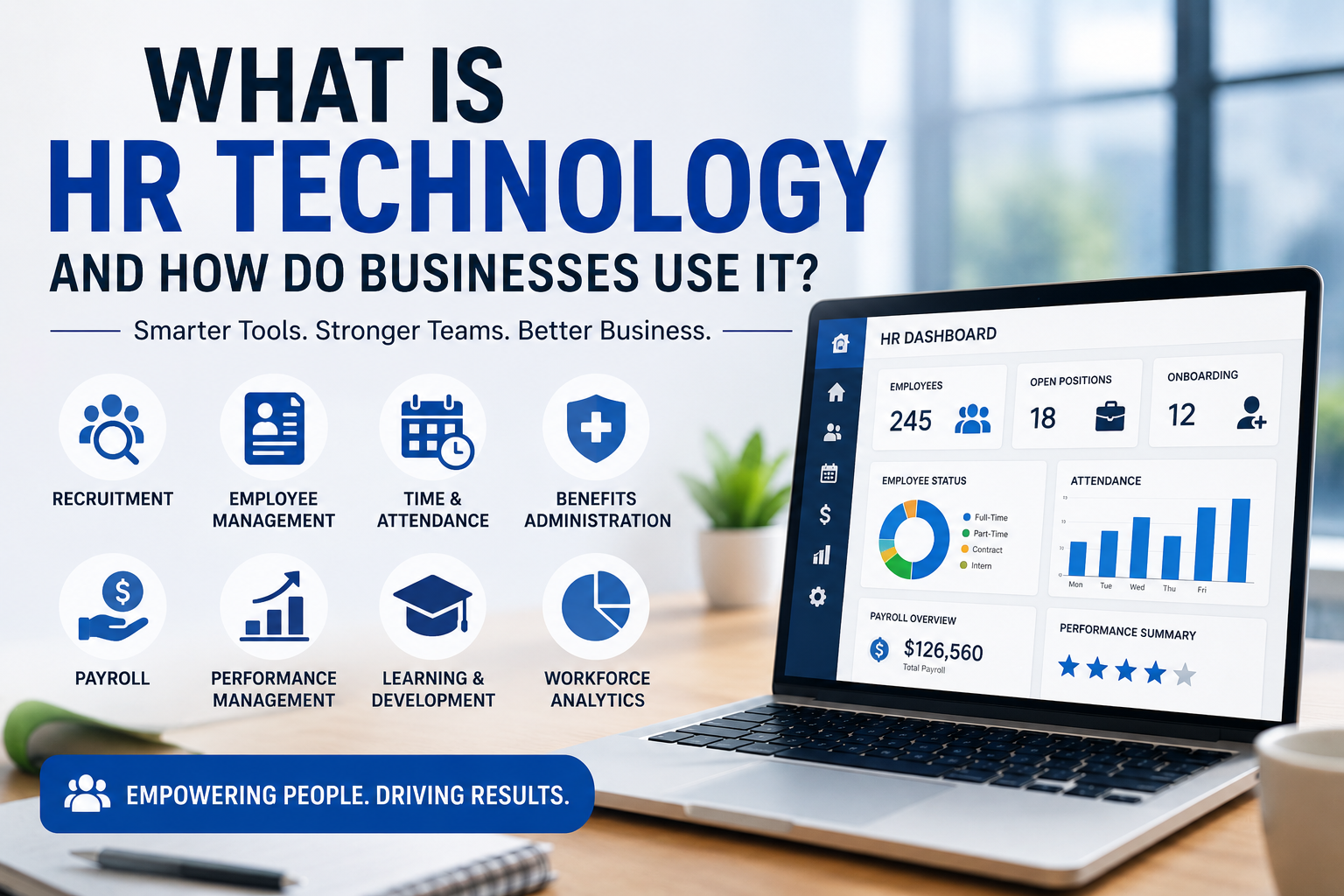
- Human resources software
- Cybersecurity tools
- Artificial intelligence applications
- Collaboration and productivity software
Together, these technologies create the digital environment through which employees communicate, access information and complete their responsibilities.
For businesses with remote or hybrid teams, this environment can be particularly important because employees may rarely share the same physical workspace.
Businesses looking to understand the broader software ecosystem can also start with the complete guide to business software, which explains how different categories of technology support modern organizations.
Technology Reduces Repetitive Administrative Work
One of the clearest ways technology can improve productivity is by automating repetitive tasks.
Employees may spend significant amounts of time performing routine activities such as:
- Entering information into systems
- Sending standard notifications
- Scheduling appointments
- Creating recurring reports
- Processing invoices
- Organizing files
- Updating records
- Responding to common questions
Automation can handle many of these processes with limited human intervention.
This does not necessarily mean replacing employees. In many cases, the objective is to remove low-value administrative work so employees can concentrate on tasks that require judgment, creativity and communication.
For example, an automated workflow could route a customer inquiry to the appropriate employee instead of requiring someone to manually monitor an inbox and forward every message.
Businesses can also use dedicated business automation strategies and tools to identify repetitive processes that are suitable for automation.
Cloud Technology Makes Information More Accessible
Cloud-based systems allow employees to access business information from different locations and devices.
Instead of storing important files on a single office computer, businesses can use cloud platforms to make documents available to authorized employees wherever they are working.
This can improve productivity by reducing delays.
An employee working from home may be able to access the same project documents as a colleague in the office. A salesperson visiting a customer can retrieve relevant information without returning to the office.
Cloud technology can also make collaboration easier because multiple people can work with shared files and systems without maintaining separate versions.
Collaboration Tools Improve Teamwork
Modern collaboration platforms allow employees to work together even when they are not physically located in the same place.
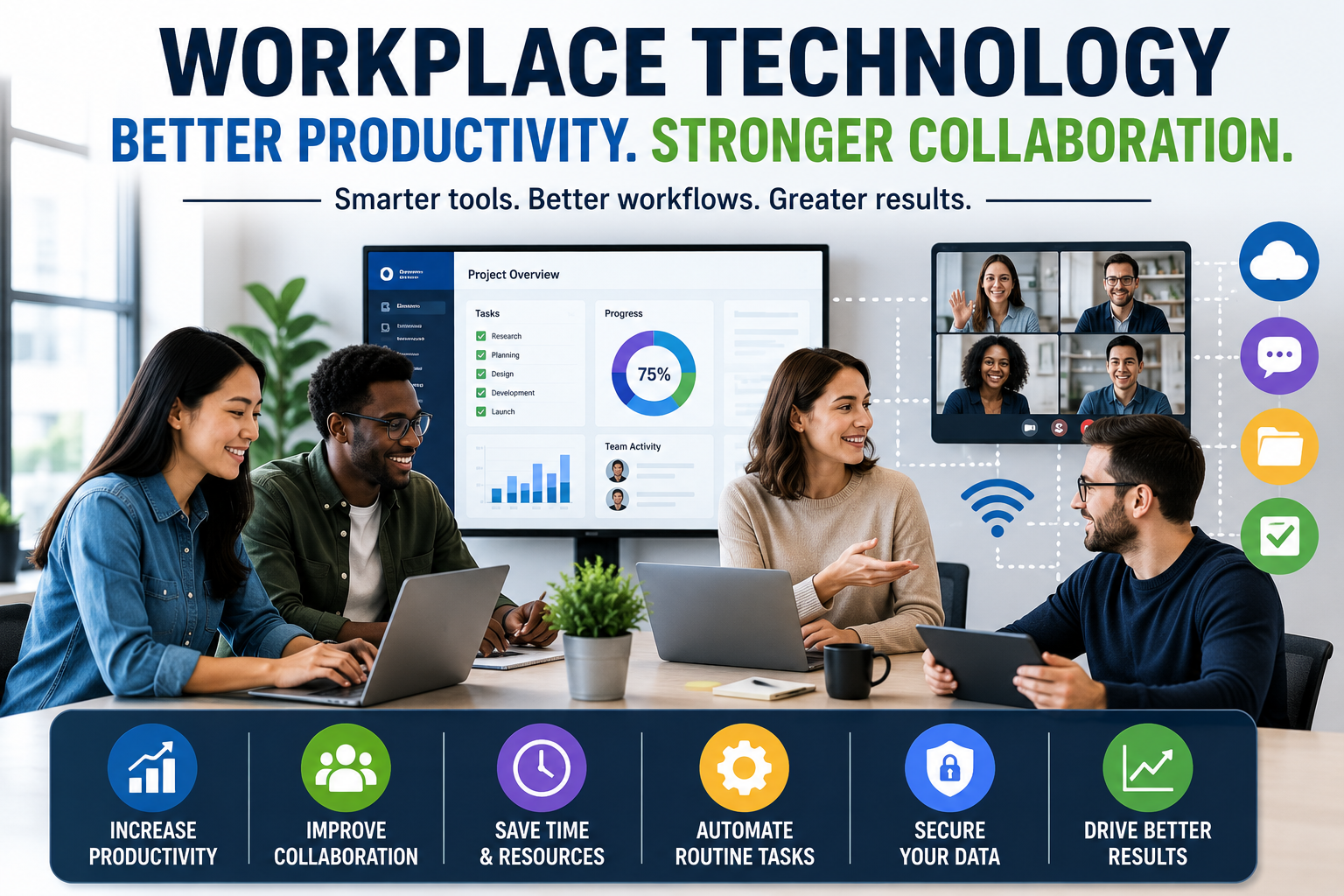
Teams can communicate through messaging platforms, shared documents, project-management systems and video calls.
Instead of relying entirely on long email chains, employees can communicate in channels dedicated to specific projects, departments or topics.
This can make information easier to find and reduce unnecessary interruptions.
Businesses should nevertheless avoid creating too many communication channels. When employees receive constant notifications from numerous platforms, technology can become a source of distraction rather than productivity.
For a broader look at these systems, the complete guide to collaboration software explains how digital collaboration tools help teams coordinate work and share information.
Video Conferencing Supports Distributed Teams
Video conferencing has become an important part of remote and hybrid work.
Employees can meet with colleagues, customers, suppliers and business partners without traveling.
This can save time and reduce the logistical costs associated with physical meetings.
Video conferencing can also make it easier for companies to recruit talent from different locations because employees do not necessarily need to live close to a company’s headquarters.
The key is using video meetings selectively. Not every conversation needs a meeting.
For simple updates, asynchronous communication may be more efficient than asking several employees to join a scheduled call.
Project Management Software Creates Visibility
Projects can become difficult to manage when responsibilities and deadlines are tracked through scattered emails and spreadsheets.
Project management software provides a centralized view of work.
Depending on the platform, teams can track:
- Tasks
- Deadlines
- Owners
- Priorities
- Project status
- Dependencies
- Documents
- Milestones
This visibility can help managers identify delays and employees understand what needs to happen next.
It can also reduce the need for repeated status meetings because project information is available within the system.
For teams that depend heavily on structured workflows, project management software can provide a dedicated environment for organizing responsibilities, deadlines and project information.
Digital Calendars Improve Time Management
Digital calendars do more than record appointments.
They can help employees organize meetings, deadlines, reminders and blocks of focused work.
Shared calendars can also make it easier to determine when colleagues are available.
Businesses can improve productivity by encouraging employees to protect time for important tasks rather than filling every available period with meetings.
Technology can support this approach by making schedules and availability visible across teams.
Better Communication Reduces Delays
Poor communication can create significant productivity problems.
Employees may waste time searching for information, waiting for responses or trying to determine who is responsible for a task.
Digital workplace systems can reduce these problems by creating clearer communication channels.
For example, a company might use:
- Instant messaging for quick questions
- Email for formal communication
- Project platforms for task-related discussions
- Shared documents for collaborative work
- Video calls for complex conversations
Establishing clear rules for which tool should be used for which type of communication can prevent information from becoming scattered.
Digital Document Management Makes Information Easier to Find
Employees frequently need information that someone else created.
If documents are stored across personal computers, email attachments and multiple unrelated folders, finding the right file can take considerable time.
Digital document management systems provide centralized storage and organization.
They can also support features such as:
- Search
- Version history
- Access permissions
- File sharing
- Document categorization
- Activity tracking
This makes it easier for employees to locate current information without asking colleagues to resend files.
Artificial Intelligence Is Becoming a Workplace Productivity Tool
Artificial intelligence is increasingly being integrated into workplace software.
AI tools can assist with tasks such as:
- Drafting documents
- Summarizing meetings
- Analyzing information
- Generating reports
- Answering routine questions
- Organizing information
- Writing and editing
- Extracting information from documents
- Supporting customer service
For employees, the biggest productivity benefit may come from reducing the time required for routine knowledge work.
An employee could use AI to create an initial draft of a report and then spend more time reviewing the information and applying professional judgment.
AI should therefore generally be treated as an assistant rather than an unquestioned replacement for human decision-making.
Data Analytics Helps Businesses Make Faster Decisions
Productivity is not only about completing tasks faster. It is also about making better decisions.
Business analytics tools can transform large amounts of operational information into reports, dashboards and visualizations.
Managers can use these systems to monitor areas such as:
- Sales
- Customer activity
- Inventory
- Marketing performance
- Employee workflows
- Operating costs
- Financial performance
Better access to information can reduce the time between identifying a problem and responding to it.
Instead of waiting for manually prepared reports, decision-makers may be able to monitor important metrics in near real time.
Digital Customer Service Improves Responsiveness
Technology can improve productivity beyond internal operations.
Customer relationship management systems can give employees a centralized view of customer interactions, purchases, inquiries and other relevant information.
This means employees do not necessarily have to search through separate systems to understand a customer’s history.
Chatbots and automated support systems can also handle simple customer questions, allowing human representatives to focus on more complicated cases.
The goal should be to improve service rather than simply automate as many interactions as possible.
Customers still need access to human assistance when an issue requires judgment, empathy or specialized knowledge.
Remote Work Becomes Easier to Manage
Digital workplace technology has made remote and hybrid work significantly more practical.
Employees can communicate, access files, attend meetings, manage projects and collaborate without being physically present in the same office.
For businesses, this can provide access to a wider talent pool and potentially reduce some office-related costs.
But remote productivity depends on more than software.
Employees also need clear expectations, appropriate equipment, reliable connectivity and effective management practices.
Technology provides the infrastructure; organizations still need to create a workplace culture in which that infrastructure can be used effectively.
Cybersecurity Protects Productivity
Productivity gains can disappear quickly when a business experiences a cyberattack, data breach or major system outage.
Digital workplace technology therefore needs to be supported by appropriate security measures.
Businesses can use tools and practices such as:
- Multi-factor authentication
- Access controls
- Security monitoring
- Regular software updates
- Data backups
- Employee security training
- Device management
- Encryption where appropriate
Security should not be treated as completely separate from productivity.
A secure system protects the information and infrastructure employees depend on to do their jobs.
Integrating Systems Prevents Duplicate Work
Businesses often use many different software applications.
Problems arise when those systems cannot communicate with each other.
An employee might have to enter the same customer information into multiple databases or manually transfer data from one application to another.
Integrations can reduce this duplication.
For example, a sales platform could automatically send relevant information to an accounting or customer-support system.
When data moves between systems automatically, employees spend less time performing repetitive administrative work.
Technology Can Improve Employee Flexibility
Digital tools can give employees greater flexibility over where and when certain work is completed.
A cloud document can be reviewed from home. A project-management system can be updated from a mobile device. A recorded meeting can be watched later by an employee who could not attend.
This flexibility can be particularly valuable for organizations with employees working across different locations or time zones.
At the same time, businesses should avoid turning flexibility into an expectation of constant availability.
Technology should help employees work effectively, not make it impossible to disconnect.
The Risk of Too Much Technology
More technology does not always mean more productivity.
Every additional application introduces another interface, login, notification system and source of information.
Employees may eventually spend more time switching between platforms than completing meaningful work.
This problem is sometimes described as tool overload.
Businesses should periodically evaluate whether their software portfolio is genuinely helping employees.
If two applications perform similar functions, consolidating them may simplify workflows.
Technology should reduce complexity wherever possible rather than continuously adding another layer to the employee’s daily routine.
Training Determines Whether Technology Delivers Value
Even the best software can fail if employees do not know how to use it.
Businesses should provide appropriate training when introducing new systems.
Training should explain not only which buttons to click but also why the system is being introduced and how it is expected to change existing workflows.
Employees who understand the purpose of a tool are more likely to use it effectively.
Training should also be updated as software changes.
Employees Should Be Involved in Technology Decisions
Technology decisions made without employee input can create unnecessary problems.
Managers may select a system because it appears powerful, while employees discover that it is difficult to use or poorly suited to their daily responsibilities.
Involving employees in the evaluation process can reveal practical issues before a company commits to a major implementation.
Employees can explain where existing workflows are slow, repetitive or confusing.
This information can help businesses choose technology based on actual workplace needs rather than marketing claims.
Measuring Productivity Improvements
Businesses should not assume that a new technology has improved productivity simply because employees are using it.
Organizations can establish measurable objectives before implementing a system.
Depending on the technology, useful measurements might include:
- Time spent on administrative tasks
- Customer response times
- Project completion rates
- Processing times
- Error rates
- Employee adoption
- Operating costs
- Customer satisfaction
The appropriate metric depends on the problem the technology was designed to solve.
If automation is supposed to reduce invoice-processing time, that is the metric that should be monitored.
Measurement also helps organizations determine whether a technology investment is delivering enough value to justify its cost and complexity.
Technology Works Best When It Simplifies Work
The strongest digital workplaces are not necessarily those with the largest number of applications.
They are the ones where technology removes unnecessary friction.
Employees should be able to find information, communicate with colleagues, complete routine tasks and understand their priorities without constantly fighting the systems designed to help them.
That requires thoughtful implementation.
Businesses need to examine their workflows, identify bottlenecks and choose technology that addresses those specific problems.
Building a More Productive Digital Workplace
Digital workplace technology can significantly change how businesses operate.
Cloud platforms make information accessible, collaboration tools connect teams, automation reduces repetitive work, project-management systems create visibility and AI can assist with increasingly sophisticated knowledge tasks.
But technology is only one part of productivity.
Successful organizations combine digital tools with clear processes, effective communication, employee training and sensible management practices.
The objective is not to create a workplace filled with software. It is to create an environment where employees can spend less time searching, switching, repeating and waiting—and more time solving problems, serving customers and producing meaningful work.
When technology is selected around genuine business needs rather than adopted simply because it is new, digital transformation can become a practical productivity advantage rather than another layer of workplace complexity.