How Workplace Technology Improves Employee Productivity and Collaboration
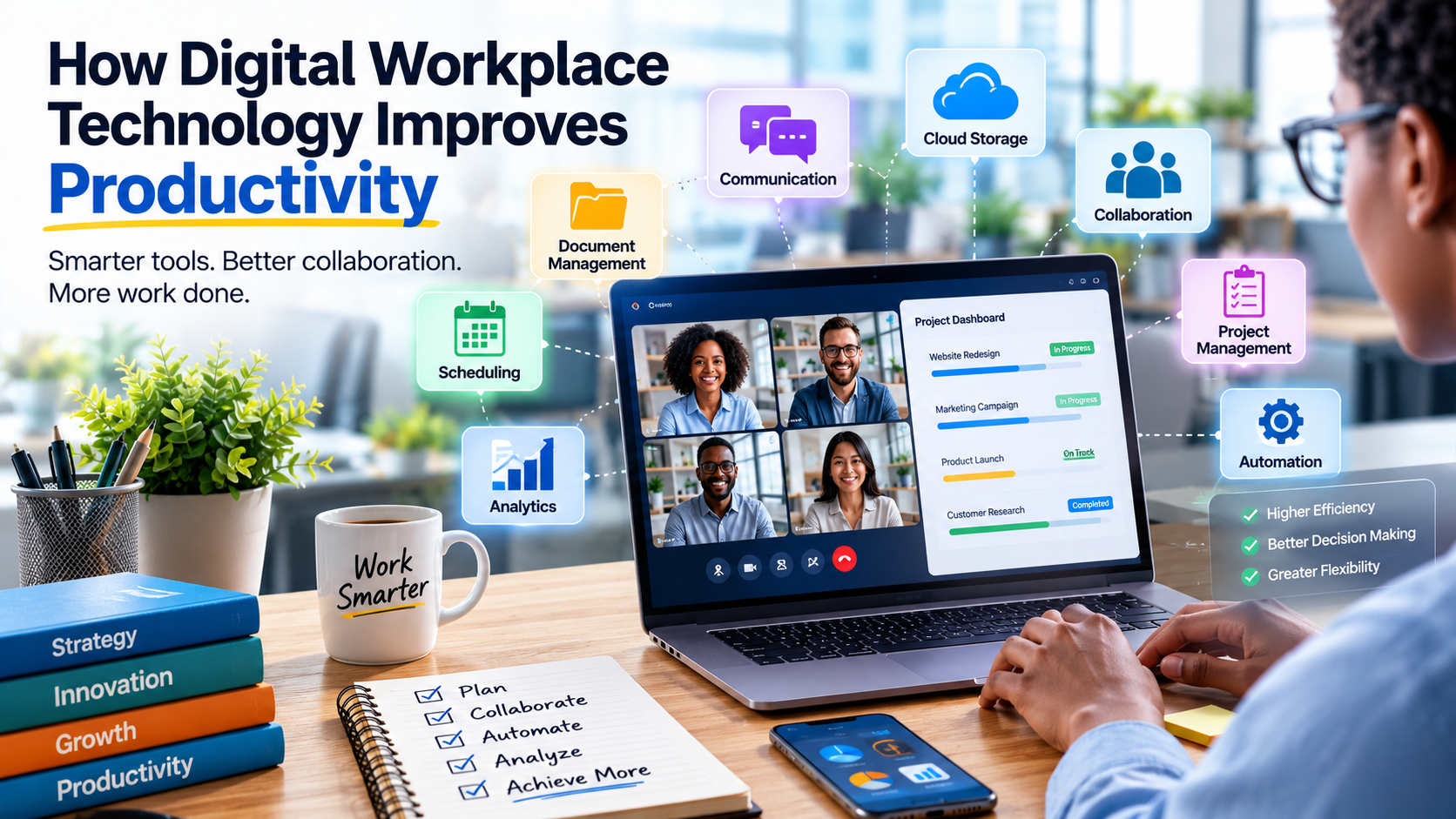
Work has changed dramatically as businesses have adopted digital tools for communication, project management, document sharing, automation and data analysis. Tasks that once required meetings, paper files or long email chains can now often be completed in minutes.
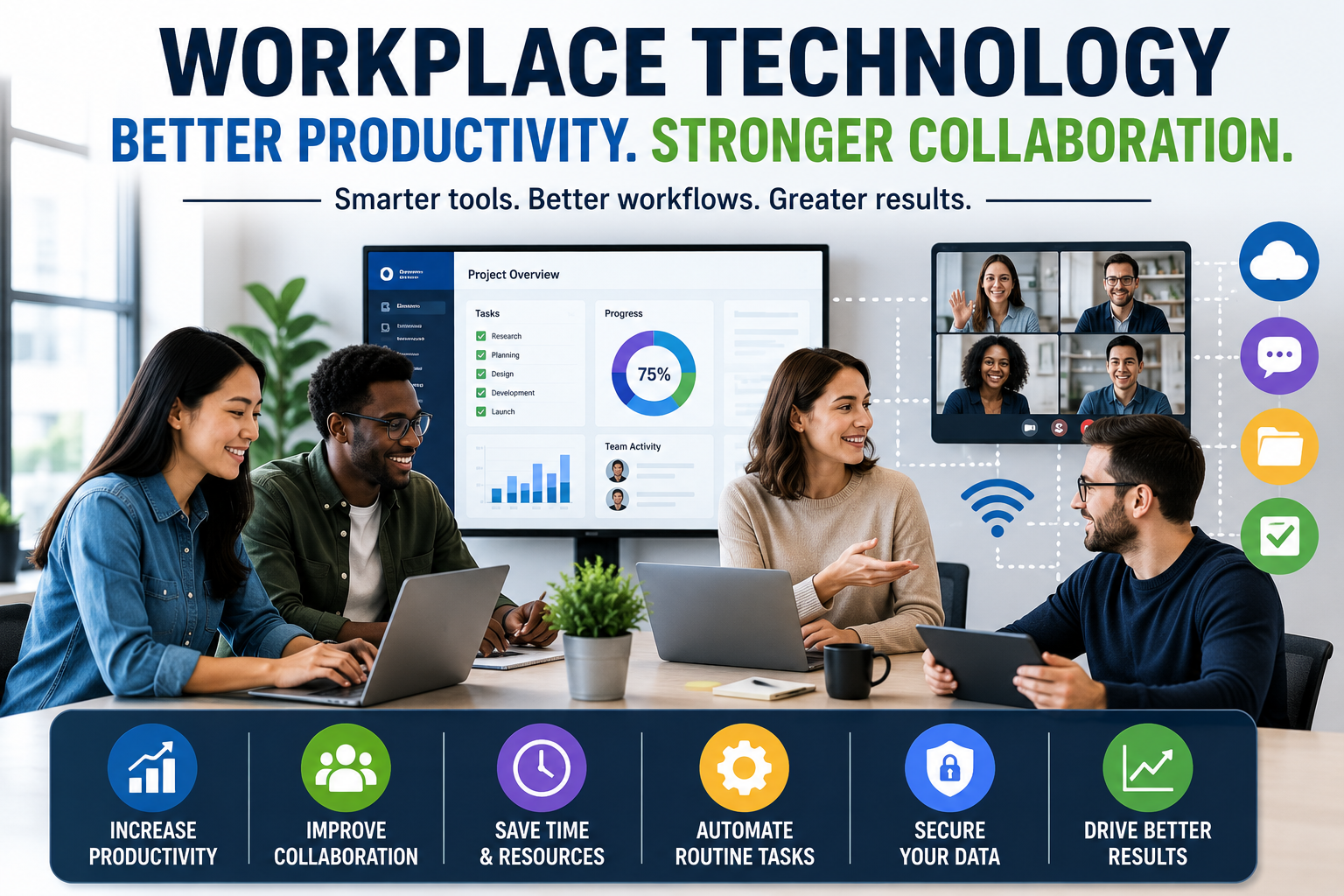
Workplace technology is not simply about giving employees more software to use. When implemented thoughtfully, it can remove repetitive work, make information easier to access and help teams coordinate their efforts more effectively.
The biggest benefits tend to come when technology solves genuine workplace problems rather than being introduced simply because a new tool is available.
What Workplace Technology Means
Workplace technology includes the hardware, software and digital services employees use to perform their jobs.
It can include:
- Computers and mobile devices
- Cloud storage and collaboration platforms
- Video-conferencing software
- Project-management tools
- Business communication applications
- Customer relationship management systems
- Enterprise resource planning software
- Automation tools
- Artificial intelligence applications
- Cybersecurity systems
- Data analytics platforms
These technologies can support everything from routine administrative tasks to complex decision-making.
The objective is generally the same: help employees access information, communicate, complete tasks and make decisions more efficiently.
Workplace technology is therefore part of the broader business software environment that organizations use to operate their daily activities, coordinate employees and manage information.
Cloud Technology Makes Information Easier to Access
One of the biggest changes in workplace technology has been the shift toward cloud computing.
Instead of storing every document and application exclusively on a local computer or company server, businesses can use cloud-based systems that allow authorized employees to access information through the internet.
This can make collaboration significantly easier.
An employee working from home can access the same project files as a colleague working in an office. A sales representative visiting a customer can retrieve important account information without returning to the office.
Cloud systems can also reduce the problem of employees working from outdated versions of documents.
When files are centrally managed, teams can often work from a shared source of information rather than maintaining multiple copies.
Businesses can choose from a wide range of software categories to support these activities. Understanding how these systems fit together is covered in the complete guide to business software.
Collaboration Tools Reduce Communication Barriers
Modern collaboration platforms combine messaging, file sharing, meetings and project discussions in one digital environment.
Instead of relying entirely on email, employees can communicate through dedicated channels or project spaces.
This can make conversations easier to organize.
A marketing team, for example, might maintain separate discussions for a product launch, advertising campaign and content calendar.
Employees can find relevant information without searching through hundreds of unrelated emails.
The effectiveness of these tools depends on how organizations use them, however. Too many channels and constant notifications can create another source of distraction.
Good digital collaboration requires clear communication practices alongside the technology itself.
Businesses looking at the different tools available for this purpose can explore the complete guide to business communication technology for a broader understanding of how digital communication supports modern organizations.
Video Conferencing Supports Distributed Teams
Remote and hybrid work have made video conferencing an important part of modern business operations.
Employees can meet with colleagues, customers and partners without being in the same physical location.
Video meetings can be useful for:
- Team discussions
- Client presentations
- Training sessions
- Interviews
- Project reviews
- Brainstorming
- Management meetings
They can also reduce the need for some business travel.
However, not every conversation requires a video meeting. Short updates may be more efficiently handled through messaging or shared documents.
Using the right communication method for each situation can help employees spend less time in unnecessary meetings.
Project Management Software Creates Greater Visibility
Managing complex projects becomes difficult when employees rely on spreadsheets, emails and personal notes to track progress.
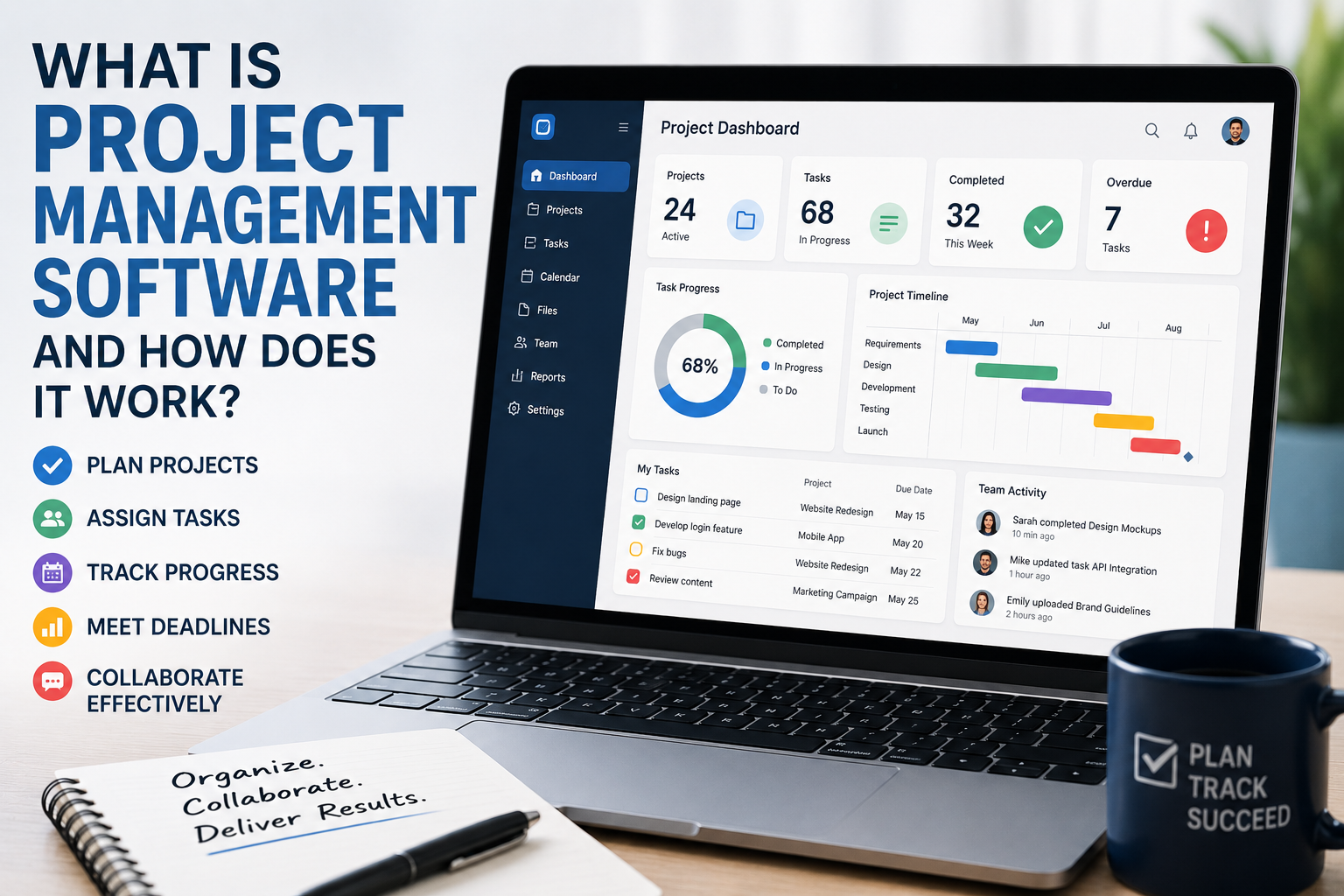
Project-management platforms provide a centralized view of tasks, deadlines, responsibilities and project status.
Managers can see which assignments are complete, which are overdue and where bottlenecks are developing.
Employees can also understand how their work fits into a larger project.
For example, a product launch may involve separate teams responsible for engineering, marketing, design, sales and customer support. A shared project-management system can connect these activities and make dependencies easier to identify.
This reduces the risk of important tasks being forgotten.
For a deeper look at how these platforms organize tasks, deadlines, dependencies and team responsibilities, see the complete guide to project management software.
Automation Frees Employees From Repetitive Work
Automation can have a particularly direct impact on productivity.
Many workplaces contain repetitive processes that do not require significant human judgment.
Examples include:
- Scheduling routine notifications
- Generating standard reports
- Entering information into databases
- Processing invoices
- Sorting documents
- Sending appointment reminders
- Updating customer records
- Creating recurring tasks
Software can handle many of these activities automatically.
This allows employees to spend more time on work that requires creativity, analysis, communication and decision-making.
The value of automation is therefore not simply that a machine performs a task faster. It is that employees can redirect their attention toward higher-value activities.
Organizations can also connect automated workflows across different applications, allowing information to move between systems without requiring employees to repeatedly enter the same data.
Artificial Intelligence Is Expanding Workplace Automation
Artificial intelligence is becoming another important component of workplace technology.
AI tools can assist with tasks such as drafting documents, summarizing information, analyzing data, generating ideas, translating text and answering questions.
For employees, this can reduce the time required for some knowledge-intensive activities.
A worker might use an AI system to create an initial outline for a report and then spend more time reviewing, improving and validating the content.
Customer-service teams can use AI to help summarize conversations or suggest responses. Analysts can use AI tools to explore large amounts of information more quickly.
However, AI-generated output still requires appropriate human oversight.
Accuracy, privacy, security and context all matter when businesses introduce AI into professional workflows.
Shared Documents Improve Real-Time Collaboration
Digital documents have changed the way teams work together.
Instead of sending a document back and forth as an attachment, multiple authorized users can work on the same file.
Employees can leave comments, suggest changes and review previous versions.
This can significantly simplify collaborative writing and editing.
A team preparing a business proposal, for example, can allow sales, finance and management employees to review the same document rather than combining separate versions manually.
Version history can also provide greater visibility into how a document changed over time.
Better Data Access Can Improve Decision-Making
Productivity is not only about completing tasks faster.
Employees also need accurate information to make good decisions.
Business intelligence and analytics platforms can bring data from multiple sources into dashboards and reports.
Managers can use these tools to examine sales performance, customer behavior, inventory levels, operational costs and other business indicators.
Instead of waiting for someone to manually compile a report, decision-makers may be able to access updated information directly.
This can shorten the time between identifying a problem and responding to it.
Mobile Technology Keeps Employees Connected
Smartphones, tablets and lightweight laptops have made it possible for employees to work from locations outside traditional offices.
Mobile access can be particularly valuable for employees who travel frequently or work in the field.
A technician may be able to access service records at a customer’s location. A salesperson can update a customer account immediately after a meeting. A manager traveling between offices can review important information without carrying physical documents.
Mobile technology can therefore extend workplace systems beyond the traditional office environment.
Digital Workflows Can Reduce Administrative Friction
Many workplace inefficiencies occur because employees have to move information between systems manually.
Digital workflows can connect different business applications so that information flows automatically from one stage to another.
For example, when a customer completes an online order, a connected system could automatically update inventory, generate an invoice, notify the fulfillment team and update the customer record.
Without automation, employees might need to perform each step separately.
Connecting workflows reduces unnecessary administrative work and can also lower the risk of human error.
Technology Can Improve Knowledge Sharing
Employees often spend considerable time looking for information.
Important knowledge may be buried in old emails, individual documents or the memories of experienced employees.
Digital knowledge bases can provide centralized locations for company policies, procedures, training materials and frequently asked questions.
This is especially useful when new employees join an organization.
Instead of asking colleagues the same basic questions repeatedly, employees can search a well-organized knowledge system.
A strong knowledge-management system can also prevent valuable institutional knowledge from disappearing when experienced employees leave the company.
Technology Can Support Flexible and Hybrid Work
Hybrid work requires employees to collaborate effectively even when they are not physically together.
Workplace technology can help create a digital environment where employees can access the same documents, systems and communication channels regardless of location.
This can make flexibility more practical.
However, technology alone does not create a successful hybrid workplace.
Companies also need clear expectations about communication, availability, meetings, performance and collaboration.
Without those policies, employees can end up dealing with excessive messages and meetings regardless of where they work.
Cybersecurity Protects Productivity
Technology can improve productivity, but it can also introduce new risks.
A cyberattack, data breach or system outage can disrupt operations and prevent employees from accessing critical information.
Cybersecurity is therefore an essential part of workplace technology.
Businesses can use tools such as:
- Multifactor authentication
- Endpoint security
- Encryption
- Access controls
- Security monitoring
- Automated backups
- Employee security training
- Password-management systems
Security measures should be designed to protect business information without making legitimate work unnecessarily difficult.
Strong security and productivity should support each other rather than operate as competing priorities.
Too Many Tools Can Reduce Productivity
More technology does not automatically mean greater efficiency.
A company may adopt separate applications for messaging, meetings, project management, document storage, task tracking and customer information.
If these systems do not work well together, employees may spend more time switching between applications than actually completing work.
This is sometimes described as tool sprawl.
Employees may also receive notifications from multiple platforms throughout the day.
Businesses can reduce this problem by reviewing which tools employees actually need and eliminating unnecessary duplication.
Technology should simplify workflows rather than create additional layers of complexity.
Training Determines Whether Technology Delivers Value
Even an excellent technology platform can fail if employees do not understand how to use it.
Training is therefore a critical part of technology adoption.
Employees should understand not only which buttons to click, but also how the technology fits into their responsibilities.
Training can cover:
- Basic functionality
- Security practices
- Data handling
- Collaboration procedures
- Automation workflows
- Troubleshooting
- Appropriate use of AI tools
Ongoing training can also help employees adapt as software changes.
Measuring Productivity Requires More Than Counting Activity
Technology makes it easier to measure workplace activity, but businesses should be careful about what they measure.
Counting emails sent, messages posted or hours spent online does not necessarily reveal whether employees are productive.
A worker who completes an important task in two hours may create more value than someone who spends an entire day responding to messages.
Useful productivity measures should focus on outcomes.
Depending on the business, those outcomes could include completed projects, customer satisfaction, sales results, product quality, response times or operational efficiency.
Technology should help organizations understand whether work is producing meaningful results—not simply whether employees appear busy.
Human Collaboration Still Matters
Digital tools can connect employees across cities and countries, but technology cannot completely replace human relationships.
Some problems require face-to-face conversations. Complex negotiations, creative discussions and sensitive management issues may benefit from direct interaction.
Organizations therefore need to find a balance between digital efficiency and human connection.
The strongest workplace environments often combine technology with opportunities for employees to communicate, build trust and solve problems together.
Choosing Technology Based on Business Needs
Companies do not need every new workplace technology.
A better approach is to identify specific problems first.
Businesses can ask:
- Which tasks consume the most employee time?
- Where do communication delays occur?
- Which processes involve unnecessary manual work?
- Where do employees struggle to find information?
- Which systems contain duplicated data?
- Which repetitive tasks could be automated?
- What information do managers need to make better decisions?
Technology can then be selected based on those needs.
This approach makes it easier to measure whether an investment actually improves the organization.
The Most Productive Workplace May Be the Simplest One
Workplace technology is most valuable when it removes friction.
Cloud platforms can make information accessible. Collaboration tools can connect teams. Project-management systems can clarify responsibilities. Automation can eliminate repetitive tasks. AI can assist with certain knowledge-based activities. Analytics can turn business data into useful insights.
But each technology also introduces costs, training requirements and potential distractions.
The goal should therefore not be to create a workplace filled with software. It should be to create workflows in which employees can find information quickly, communicate clearly, automate routine tasks and focus their attention on work that requires human judgment.
When technology is designed around those principles, it becomes more than a collection of digital tools. It becomes part of the infrastructure that allows people to work together more efficiently, make better decisions and spend more of their time creating meaningful value.